Add a Boyfriend to Your Photo with AI
Upload a photo of yourself and AI adds a realistic boyfriend right beside you — same place, same light, a natural couple photo in seconds.
Example results
Preview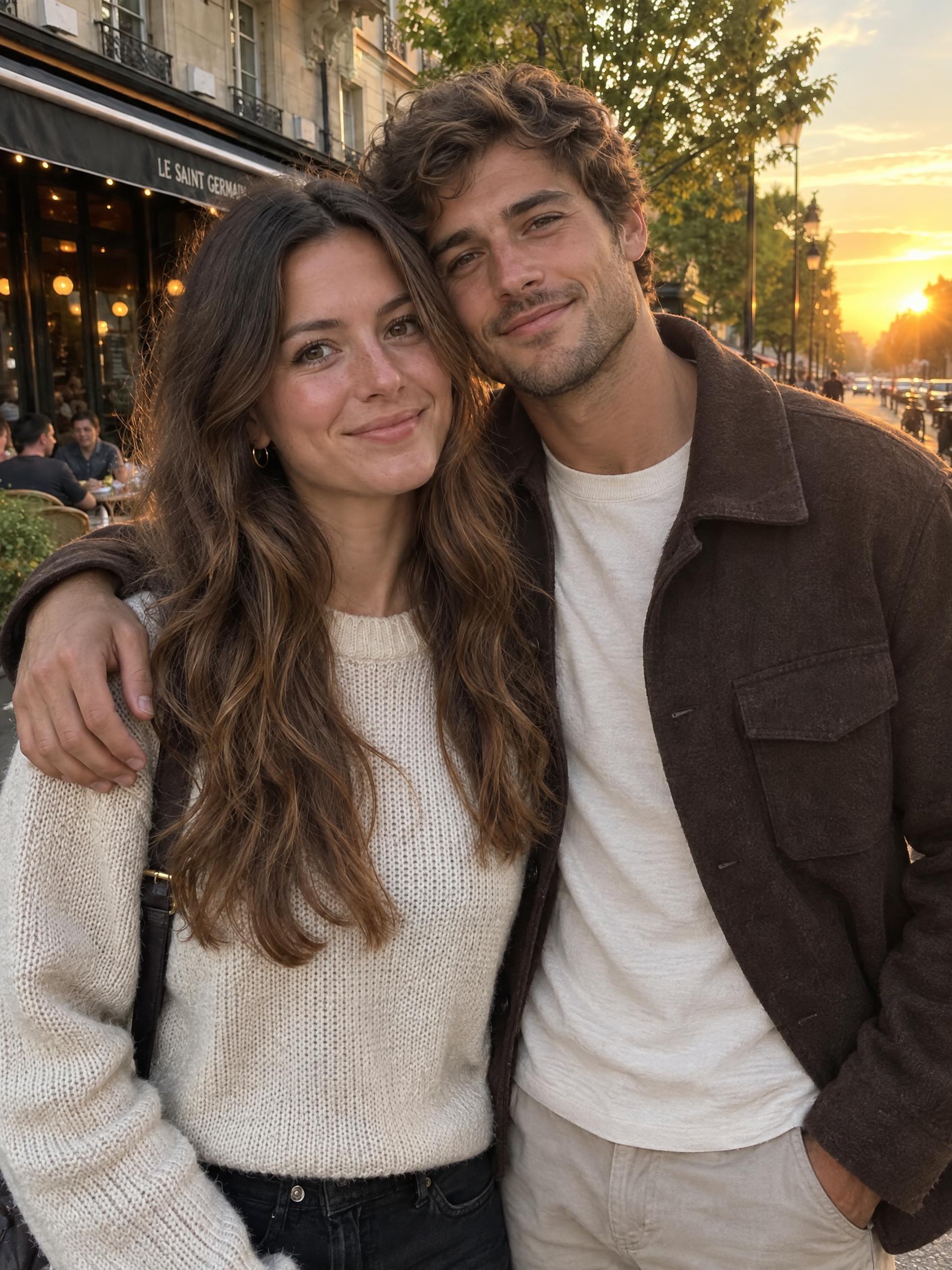
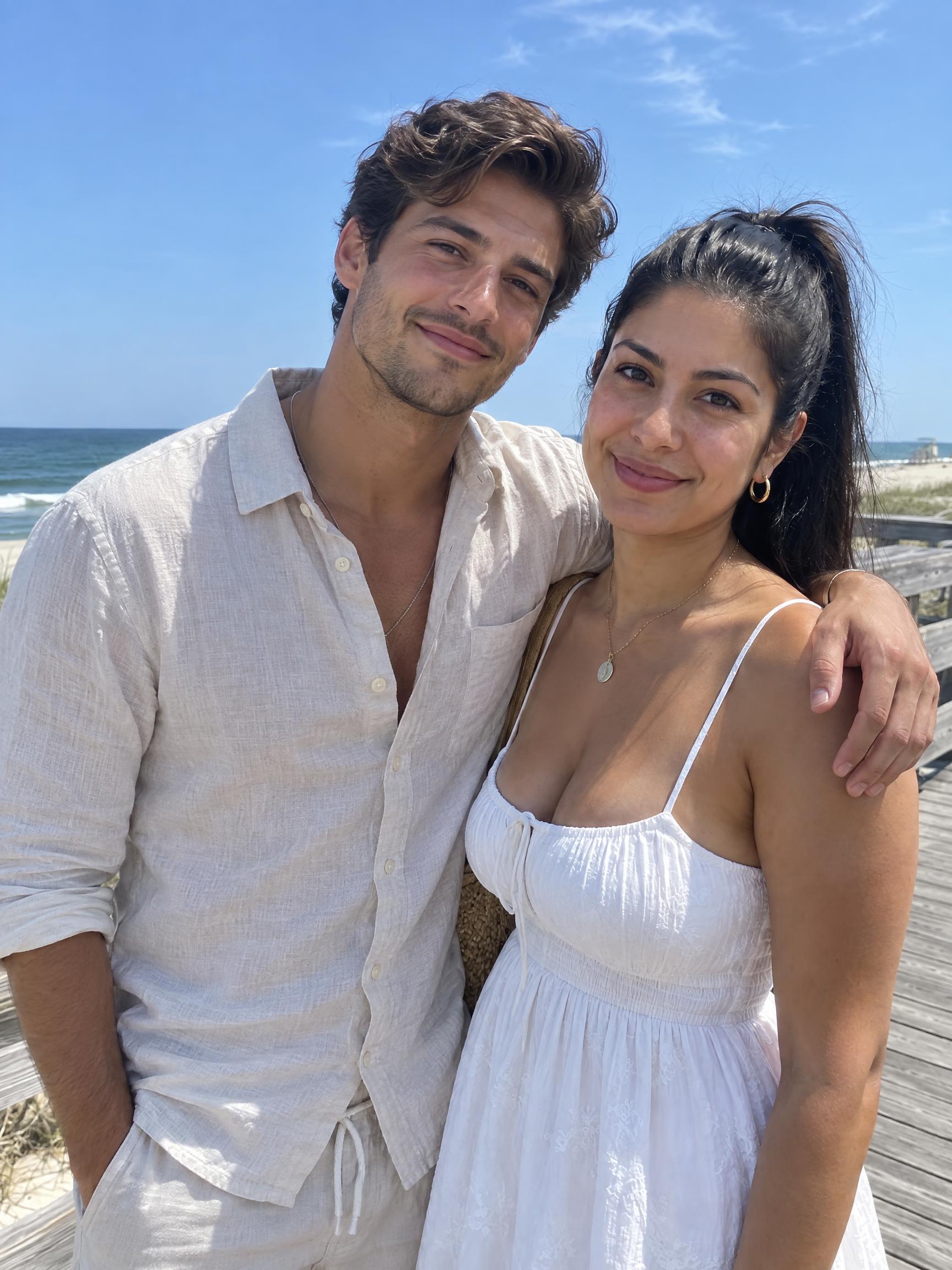
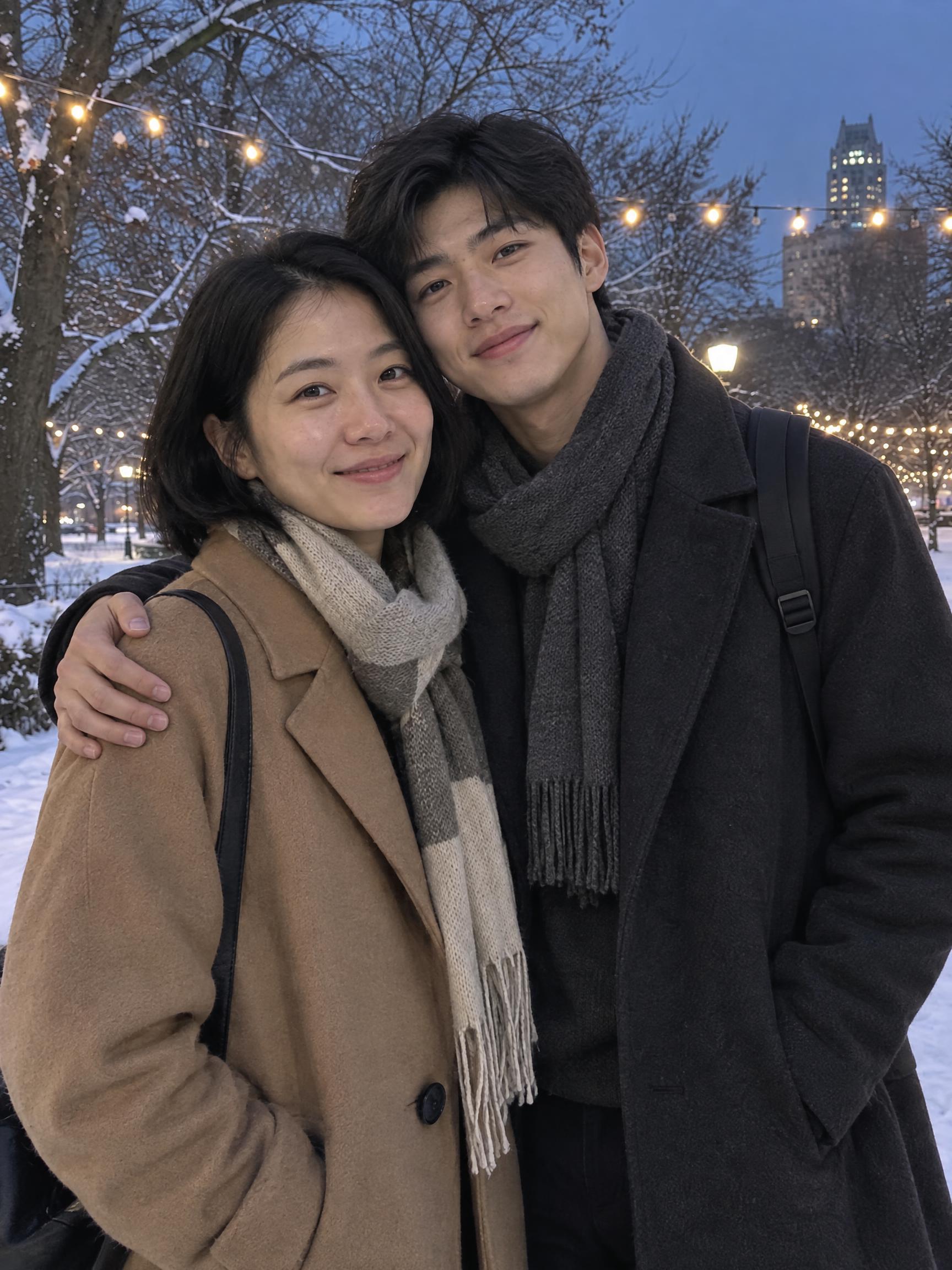
AI Add Boyfriend to Photo
AI Add Boyfriend to Photo
Upload Your Photo
Describe your boyfriend (optional)
Aspect ratio
Pick the canvas that fits where you'll post.
By uploading or generating, you confirm you own these photos or have the person's permission, and you won't impersonate real people or celebrities. Responsible use
Quick answer
To do the AI Add Boyfriend to trend, upload one clear photo where your face is easy to see, then press generate. imageat recreates your photo in the trend's look, and the image is ready to download when it finishes. One generation costs 3 imageat credits; no prompt writing or editing app is needed.
The AI boyfriend trend took off on TikTok and Instagram: people upload an ordinary selfie and get back a couple photo with a boyfriend standing right next to them. This page does exactly that. Upload one photo of yourself, optionally describe the boyfriend you want — tall, bearded, curly hair, suit, streetwear — and the AI adds him into your own picture, at your side with his arm around you. Your face, hair, outfit and the background stay as they were; he is lit by the same light, shot from the same angle and sized to the same scene, so the result reads as one candid photo instead of a cut-out. Use it for a laugh, a prank on your group chat, a 'soft launch' post, or just to see what a couple photo of you would look like.
What is the AI Add Boyfriend to Photo?
The AI add boyfriend trend started on TikTok and Instagram as the "generate a man next to me" craze, where people share solo pictures turned into believable couple shots. Creators post before-and-after reveals, soft-launch jokes, or prank pictures sent to friends and family. The resulting image looks like a real snapshot: a partner appears beside you in the frame, matching your location, camera angle, and the ambient sunlight or room lighting. On imageat, you upload a single photo and an optional visual description, and the tool inserts a realistic partner standing right next to you.
How to Do the AI Add Boyfriend to Trend
Here is how to make your own version on imageat:
- 1Upload one clear photo of yourself — a selfie or a photo with some space beside you works best.
- 2Optionally describe your boyfriend: height, hair, beard, style, outfit. Leave it empty for a match the AI picks.
- 3Generate, download the couple photo, or run it again for a different boyfriend.
Tips for Best Results
- Use a sharp, well-lit photo where your whole face is visible.
- Photos with empty space beside you give the most natural results; tight face crops get widened.
- Pick the aspect ratio that matches your original photo so the scene is not cropped.
- Keep the description short and visual — hair, beard, height, outfit — rather than personality traits.
- One person per photo. Crop out friends so the AI knows who you are.
Best Prompts for AI Add Boyfriend to Photo
Want more control over the look? Copy one of these prompts and use it in our AI image generator to fine-tune the ai add boyfriend to photo style.
AI Add Boyfriend to Photo style portrait, keeping the original face and pose, cinematic lighting, high detail, sharp focus
AI Add Boyfriend to Photo aesthetic with soft diffused light, pastel color grade, gentle film grain, shallow depth of field
High-contrast ai add boyfriend to photo version, saturated colors, dramatic rim lighting, glossy editorial finish
AI Add Boyfriend to Photo effect at night, neon ambiance, deep shadows, reflective highlights, atmospheric haze
AI Add Boyfriend to Photo at a Glance
What to upload
Upload a clear photo of yourself, ideally with some space beside you.
What you get
An AI image, ready to download and post on TikTok, Reels or Shorts.
What it costs
3 imageat credits per image. The price is shown before you generate, and a failed generation is refunded.
FAQs About AI Add Boyfriend to Photo
Create this trend with imageat
Want to add a girlfriend, a friend or someone else? Upload your photo to the imageat AI photo editor and describe who to add.