Create AI Mugshots Effects – Mugshot Photo Generator
Transform your photos with our ai mugshots trend – realistic mugshot generator AI effect. Create TikTok, Instagram viral-worthy content in seconds.
Example results
Preview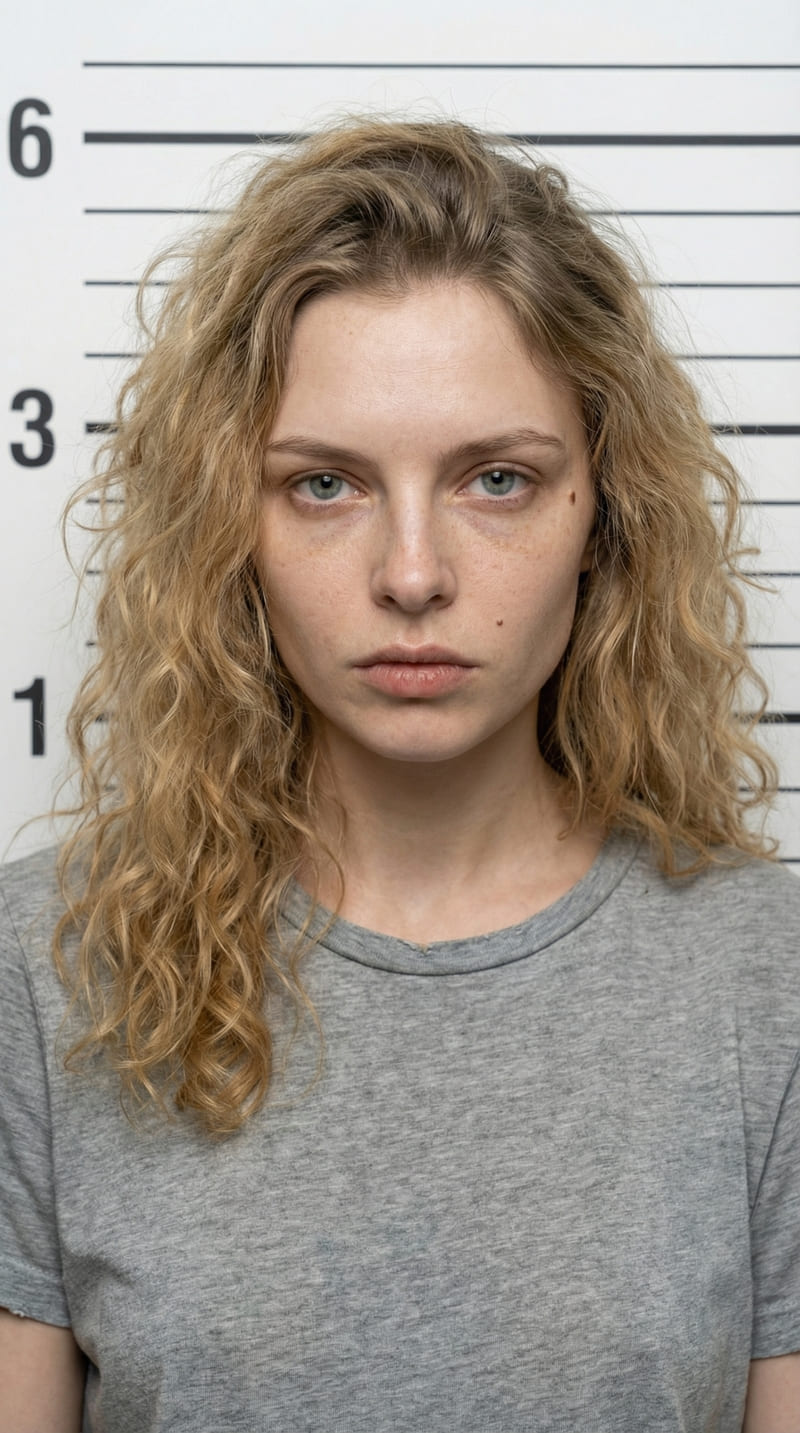
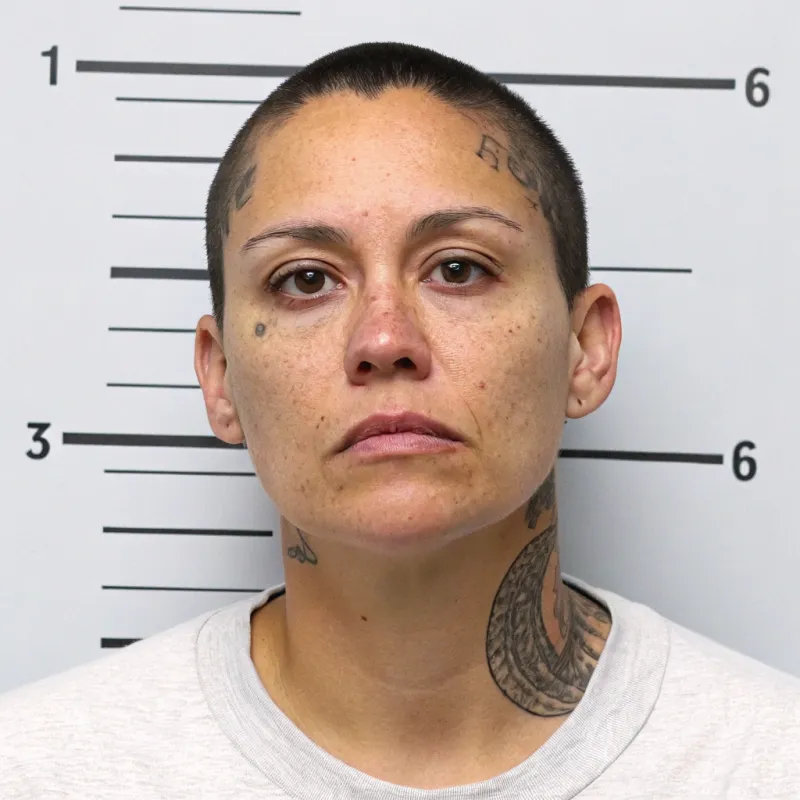
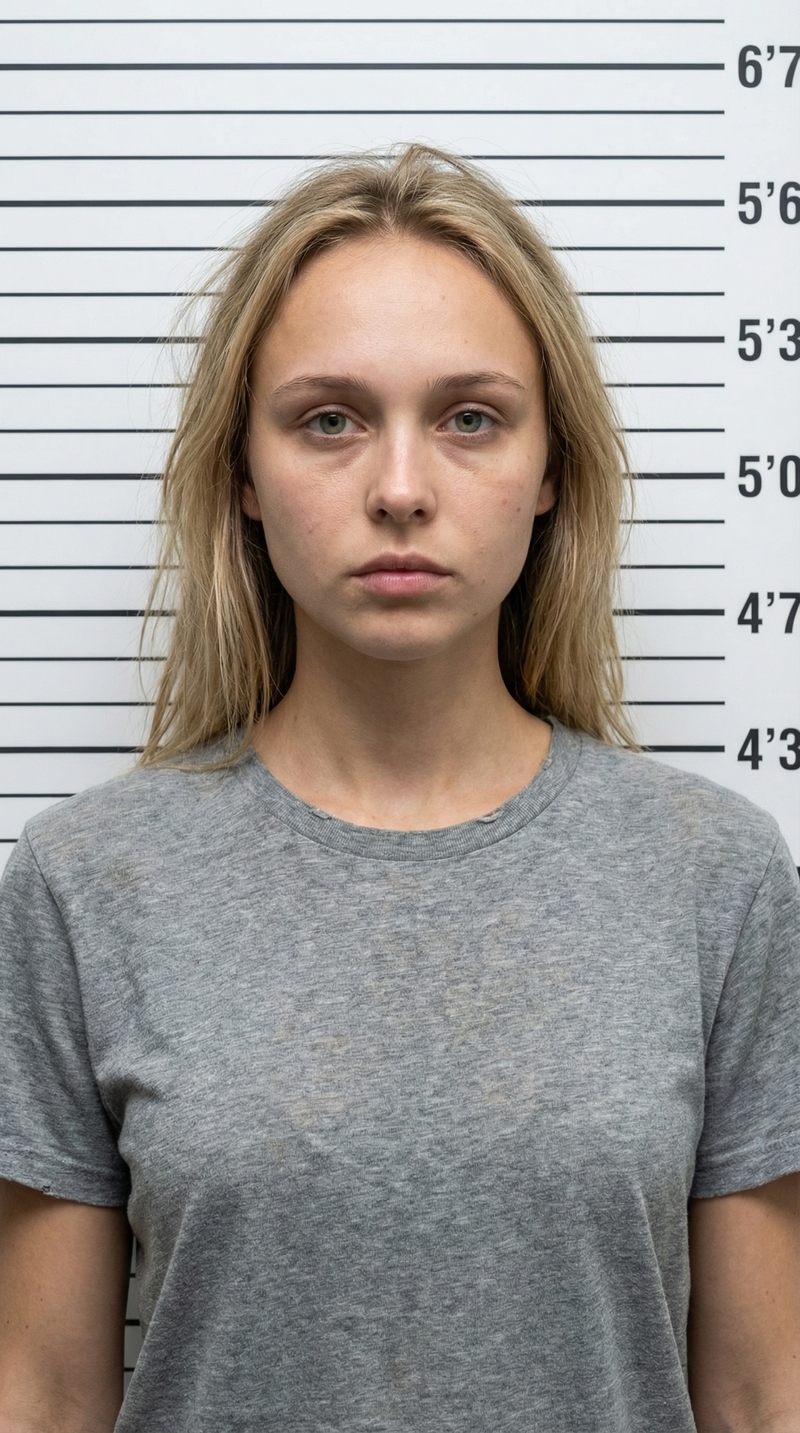
Create AI Mugshots Effects – Mugshot Photo Generator
Create AI Mugshots Effects – Mugshot
Upload Your Photo
By uploading or generating, you confirm you own these photos or have the person's permission, and you won't impersonate real people or celebrities. Responsible use
Quick answer
To do the Create AI Mugshots Effects – Mugshot trend, upload one clear photo where your face is easy to see, then press generate. imageat recreates your photo in the trend's look, and the image is ready to download when it finishes. One generation costs 8 imageat credits; no prompt writing or editing app is needed.
The finished image places you directly into a realistic police booking scene. You face the camera straight on with a serious, unsmiling expression, wearing a plain heather grey crew-neck t-shirt. Behind you is a stark white booking room wall marked with black horizontal height measurement lines. Flat, fluorescent overhead lighting casts a raw, documentary look across your face, highlighting natural skin texture and messy hair. Your uploaded photo supplies your facial features, hair color, and eye shape. The AI mugshot generator builds the sterile police station background, the height chart lines, the casual grey t-shirt, and the institutional booking-room lighting to produce a realistic fake mugshot photo.
What is the Create AI Mugshots Effects – Mugshot Photo Generator?
The AI mugshot trend features realistic fake police booking portraits shared across TikTok, Instagram, and Reddit. Creators post these institutional headshots alongside fictional arrest charges, humorous backstories, or jokes about internet usernames. The classic style mimics genuine booking photography, complete with a flat white backdrop, black height measurement lines, direct eye contact, and clinical fluorescent lighting. The Create AI Mugshots Effects – Mugshot Photo Generator on imageat transforms your single portrait into an authentic mugshot photo ready to save and post.
How to Do the Create AI Mugshots Effects – Mugshot Trend
Here is how to make your own version on imageat:
- 1Upload a clear, front-facing portrait or selfie with good visibility of your face.
- 2Click generate to transform your picture into a police booking headshot.
- 3Download your fake mugshot image and share it on TikTok, Instagram, or group chats.
Tips for Best Results
- Use high-quality photos for best results
- Good lighting makes a big difference
- Try different angles and poses
- Experiment with various styles
- Share your creations on social media
Best Prompts for Create AI Mugshots Effects – Mugshot Photo Generator
Want more control over the look? Copy one of these prompts and use it in our AI image generator to fine-tune the create ai mugshots effects – mugshot photo generator style.
Create AI Mugshots Effects – Mugshot Photo look as a clean studio portrait, even softbox lighting, neutral background, crisp skin texture
Create AI Mugshots Effects – Mugshot Photo style during golden hour, warm backlight, lens flare, natural skin tones, bokeh background
Create AI Mugshots Effects – Mugshot Photo aesthetic as a fashion magazine cover, bold styling, sharp detail, professional color grade
Create AI Mugshots Effects – Mugshot Photo effect with vintage 35mm film grain, faded colors, light leaks, nostalgic mood
Create AI Mugshots Effects – Mugshot Photo Generator at a Glance
What to upload
1 clear photos, one per person.
What you get
An AI image, ready to download and post on TikTok, Reels or Shorts.
What it costs
8 imageat credits per image. The price is shown before you generate, and a failed generation is refunded.
FAQs About Create AI Mugshots Effects – Mugshot Photo Generator
Create this trend with imageat
Create unlimited variations beyond the create ai mugshots effects – mugshot photo generator with imageat's AI image generator.