AI Group Millie Bobby Brown Photo Trend
Transform your photos with our ai group photo trend like millie bobby brown AI effect. Create viral-worthy content in seconds.
Example results
Preview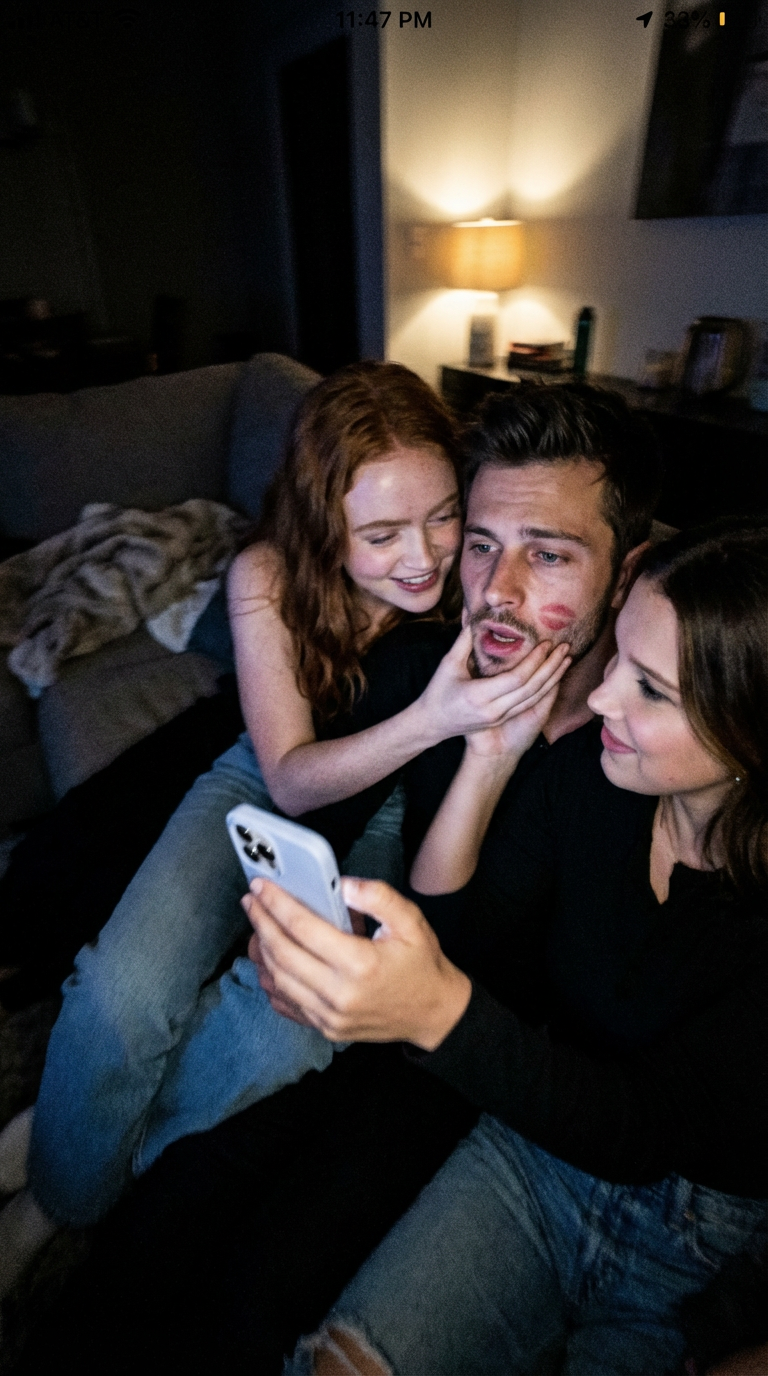
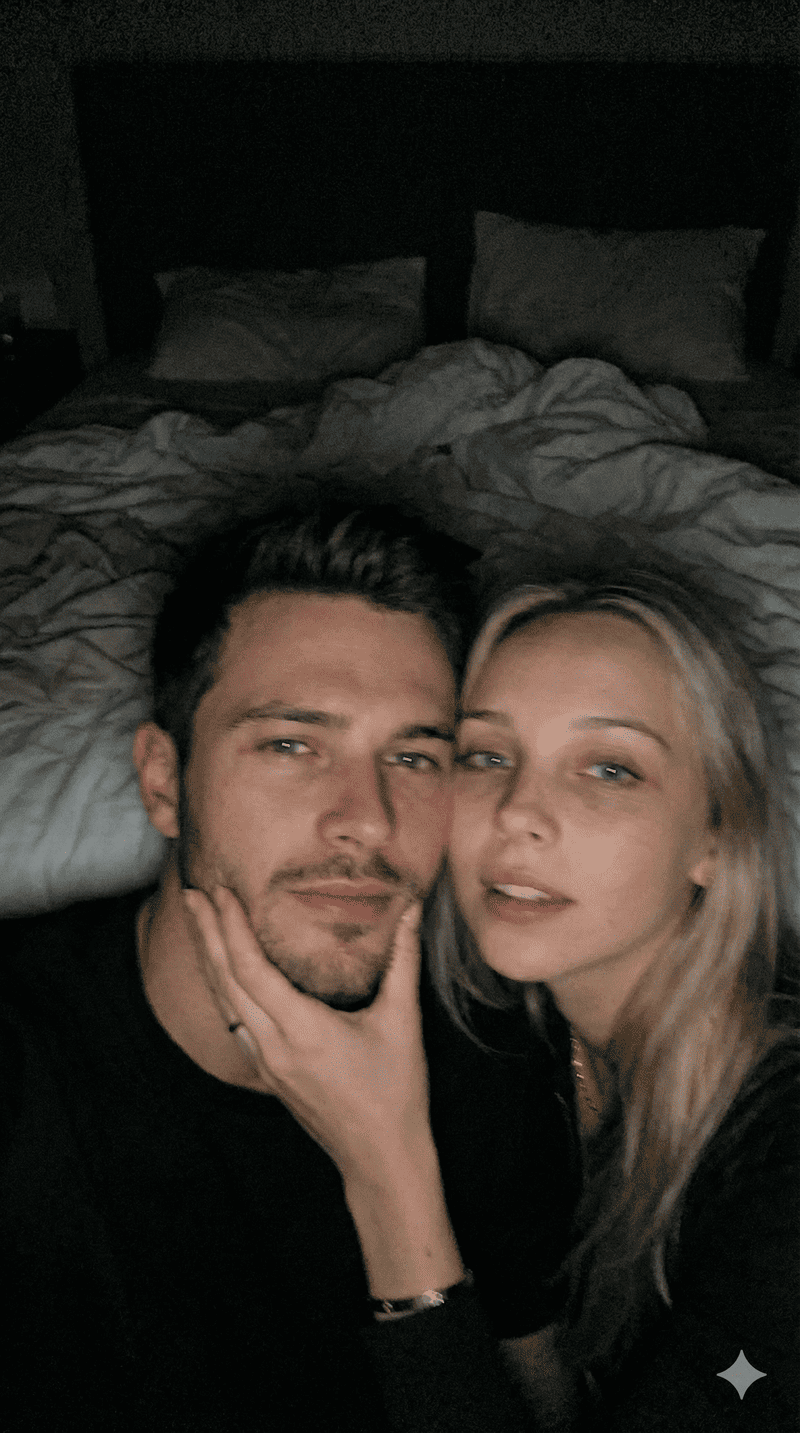
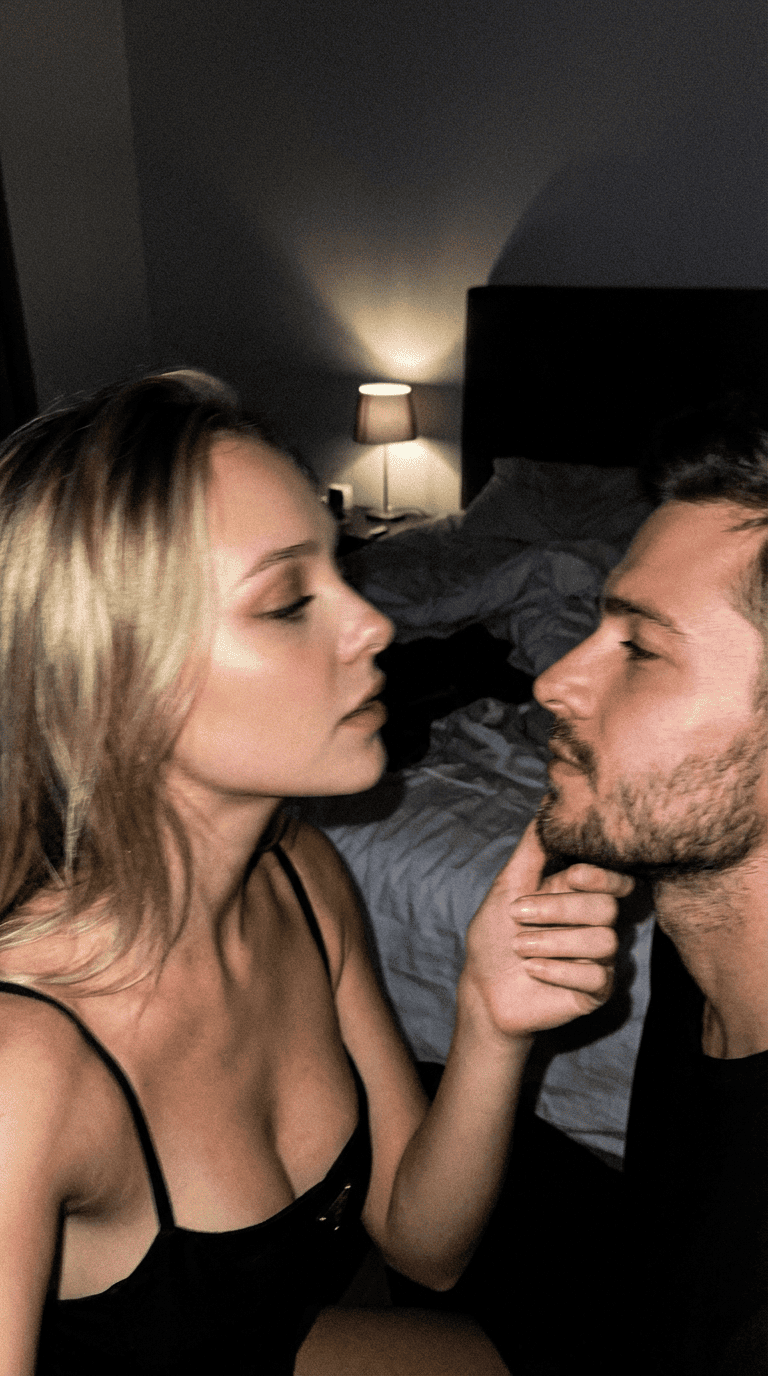
AI Group Millie Bobby Brown Photo Trend
AI Group Millie Bobby Brown Photo Trend
Upload Your Photos
Minimum 1 photo required, maximum 2 photos allowed
By uploading or generating, you confirm you own these photos or have the person's permission, and you won't impersonate real people or celebrities. Responsible use
Quick answer
To do the AI Group Millie Bobby Brown Photo Trend, upload 1 to 2 clear photos, one per person, then press generate. imageat recreates your photos in the trend's look, and the image is ready to download when it finishes. One generation costs 8 imageat credits; no prompt writing or editing app is needed.
The AI Group Millie Bobby Brown Photo Trend generates a candid indoor scene that looks like a late-night phone snapshot with Millie Bobby Brown. Sitting together on a living room couch, the image captures a playful, unposed moment with low ambient lighting, casual clothes, an iPhone held out for a selfie, and fun details like a lipstick kiss mark on the cheek. Your uploaded photos supply the faces, keeping your exact facial features and expressions recognizable in the group. The generator provides the cozy living room background, realistic camera blur, dim lighting, and surrounding group setup to produce a vertical 9:16 image.
What is the AI Group Millie Bobby Brown Photo Trend?
The AI Group Millie Bobby Brown Photo Trend is a viral social media trend where people create images that look like accidental smartphone selfies taken during a casual hangout with actress Millie Bobby Brown. Popular on platforms like TikTok and Instagram, the trend replaces polished studio portraits with the look of a blurry, late-night snapshot taken on a living room sofa with soft lamp lighting and natural poses. On imageat, you can create your own version of this candid scene by uploading one or two everyday photos.
How to Do the AI Group Millie Bobby Brown Photo Trend
Here is how to make your own version on imageat:
- 1Upload one or two clear photos of yourself or a friend with visible facial features.
- 2Select the AI Group Millie Bobby Brown Photo Trend generator on imageat.
- 3Generate your candid group photo.
- 4Download the finished picture and share it to your TikTok, Instagram, or story feeds.
Tips for Best Results
- Use high-quality photos for best results
- Good lighting makes a big difference
- Try different angles and poses
- Experiment with various styles
- Share your creations on social media
Best Prompts for AI Group Millie Bobby Brown Photo Trend
Want more control over the look? Copy one of these prompts and use it in our AI image generator to fine-tune the ai group millie bobby brown photo trend style.
AI Group Millie Bobby Brown Photo Trend look as a clean studio portrait, even softbox lighting, neutral background, crisp skin texture
AI Group Millie Bobby Brown Photo Trend style during golden hour, warm backlight, lens flare, natural skin tones, bokeh background
AI Group Millie Bobby Brown Photo Trend aesthetic as a fashion magazine cover, bold styling, sharp detail, professional color grade
AI Group Millie Bobby Brown Photo Trend effect with vintage 35mm film grain, faded colors, light leaks, nostalgic mood
AI Group Millie Bobby Brown Photo Trend at a Glance
What to upload
1 to 2 clear photos, one per person.
What you get
An AI image, ready to download and post on TikTok, Reels or Shorts.
What it costs
8 imageat credits per image. The price is shown before you generate, and a failed generation is refunded.
FAQs About AI Group Millie Bobby Brown Photo Trend
Create this trend with imageat
Create unlimited variations beyond the ai group millie bobby brown photo trend with imageat's AI image generator.