AI Portrait Studio Photo
Create clean, high-quality studio photos in seconds. Perfect for social media and professional profiles like LinkedIn.
Example results
Preview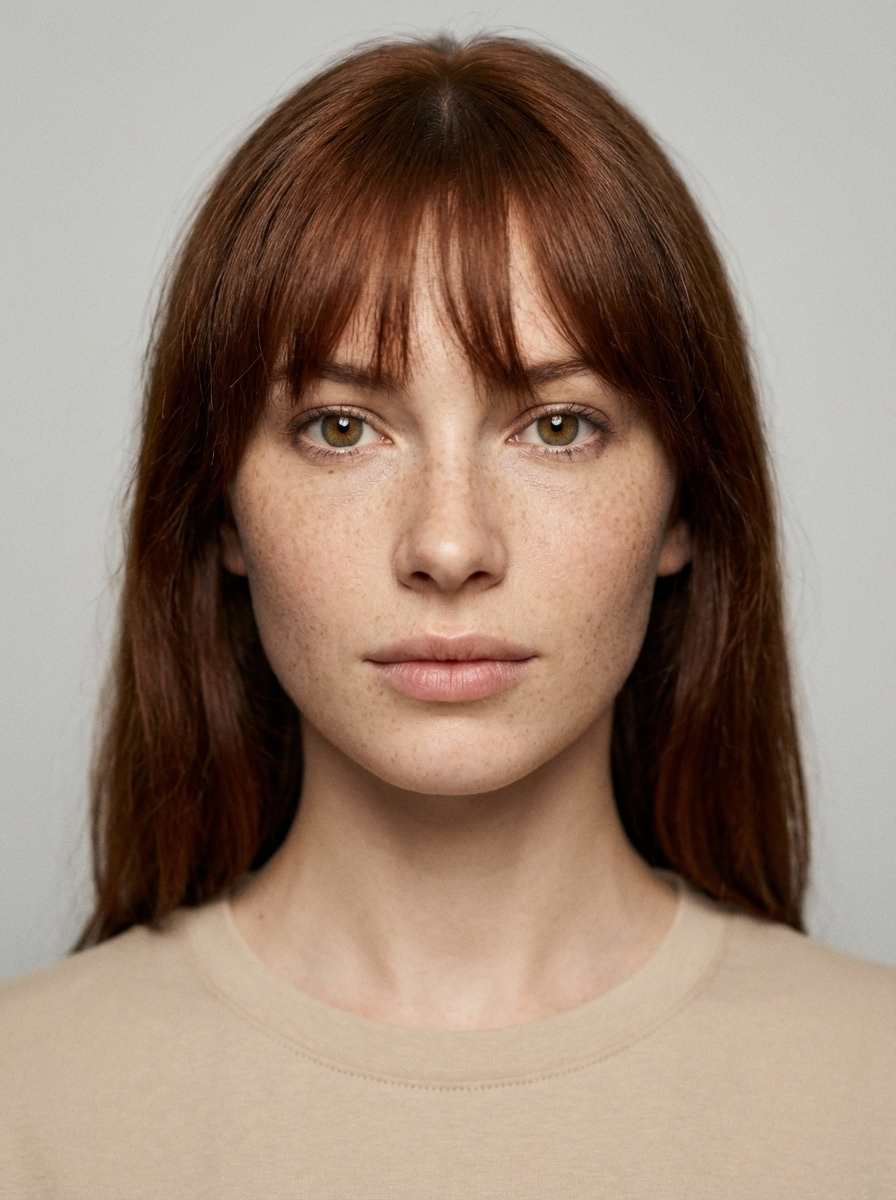
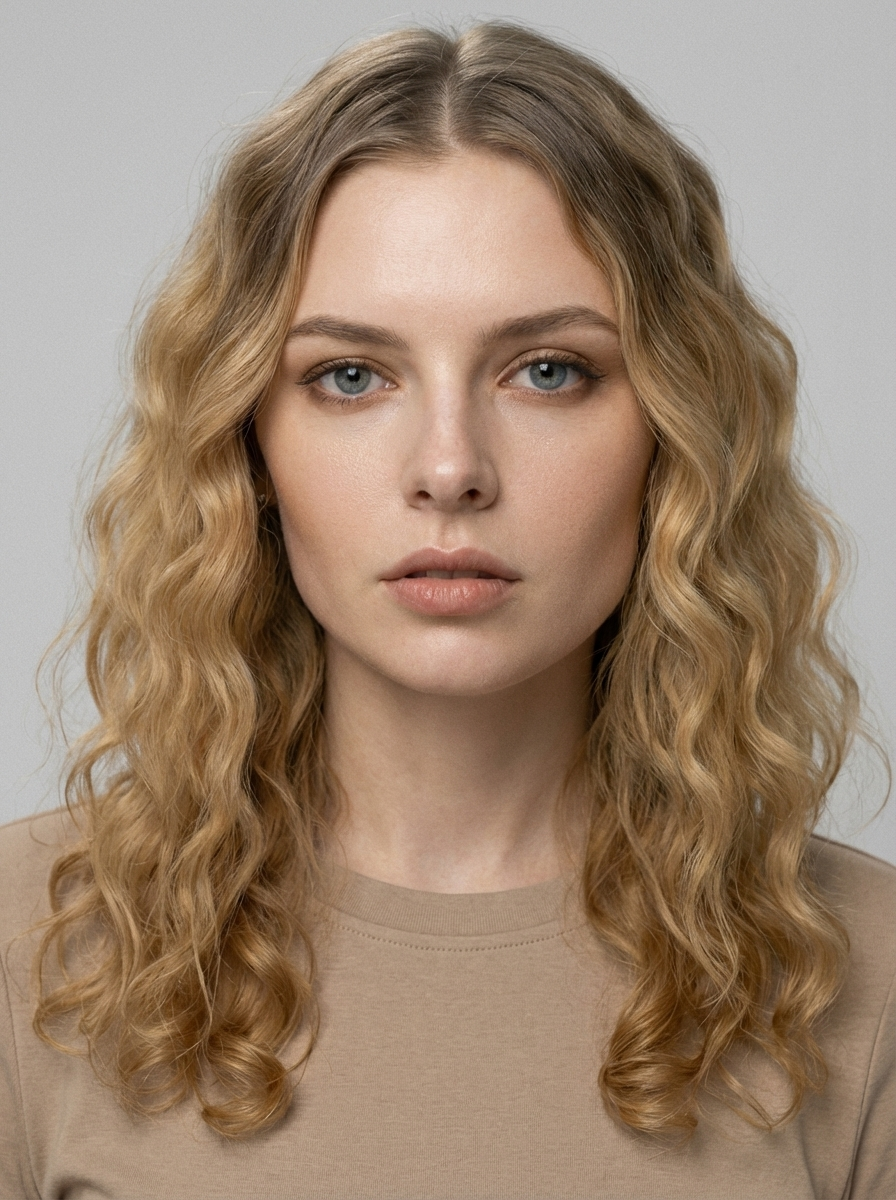
AI Portrait Studio Photo
AI Portrait Studio Photo
Upload Your Photo
By uploading or generating, you confirm you own these photos or have the person's permission, and you won't impersonate real people or celebrities. Responsible use
Quick answer
To do the AI Portrait Studio trend, upload one clear photo where your face is easy to see, then press generate. imageat recreates your photo in the trend's look, and the image is ready to download when it finishes. One generation costs 8 imageat credits; no prompt writing or editing app is needed.
The AI Portrait Studio Photo delivers a centered headshot set against an even, light grey backdrop. Soft studio light falls across your face, highlighting natural skin texture and clear eye detail with a gentle portrait depth of field. Your expression stays calm and direct, framed in simple, neutral clothing that keeps all attention on your features. Your uploaded photo provides your facial structure, hair, and eye color. The template applies the diffused studio lighting, the plain grey background, and a matte editorial finish. The final output is a high-resolution 3:4 studio portrait image ready for profile pictures or portfolio use.
What is the AI Portrait Studio Photo?
The AI Portrait Studio Photo trend is a minimalist photography style popular across LinkedIn, Instagram, and TikTok. Instead of casual snapshots or heavily filtered selfies, users share clean, editorial headshots lit by soft studio boxes against neutral grey or off-white backdrops. The look mirrors traditional agency test shoots and commercial portfolio portraits, focusing on realistic skin texture, sharp focus on the eyes, and understated neutral clothing. On imageat, you can generate this clean studio portrait from a single everyday picture.
How to Do the AI Portrait Studio Trend
Here is how to make your own version on imageat:
- 1Choose a clear portrait or selfie from your device to get started.
- 2Our advanced AI processes your image with studio-grade lighting and focus.
- 3Save your new high-res portrait and post it to your favorite platforms.
Tips for Best Results
- Use a clear, well-lit original photo.
- Look directly at the camera for a strong gaze.
- Wear solid, neutral colors like white or grey.
- Keep your hair neat to match the clean aesthetic.
- Avoid busy backgrounds in your upload.
- Try a neutral or calm expression for an editorial feel.
- Ensure your face is not covered by hands or objects.
Best Prompts for AI Portrait Studio Photo
Want more control over the look? Copy one of these prompts and use it in our AI image generator to fine-tune the ai portrait studio photo style.
AI Portrait Studio Photo look as a clean studio portrait, even softbox lighting, neutral background, crisp skin texture
AI Portrait Studio Photo style during golden hour, warm backlight, lens flare, natural skin tones, bokeh background
AI Portrait Studio Photo aesthetic as a fashion magazine cover, bold styling, sharp detail, professional color grade
AI Portrait Studio Photo effect with vintage 35mm film grain, faded colors, light leaks, nostalgic mood
AI Portrait Studio Photo at a Glance
What to upload
1 clear photos, one per person.
What you get
An AI image, ready to download and post on TikTok, Reels or Shorts.
What it costs
8 imageat credits per image. The price is shown before you generate, and a failed generation is refunded.
FAQs About AI Portrait Studio Photo
Create this trend with imageat
Create unlimited variations beyond the ai portrait studio photo with imageat's AI image generator.