AI UGC Indoor Photo Generator
Generate your photos with our AI UGC indoor photo generator AI effect. Create viral-worthy AI UGC character content in seconds.
Example results
Preview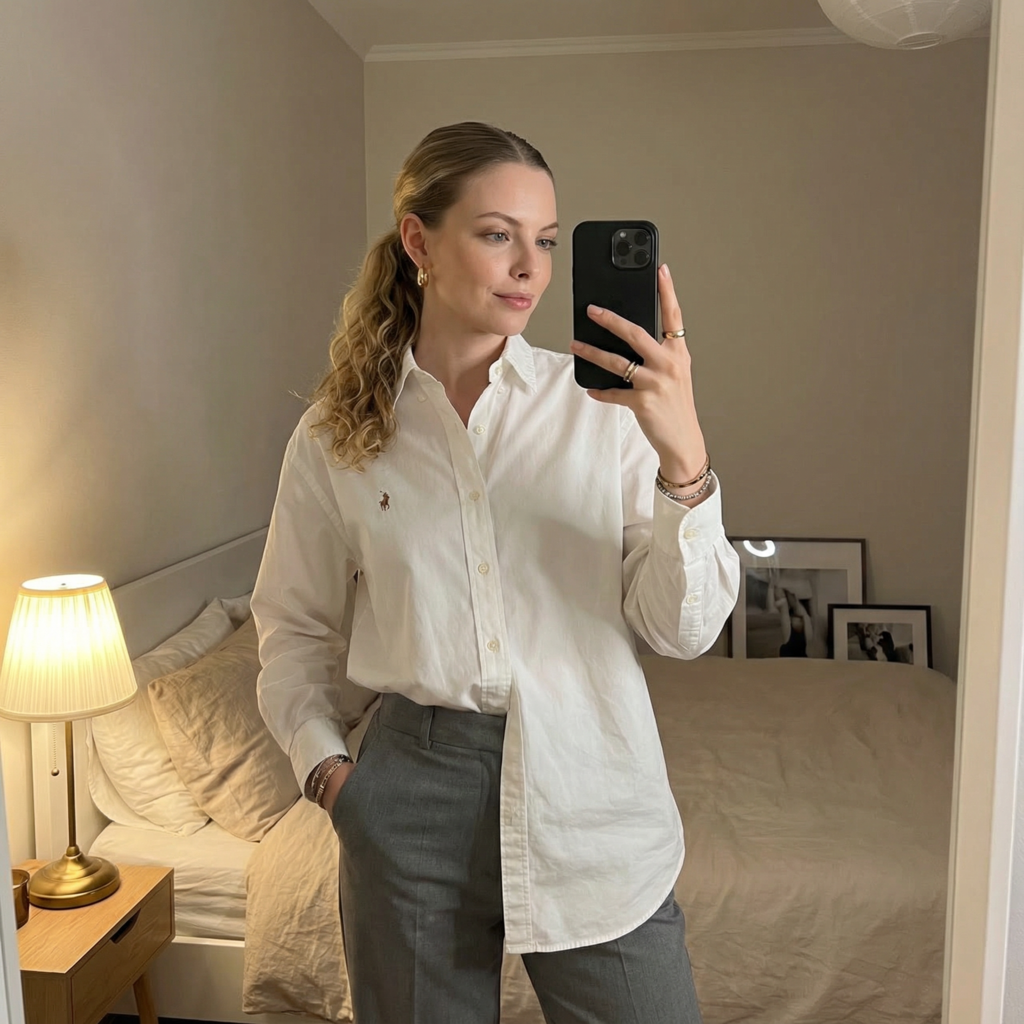
AI UGC Indoor Photo Generator
AI UGC Indoor
Upload Your Photo
By uploading or generating, you confirm you own these photos or have the person's permission, and you won't impersonate real people or celebrities. Responsible use
Quick answer
To do the AI UGC Indoor trend, upload one clear photo where your face is easy to see, then press generate. imageat recreates your photo in the trend's look, and the image is ready to download when it finishes. One generation costs 8 imageat credits; no prompt writing or editing app is needed.
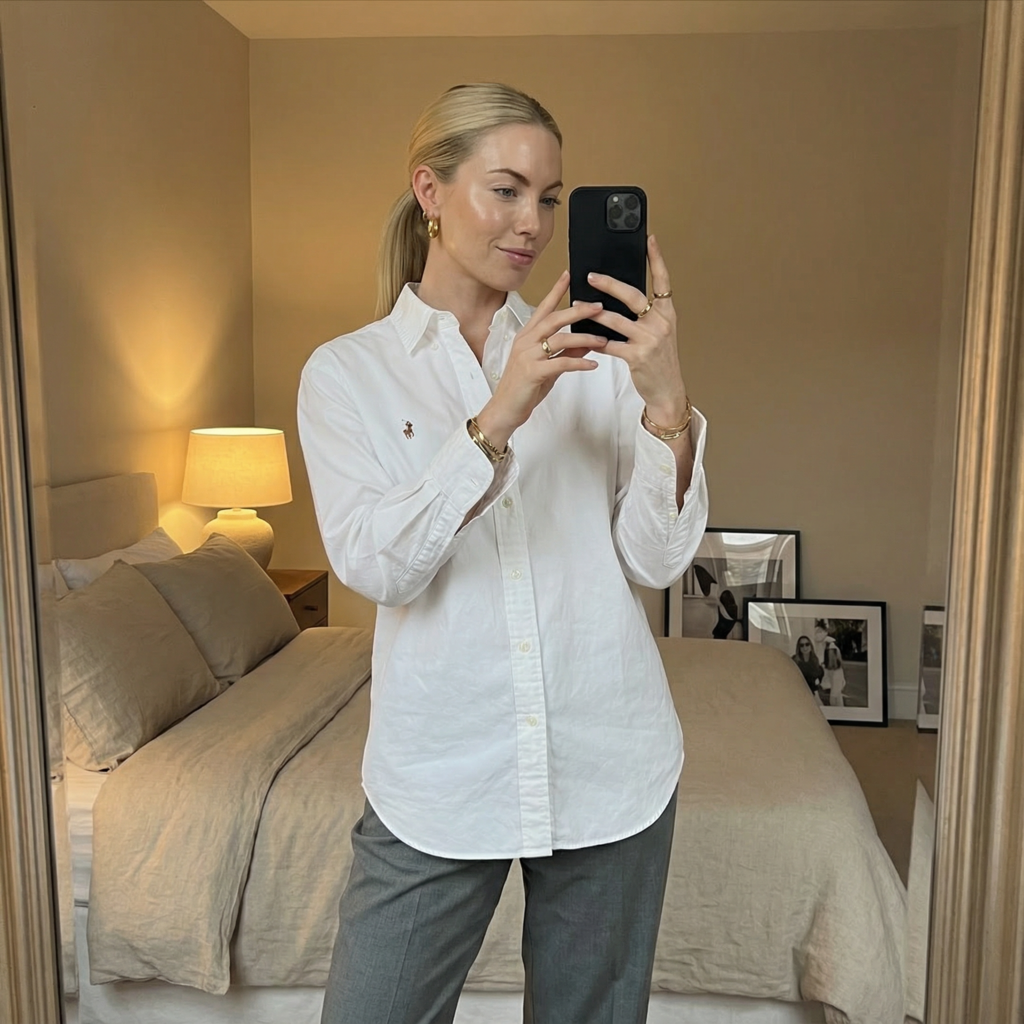
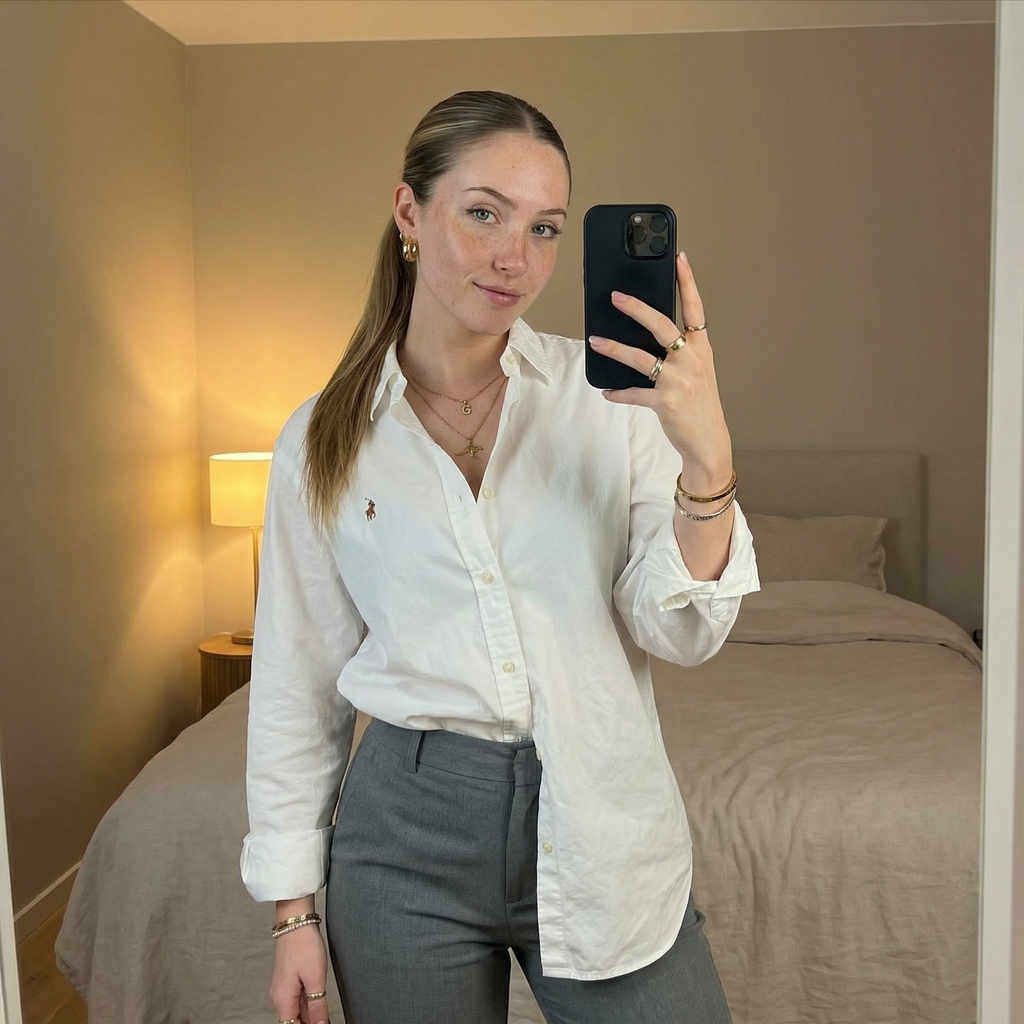
This generator turns your portrait into a relaxed indoor mirror selfie set in a calm, modern bedroom. You appear in a vertical medium shot, dressed in a crisp white oversized button-down shirt and tailored grey trousers, with one hand resting in your pocket and the other holding a black smartphone toward the mirror. Warm ambient light from a bedside lamp illuminates the neutral beige walls, a made bed, and framed prints resting in the background. Your uploaded photo supplies your facial features, skin tone, and expression. The AI UGC indoor photo generator template supplies the mirror selfie pose, the sleek low ponytail, the clean outfit, and the warm bedroom setting. The final result is a single high-resolution vertical image ready for creator feeds and profiles.
What is the AI UGC Indoor Photo Generator?
The AI UGC Indoor Photo Generator trend draws from the popular user-generated content aesthetic found across Instagram and TikTok. Influencers and digital creators often share casual, authentic-looking mirror selfies captured in minimalist bedrooms or hotel rooms rather than staged studio portraits. The style emphasizes neutral color palettes, warm lamp illumination, and understated business-casual clothing like oversized collared shirts and trousers. On imageat, you can recreate this creator aesthetic by uploading a single portrait photo.
How to Do the AI UGC Indoor Trend
Here is how to make your own version on imageat:
- 1Upload a clear portrait photo showing your face directly with good lighting.
- 2Click the generate button to create your indoor mirror selfie.
- 3Save the finished image to your device and share it on Instagram, TikTok, or your creator portfolio.
Tips for Best Results
- Use high-quality photos for best results
- Good lighting makes a big difference
- Try different angles and poses
- Experiment with various styles
- Share your creations on social media
Best Prompts for AI UGC Indoor Photo Generator
Want more control over the look? Copy one of these prompts and use it in our AI image generator to fine-tune the ai ugc indoor photo generator style.
AI UGC Indoor Photo style portrait, keeping the original face and pose, cinematic lighting, high detail, sharp focus
AI UGC Indoor Photo aesthetic with soft diffused light, pastel color grade, gentle film grain, shallow depth of field
High-contrast ai ugc indoor photo generator version, saturated colors, dramatic rim lighting, glossy editorial finish
AI UGC Indoor Photo effect at night, neon ambiance, deep shadows, reflective highlights, atmospheric haze
AI UGC Indoor Photo Generator at a Glance
What to upload
1 clear photos, one per person.
What you get
An AI image, ready to download and post on TikTok, Reels or Shorts.
What it costs
8 imageat credits per image. The price is shown before you generate, and a failed generation is refunded.
FAQs About AI UGC Indoor Photo Generator
Create this trend with imageat
Create unlimited variations beyond the ai ugc indoor photo generator with imageat's AI image generator.