Car Dance Duo AI Video
Upload two photos to create the built-in two-person dance video with your own faces and the trend soundtrack.
Reference video
Watch video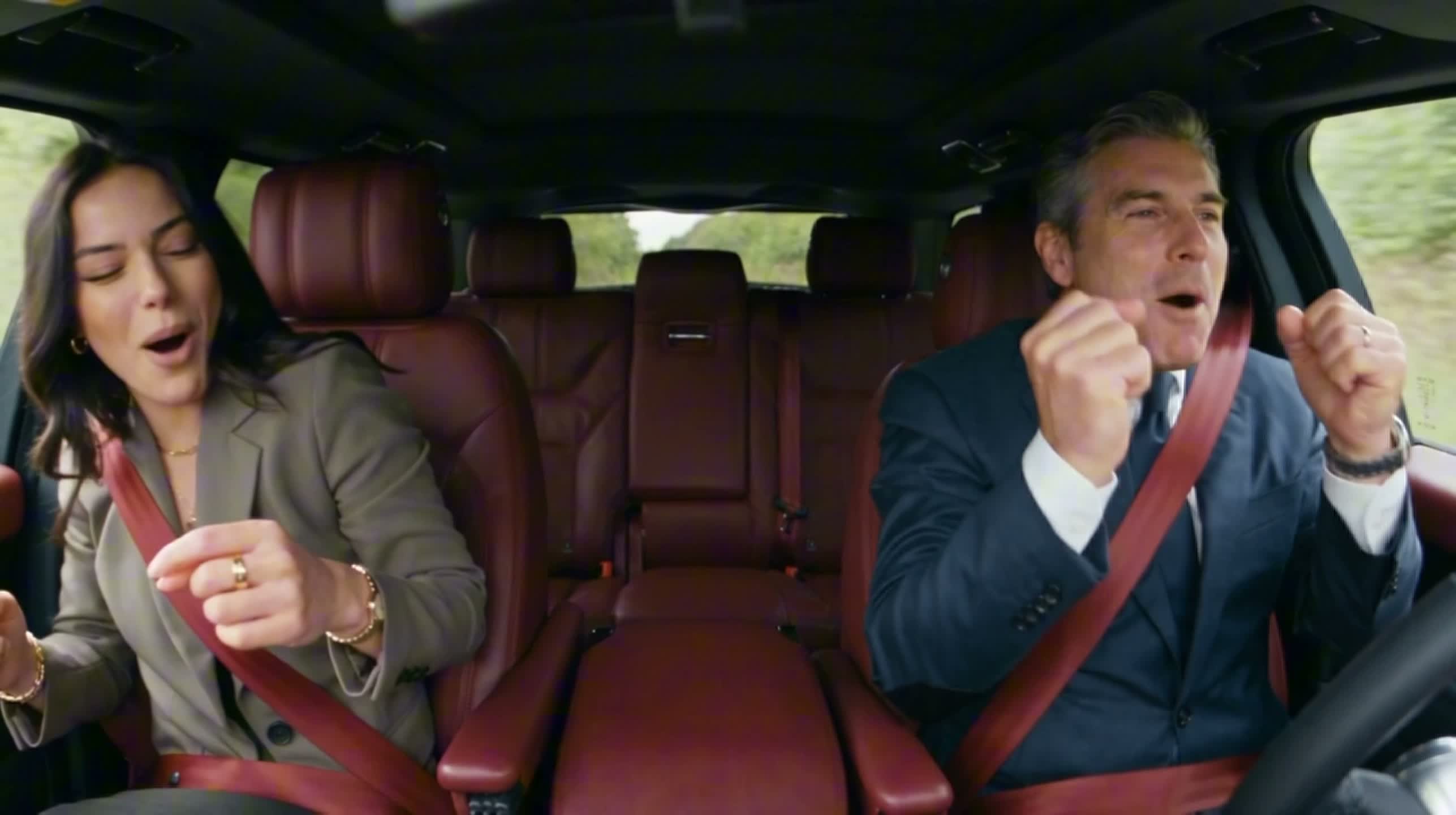
Car Dance Duo AI Video
Car Dance Duo AI Video
Upload Your Photo
Upload one clear photo per person.
By uploading or generating, you confirm you own these photos or have the person's permission, and you won't impersonate real people or celebrities. Responsible use
Quick answer
To do the Car Dance Duo trend, upload 2 clear photos of the people you want in it, then press generate. imageat places the people from your photos into the trend's original video, and the video is ready to download when it finishes. One generation costs 120 imageat credits; no prompt writing or editing app is needed.
Upload two clear photos, one per person. The hosted workflow prepares the references and creates the two-person performance with its built-in soundtrack. The preview is the supplied reference video, not a generated result. Output settings follow the hosted workflow.
What is the Car Dance Duo AI Video?
A two-photo dance template run through a hosted workflow. The preview shows the supplied car-dance reference footage.
How to Do the Car Dance Duo Trend
Here is how to make your own video on imageat:
- 1Upload Photo 1.
- 2Upload Photo 2.
- 3Generate and download the finished dance video.
Tips for Best Results
- Use one person per photo.
- Keep faces unobstructed and use clear lighting.
Car Dance Duo AI Video at a Glance
What to upload
Photo 1; Photo 2.
What you get
An AI video that follows the trend's original take, ready to download and post on TikTok, Reels or Shorts.
What it costs
120 imageat credits per video. The price is shown before you generate, and a failed generation is refunded.
FAQs About Car Dance Duo AI Video
Create this trend with imageat
Go beyond the car dance duo ai video — generate any AI video from text or an image with Veo, Kling, Seedance and more.