Chibi Twins Effect Generator
Upload your photo and get surrounded by your tiny chibi twins — cute, big-eyed miniature versions of you in matching outfits, each striking a different playful pose around the real you.
Example results
Preview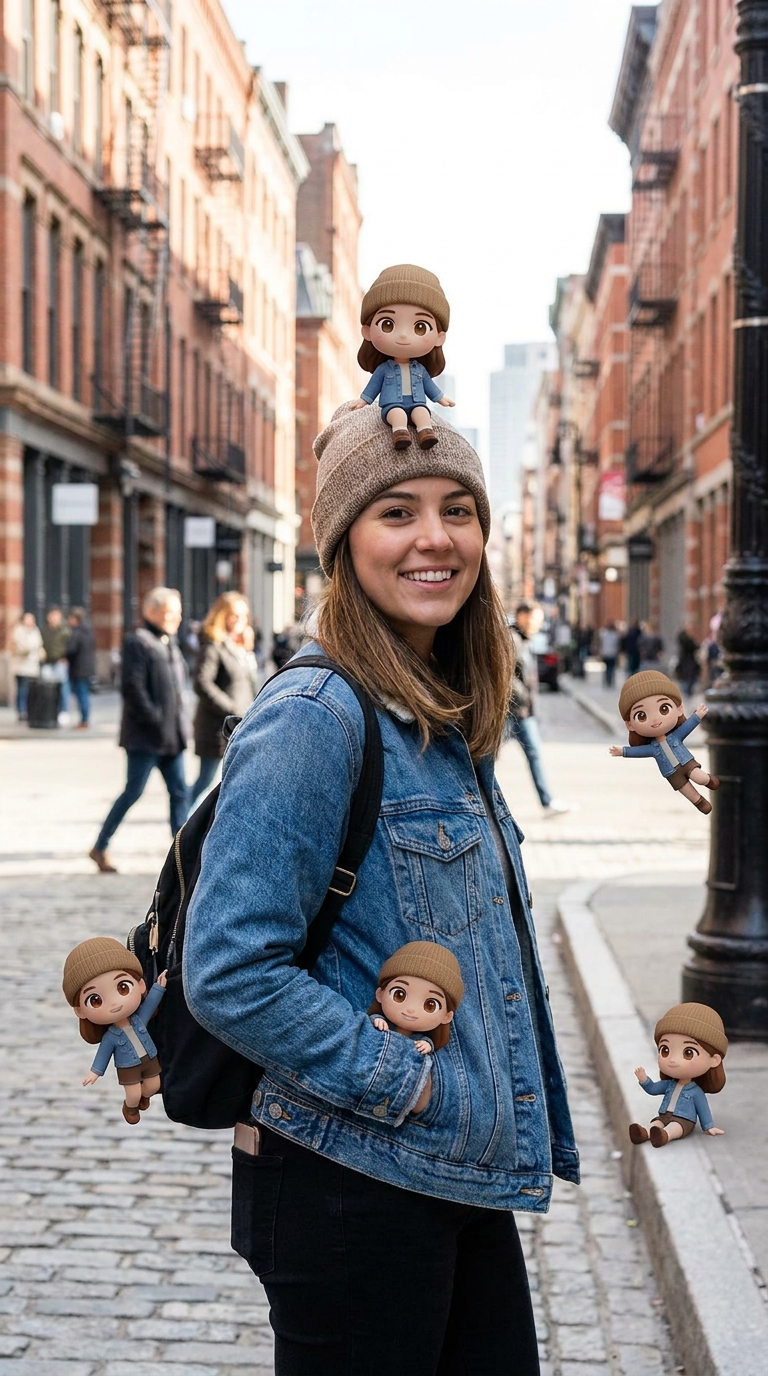
Chibi Twins Effect Generator
Chibi Twins
Upload Your Photo
By uploading or generating, you confirm you own these photos or have the person's permission, and you won't impersonate real people or celebrities. Responsible use
Quick answer
To do the Chibi Twins trend, upload one clear photo where your face is easy to see, then press generate. imageat recreates your photo in the trend's look, and the image is ready to download when it finishes. One generation costs 3 imageat credits; no prompt writing or editing app is needed.
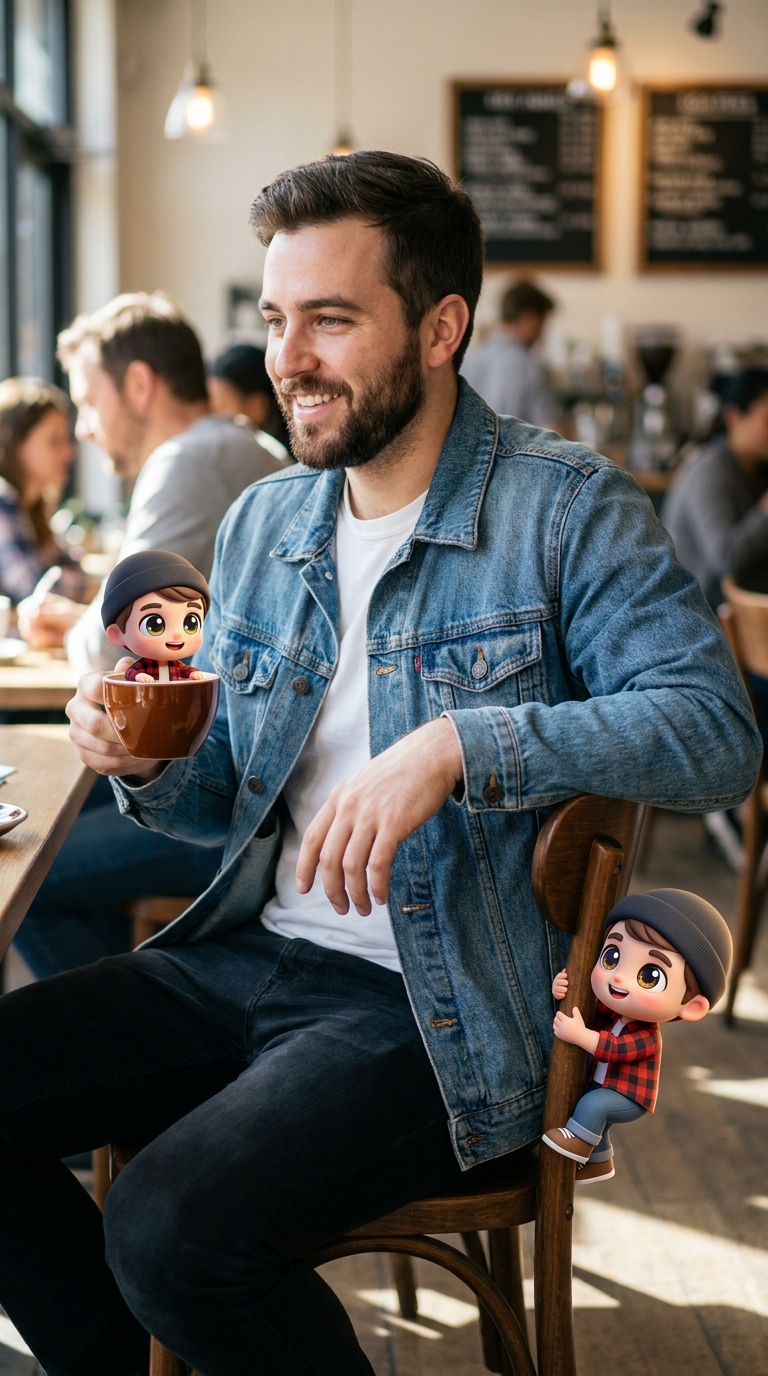
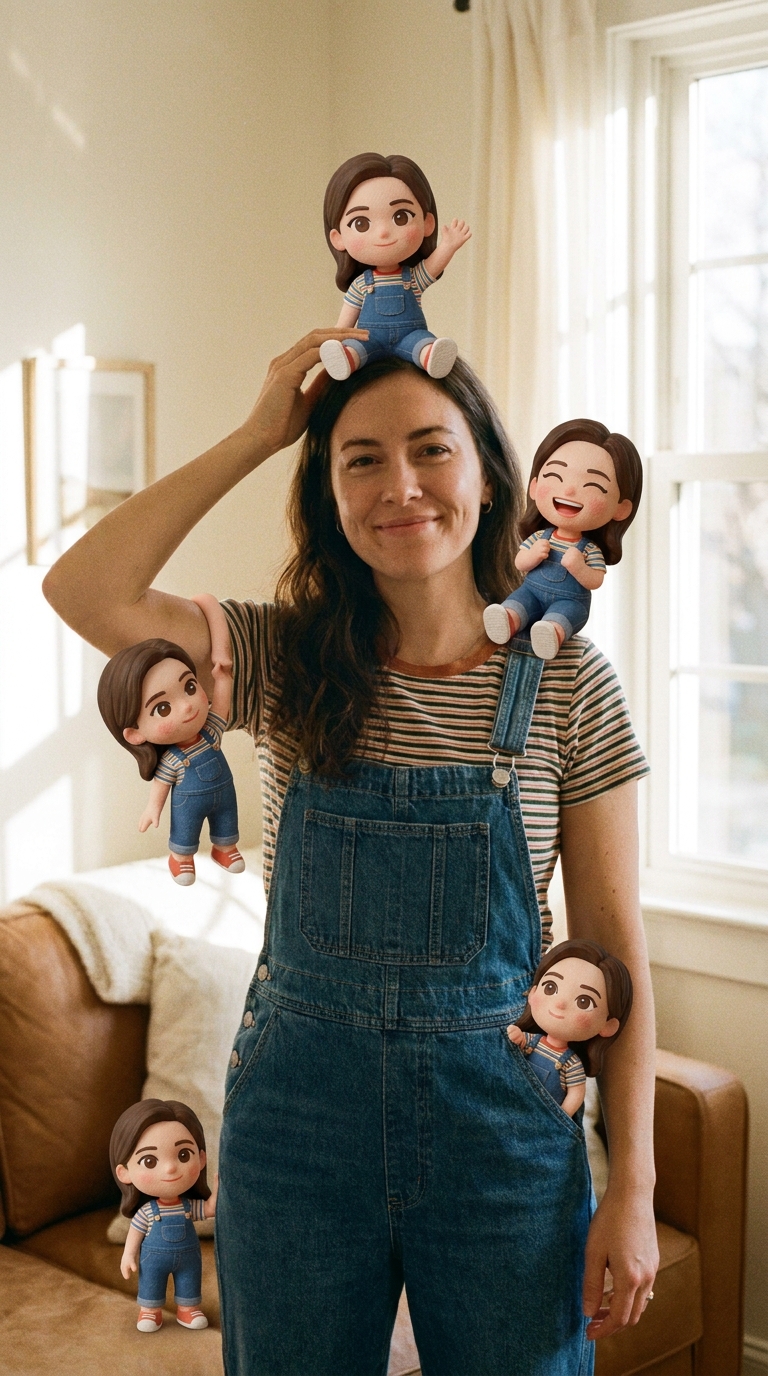
The Chibi Twins Effect Generator produces a realistic photo of you surrounded by five tiny, 3D cartoon twin versions of yourself. Each miniature character wears your exact outfit, from your knit beanie to your denim jacket and shoes. One tiny twin perches calmly on top of your head, while the others interact with your surroundings by sitting on curbs, peeking out of your coat pockets, hanging onto your backpack, and floating nearby. Your uploaded photo provides your face, hairstyle, clothing, pose, and background setting. The imageat generator creates five identical miniature chibi figures with large expressive eyes and small doll bodies placed naturally around you. The final result is a high-resolution still image ready for your feed or profile picture.
What is the Chibi Twins Effect Generator?
The chibi twins trend is an AI photo style popular on Instagram and TikTok, drawing inspiration from Japanese chibi art where characters have oversized heads, large expressive eyes, and tiny bodies. In this trend, creators take a regular portrait and populate the scene with miniature cartoon clones of themselves wearing matching clothes and striking playful poses. People often share these images as creative profile pictures, carousel posts, or story updates. imageat creates this image by scanning your uploaded portrait and placing five 3D mini twin characters into your real setting.
How to Do the Chibi Twins Trend
Here is how to make your own version on imageat:
- 1Upload a clear portrait or full-body photo of yourself.
- 2Check your photo preview in the person slot.
- 3Click generate to place the miniature chibi twins into your scene.
- 4Download the final image and post it to Instagram, TikTok, or your profile.
Tips for Best Results
- Use high-quality photos for best results
- Good lighting makes a big difference
- Try different angles and poses
- Experiment with various styles
- Share your creations on social media
Best Prompts for Chibi Twins Effect Generator
Want more control over the look? Copy one of these prompts and use it in our AI image generator to fine-tune the chibi twins effect generator style.
Chibi Twins Effect look as a clean studio portrait, even softbox lighting, neutral background, crisp skin texture
Chibi Twins Effect style during golden hour, warm backlight, lens flare, natural skin tones, bokeh background
Chibi Twins Effect aesthetic as a fashion magazine cover, bold styling, sharp detail, professional color grade
Chibi Twins Effect effect with vintage 35mm film grain, faded colors, light leaks, nostalgic mood
Chibi Twins Effect Generator at a Glance
What to upload
Person.
What you get
An AI image, ready to download and post on TikTok, Reels or Shorts.
What it costs
3 imageat credits per image. The price is shown before you generate, and a failed generation is refunded.
FAQs About Chibi Twins Effect Generator
Create this trend with imageat
Create unlimited variations beyond the chibi twins effect generator with imageat's AI image generator.