Crochet Filter
Your photo becomes a handmade amigurumi crochet doll of you, with your place knitted in yarn around it.
Style reference, not a personalized result
Preview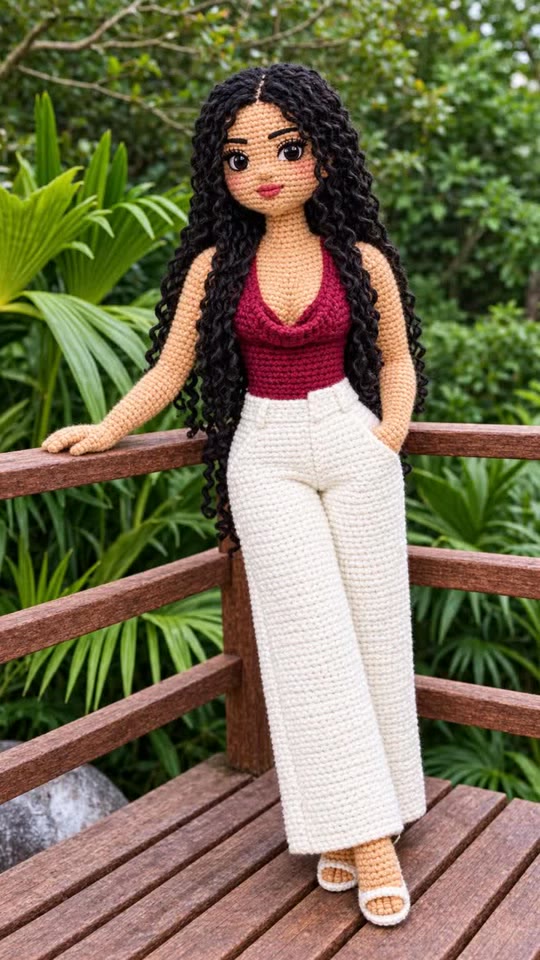
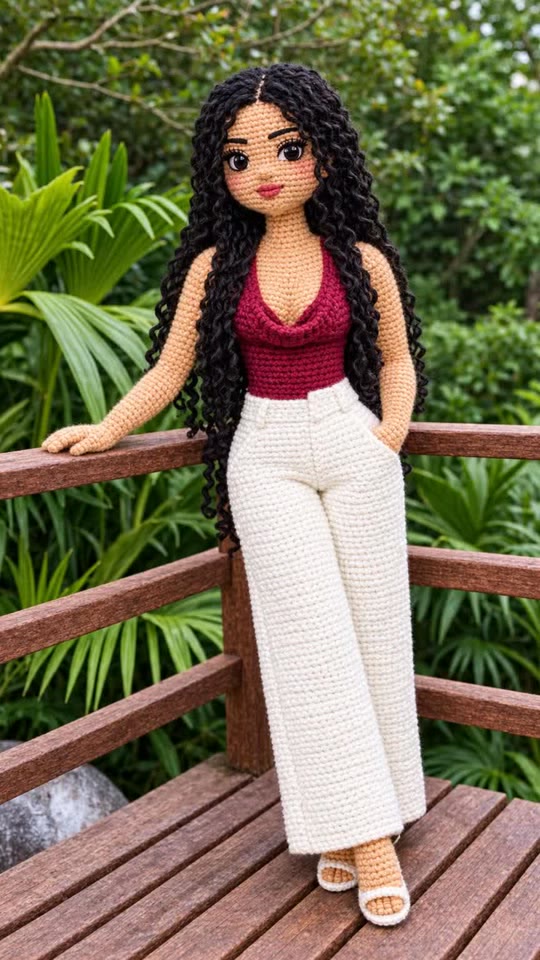
Crochet Filter
Crochet Filter
Upload Your Photo
Output
1K · 3:4 photo
By uploading or generating, you confirm you own these photos or have the person's permission, and you won't impersonate real people or celebrities. Responsible use
Quick answer
To do the Crochet Filter trend, upload one clear photo where your face is easy to see, then press generate. imageat places you into the trend's original video, and the image is ready to download when it finishes. One generation costs 4 imageat credits; no prompt writing or editing app is needed.
The crochet filter turns a photo into an amigurumi doll, the small stuffed crochet figures people make by hand. The viral version also crochets the whole background, so your room, street or beach turns into soft yarn too. Upload one photo. AI rebuilds you as a crochet doll with your hair, outfit colors and pose, in a stitched version of your own setting, shot like a macro photo of a real craft. You get one 3:4 image to download and share.
What is the Crochet Filter?
The crochet filter is a viral photo effect that turns you into a handmade yarn doll in a crocheted version of your surroundings. Here it takes one photo.
How to Do the Crochet Filter Trend
Here is how to make your own version on imageat:
- 1Upload one clear photo: You — one adult, face in view. JPG, PNG or WEBP, up to 10 MB.
- 2Check the credit cost on the button.
- 3Generate the photo.
- 4Preview and download your photo.
Tips for Best Results
- A clear photo with a visible outfit gives the doll the most detail.
- Busy backgrounds turn into fun crochet scenes.
- Only one person in the photo.
Crochet Filter at a Glance
What to upload
You — one adult, face in view.
What you get
An AI image (1K · 3:4 photo) that follows the trend's original take, ready to download and post on TikTok, Reels or Shorts.
What it costs
4 imageat credits per image. The price is shown before you generate, and a failed generation is refunded.
FAQs About Crochet Filter
Create this trend with imageat
Create unlimited variations beyond the crochet filter with imageat's AI image generator.