Aerial Pullback AI Video Generator
Walk away as the camera flies up. Upload one photo and AI generates the whole 8-second shot — one unbroken drone pull-back that rises behind you as you walk.
Example results
Preview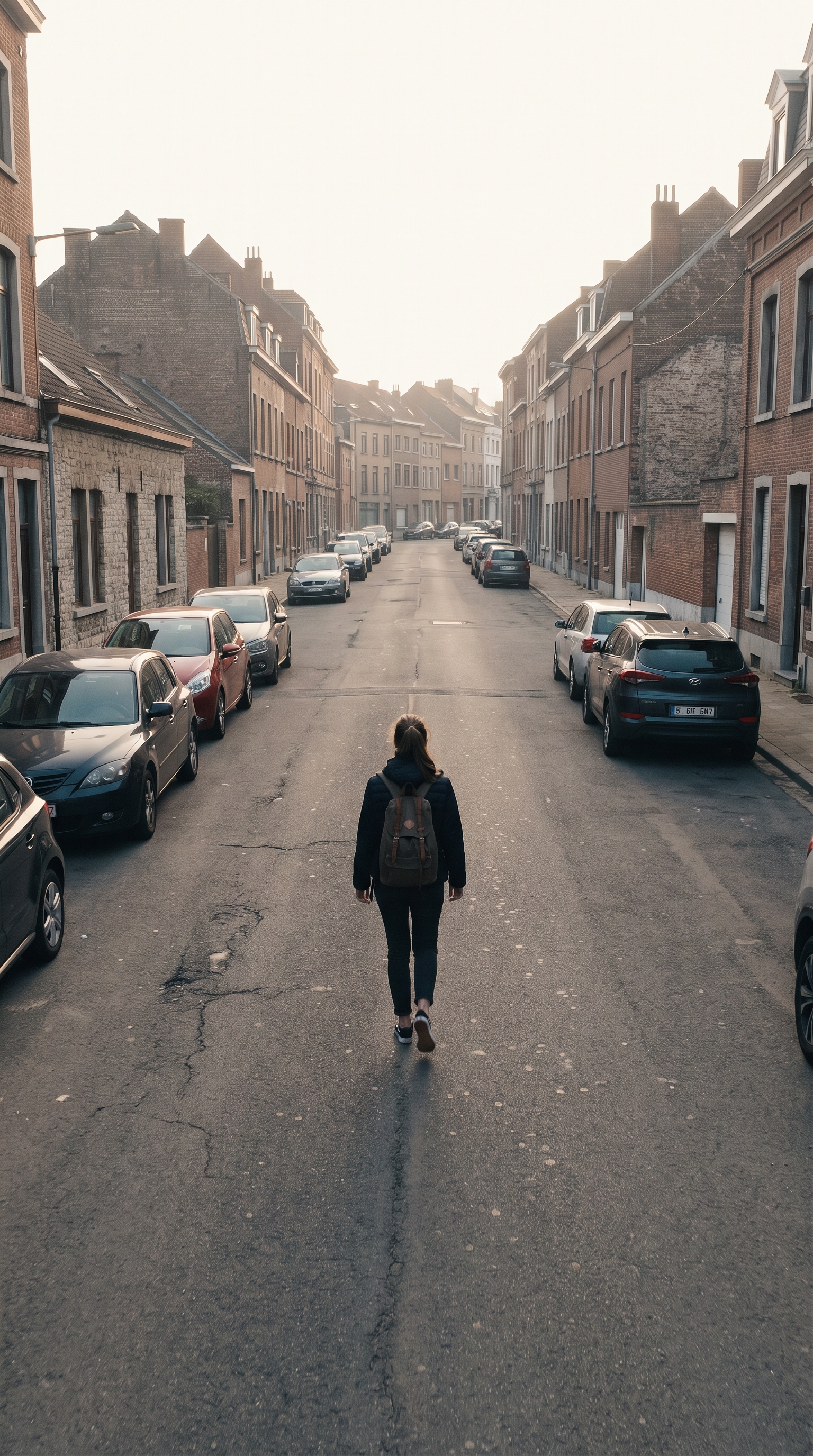
Aerial Pullback AI Video Generator
Aerial Pullback
Upload Your Photo
For the best likeness: one person per photo, face clearly visible from the front, good light, nothing covering the face (phone, sunglasses, hand). Upload the original photo, not a screenshot.
By uploading or generating, you confirm you own these photos or have the person's permission, and you won't impersonate real people or celebrities. Responsible use
Quick answer
To do the Aerial Pullback trend, upload one clear photo where your face is easy to see, then press generate. imageat turns your photo into the trend's AI video, and the video is ready to download when it finishes. One generation costs 56 imageat credits; no prompt writing or editing app is needed.
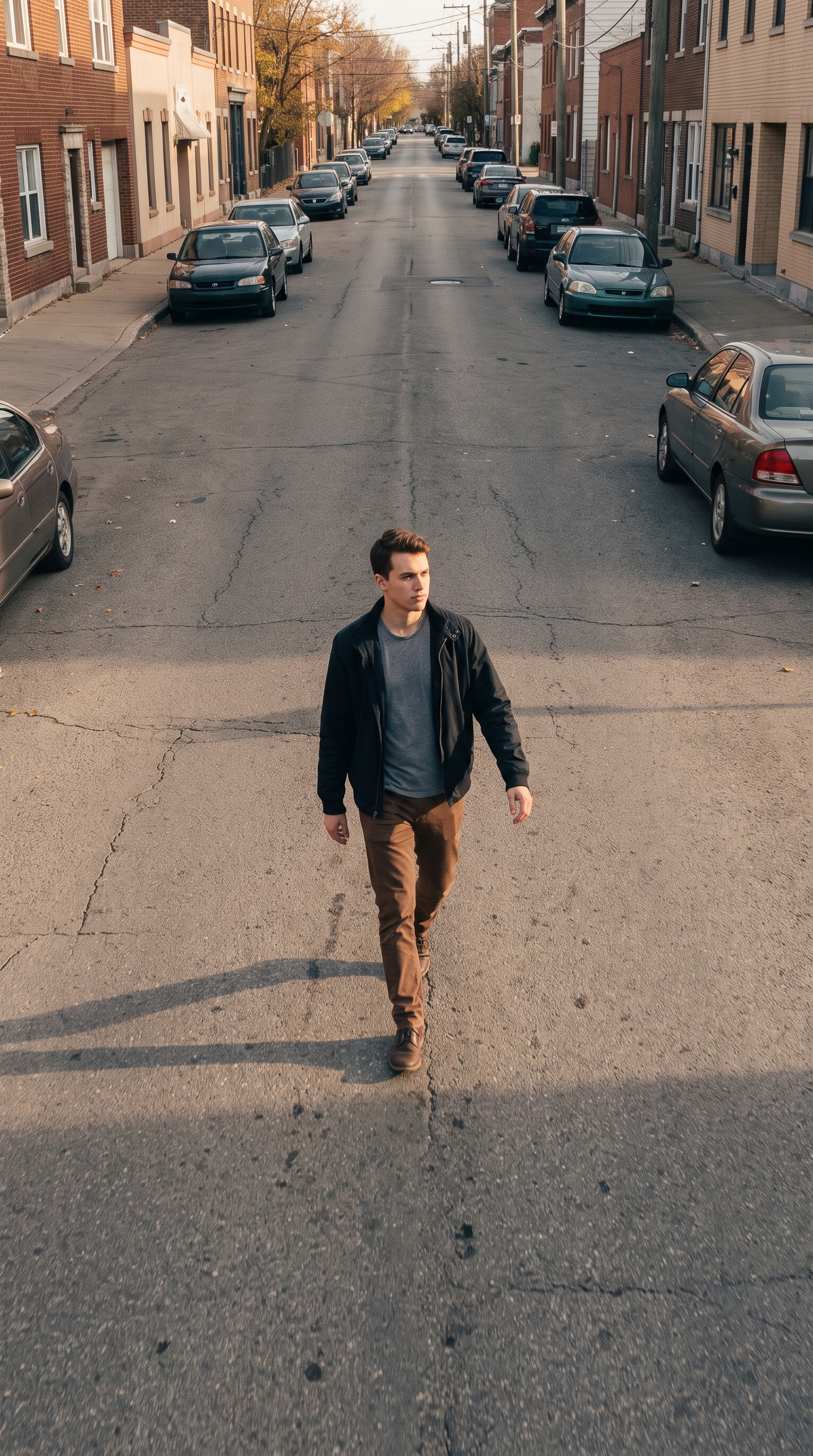
The finished video shows you walking forward down an open street, path, or square while an aerial camera steadily climbs behind you. As you take your strides, the camera pulls backward and tilts downward in one continuous take. The shot keeps your build grounded on the pavement while the perspective widens to show nearby buildings, parked cars, and the open sky above. Your uploaded photo supplies your exact face, outfit, and the surrounding environment. The Aerial Pullback AI Video Generator animates the forward walk, matches the original lighting, and creates the rising drone pull back video path with zero cuts, producing a finished 8-second video ready to share.
What is the Aerial Pullback AI Video Generator?
On TikTok and Instagram Reels, creators share cinematic walk-away clips where a camera lifts off the ground and pulls back into the air as the subject strolls away. Originally filmed with physical quadcopters in open city streets or scenic overlooks, the format became a popular visual trend for travel recaps, mood edits, and aesthetic outfit checks. The drone zoom out ai video style gives an ordinary walk a sense of scale and distance. On imageat, the Aerial Pullback AI Video Generator recreates that unbroken aerial camera move from a single still photograph without requiring real drone gear or complex video editing.
How to Do the Aerial Pullback Trend
Here is how to make your own video on imageat:
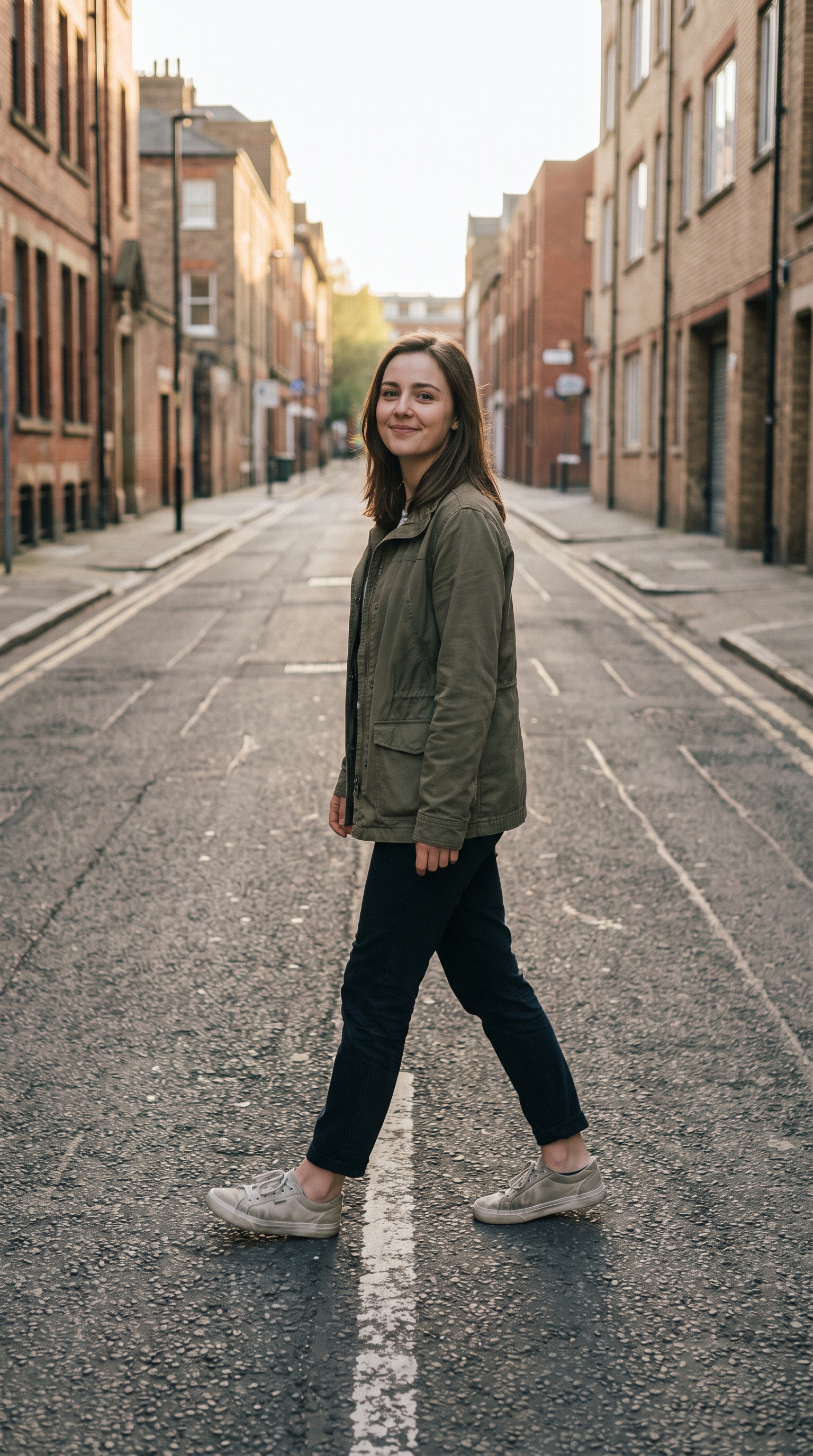
- 1Select a clear, full-body outdoor photo of yourself standing on a street or open ground.
- 2Upload your picture to the single photo slot on the generator page.
- 3Click generate to turn your still portrait into a continuous rising camera shot.
- 4Download your 8-second video and post the walk away drone shot to TikTok or Instagram Reels.
Tips for Best Results
- Outdoor photos work best — a street, a rooftop, a path or a square gives the camera somewhere to climb into
- A full-body or knee-up photo beats a tight headshot: the AI needs your build, outfit and the ground under your feet
- Stand facing the camera with space in front of you so the walk has somewhere to go
- Avoid group photos and heavy filters — one person, clean daylight
- Post it vertically — the shot is built for 9:16 feeds
Best Prompts for Drone Pull-Back Video Generator
Want more control over the motion? Copy one of these prompts and use it in our AI video generator to fine-tune the drone pull-back video generator style.
Start in a tight close-up on the subject, then execute a smooth vertical crane up and drone pullback, progressively revealing the full landscape, stabilized cinematic motion, natural atmospheric depth
Slow aerial pullback and rise from the subject, reveal a vast mountain valley at golden hour, soft haze between ridges, smooth gimbal motion, epic establishing shot
Fast but smooth drone pullback from a centered subject, rise above the location and reveal the surroundings, strong depth and scale, dramatic opening hook, composed for 9:16
Begin close to the front entrance, pull backward and upward like a professional drone, reveal the entire property and surrounding landscape, stable premium real-estate cinematography
Aerial Pullback AI Video Generator at a Glance
What to upload
image.
What you get
An AI video, ready to download and post on TikTok, Reels or Shorts.
What it costs
56 imageat credits per video. The price is shown before you generate, and a failed generation is refunded.
Shot guide
Build a convincing cinematic drone reveal
The strongest aerial pullbacks have a readable starting subject, a clear direction of travel, and an environment worth revealing. Keep the subject stable while asking the virtual camera to rise and retreat continuously. Atmospheric haze, foreground objects, roads, coastlines, rooftops, and mountain layers help the model communicate depth as the shot widens.
Travel and landscapes
Begin on a traveler, landmark, tent, or viewpoint and reveal the surrounding valley, coastline, forest, or city.
Property and hospitality
Start near an entrance, terrace, pool, or facade, then rise to establish the full building and neighborhood.
Music and social intros
Open on a centered performer or creator, then pull back quickly to expose a dramatic set or unexpected location.
Recommended camera direction
Start close on the subject. Move smoothly backward and upward in one continuous stabilized aerial motion. Keep the subject readable while progressively revealing the complete environment. End on a wide cinematic establishing shot.
FAQs About Drone Pull-Back Video Generator
Create this trend with imageat
Go beyond the drone pull-back video generator — generate any AI video from text or an image with Veo, Kling, Seedance and more.