MacBook Screen Simulation Photo Generator with Nano Banana Pro
Turn any photo into a hyper-realistic MacBook screen simulation. Get that cozy, late-night vibe instantly.
Example results
Preview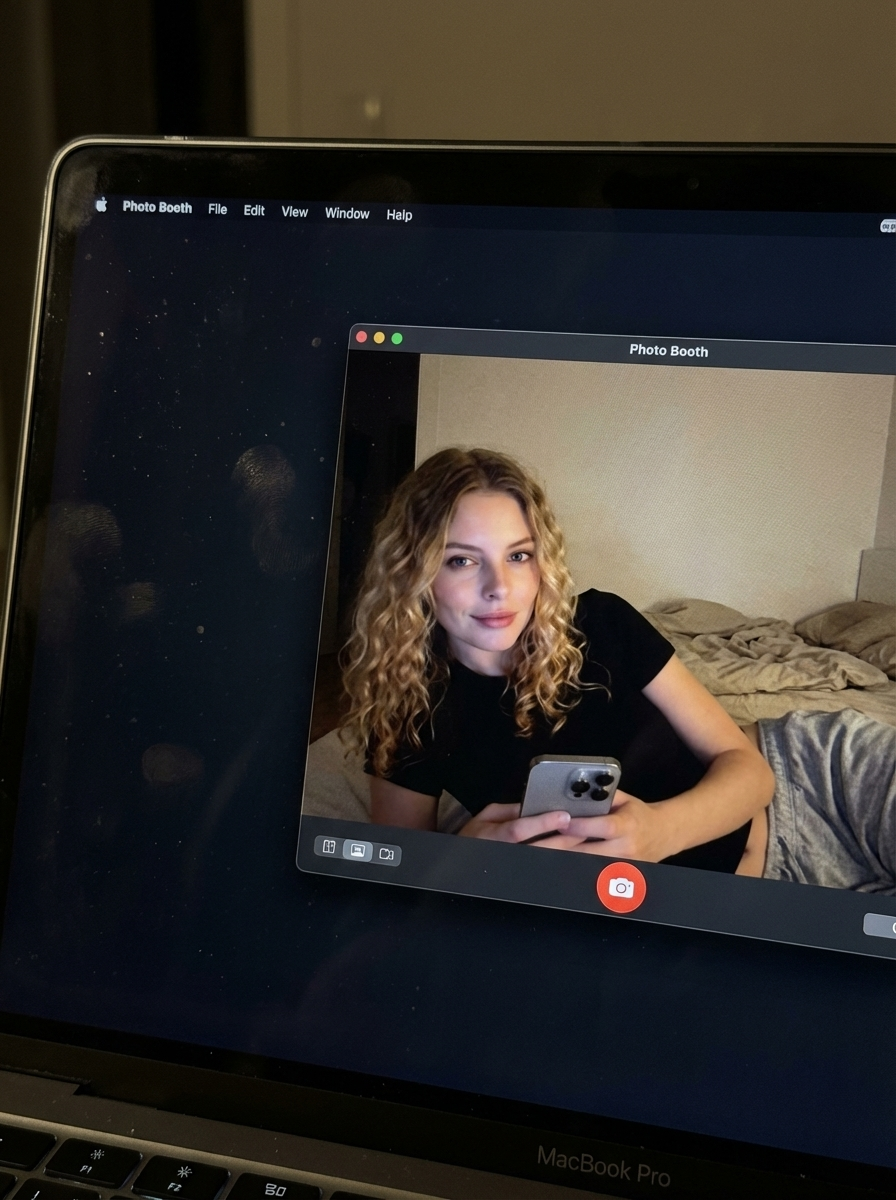
MacBook Screen Simulation Photo Generator with Nano Banana Pro
MacBook Screen Simulation Photo Generator with Nano Banana Pro
Upload Your Photo
By uploading or generating, you confirm you own these photos or have the person's permission, and you won't impersonate real people or celebrities. Responsible use
Quick answer
To do the MacBook Screen Simulation Photo Generator with Nano Banana Pro trend, upload one clear photo where your face is easy to see, then press generate. imageat recreates your photo in the trend's look, and the image is ready to download when it finishes. One generation costs 8 imageat credits; no prompt writing or editing app is needed.
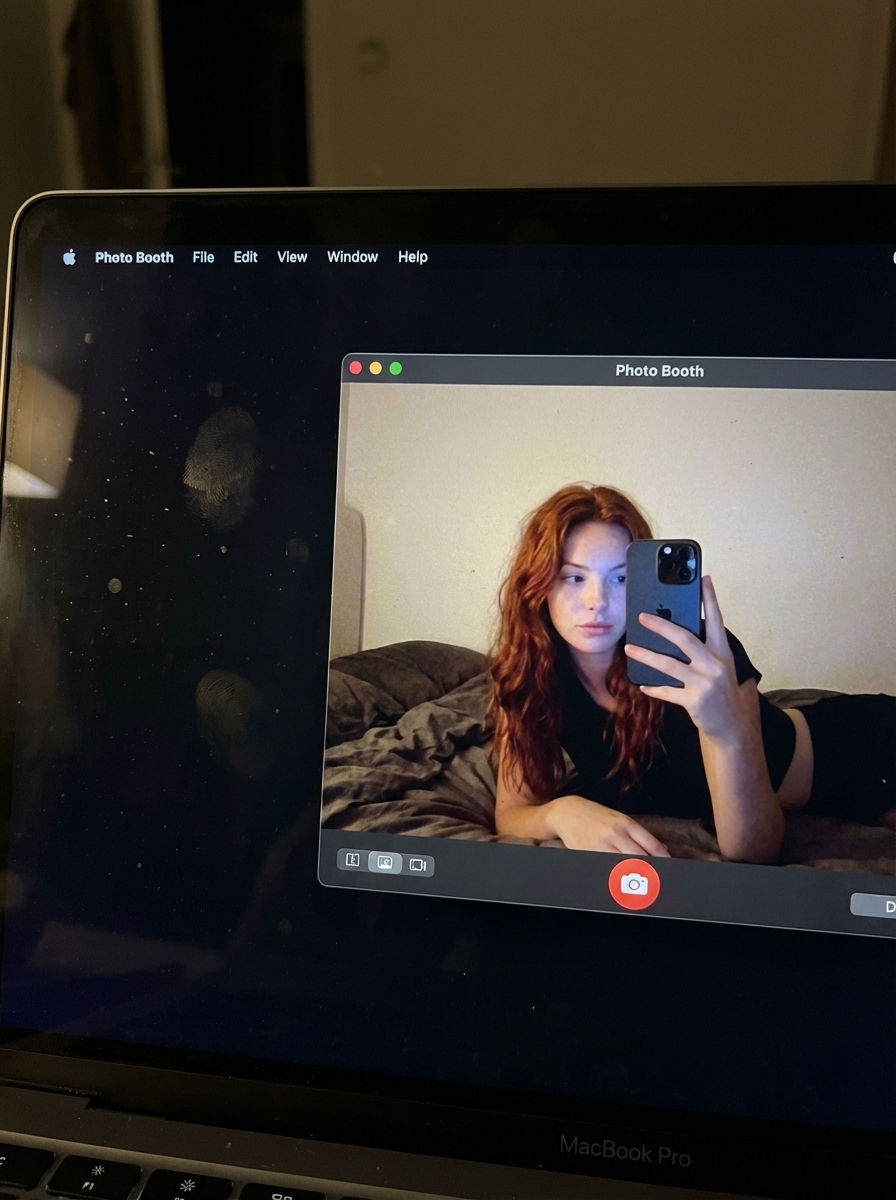
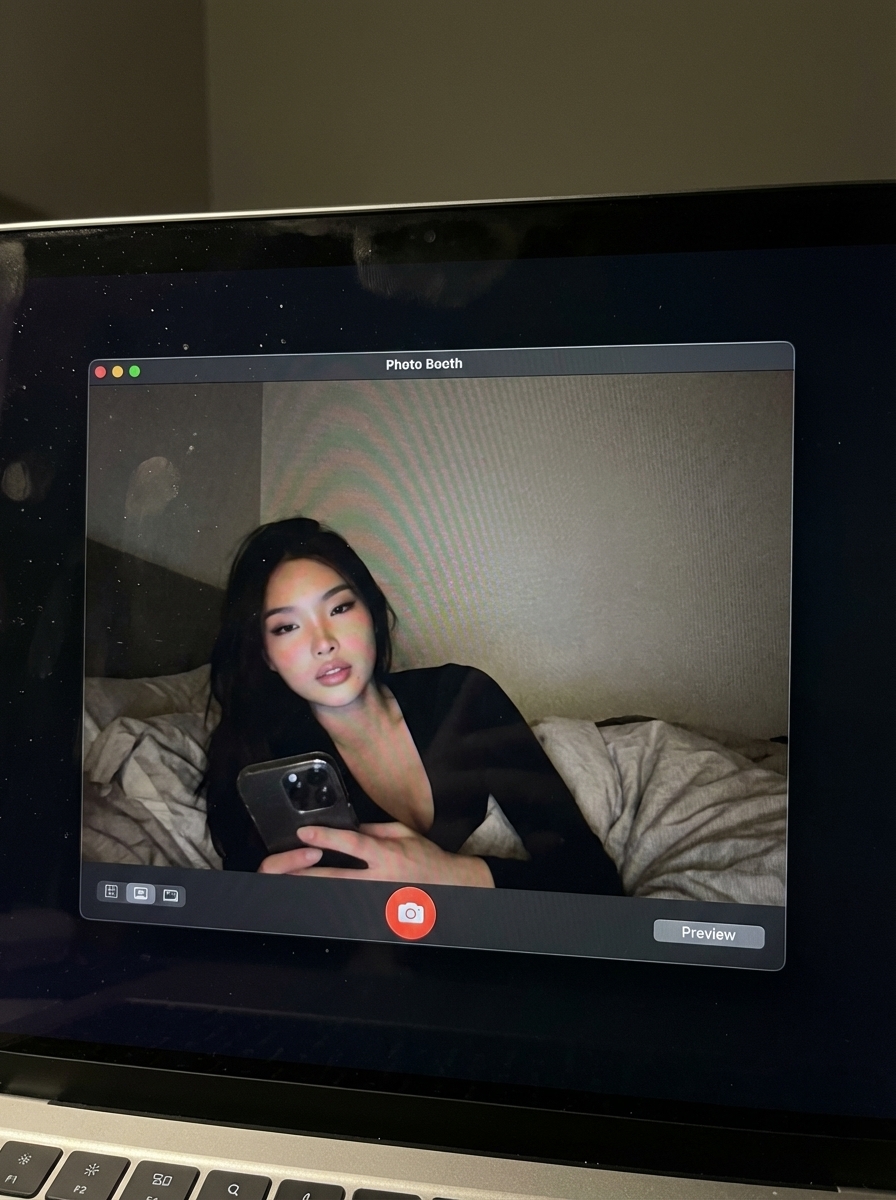
The generated image captures a high-angle shot looking down at a MacBook screen in a dimly lit room. Inside the macOS dark mode display, the Photo Booth application window sits front and center, showing you reclining comfortably in a bedroom with rumpled sheets in the background. The laptop screen includes realistic physical details like faint fingerprint smudges, specks of dust, and subtle ambient light reflections across the glass, with the keyboard edge resting along the bottom. Your uploaded photo supplies your face and identity. The template builds the surrounding scene, including the casual pose, black top, nocturnal bedroom setting, cool webcam glow, and realistic laptop hardware. The final result is a high-resolution vertical image.
What is the MacBook Screen Simulation Photo Generator with Nano Banana Pro?
The MacBook Photo Booth trend gained popularity across TikTok, Instagram, and Pinterest as people shared casual, low-key selfies taken directly with Apple's built-in webcam app. Unlike heavily filtered studio portraits, these shots feature cozy bedroom backgrounds, relaxed poses, and dim screen lighting that feel candid and authentic. Many creators also photograph the physical laptop display from above to show the open application window and keyboard. The MacBook Screen Simulation Photo Generator on imageat recreates this late-night laptop aesthetic from a single clear photo of your face without needing a laptop or webcam setup.
How to Do the MacBook Screen Simulation Photo Generator with Nano Banana Pro Trend
Here is how to make your own version on imageat:
- 1Pick a clear picture of yourself looking at the camera.
- 2Our AI will simulate the MacBook screen and Photo Booth interface.
- 3Save your high-resolution image and post it to your favorite social apps.
Tips for Best Results
- Use a clear, high-quality reference photo.
- Wear dark clothing to match the nocturnal vibe.
- Choose a photo with a natural, relaxed expression.
- Keep your background simple in the source image.
- Try a reclining pose for a more authentic look.
- Ensure your face is well-lit in your original photo.
Best Prompts for MacBook Screen Simulation Photo Generator with Nano Banana Pro
Want more control over the look? Copy one of these prompts and use it in our AI image generator to fine-tune the macbook screen simulation photo generator with nano banana pro style.
MacBook Screen Simulation Photo Generator with Nano Banana Pro look as a clean studio portrait, even softbox lighting, neutral background, crisp skin texture
MacBook Screen Simulation Photo Generator with Nano Banana Pro style during golden hour, warm backlight, lens flare, natural skin tones, bokeh background
MacBook Screen Simulation Photo Generator with Nano Banana Pro aesthetic as a fashion magazine cover, bold styling, sharp detail, professional color grade
MacBook Screen Simulation Photo Generator with Nano Banana Pro effect with vintage 35mm film grain, faded colors, light leaks, nostalgic mood
MacBook Screen Simulation Photo Generator with Nano Banana Pro at a Glance
What to upload
1 clear photos, one per person.
What you get
An AI image, ready to download and post on TikTok, Reels or Shorts.
What it costs
8 imageat credits per image. The price is shown before you generate, and a failed generation is refunded.
FAQs About MacBook Screen Simulation Photo Generator with Nano Banana Pro
Create this trend with imageat
Create unlimited variations beyond the macbook screen simulation photo generator with nano banana pro with imageat's AI image generator.