Prison Scene with Character Consistency Trend
Turn your photos into cinematic jail prison scenes while keeping your face exactly the same.
Example results
Preview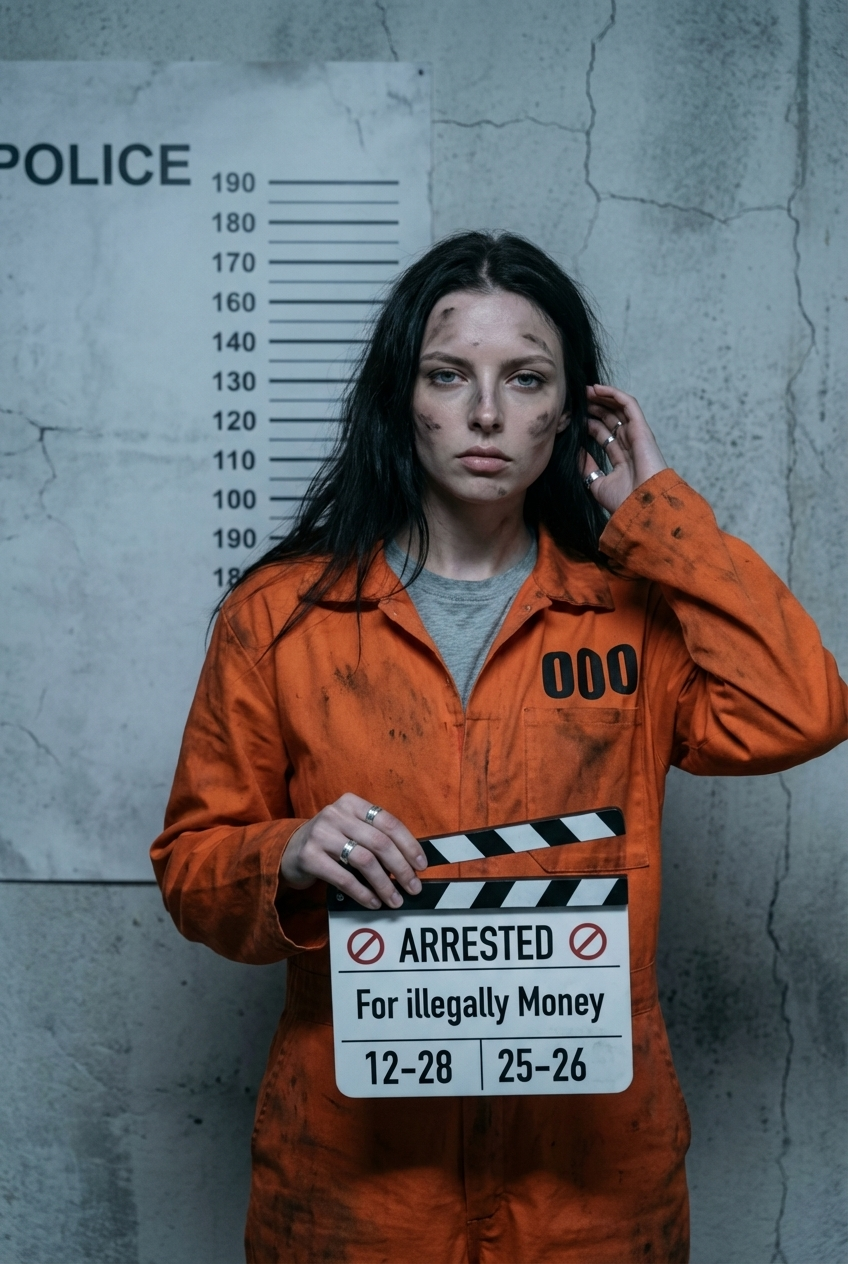
Prison Scene with Character Consistency Trend
Prison Scene with Character Consistency Trend
Upload Your Photo
By uploading or generating, you confirm you own these photos or have the person's permission, and you won't impersonate real people or celebrities. Responsible use
Quick answer
To do the Prison Scene with Character Consistency Trend, upload one clear photo where your face is easy to see, then press generate. imageat recreates your photo in the trend's look, and the image is ready to download when it finishes. One generation costs 8 imageat credits; no prompt writing or editing app is needed.
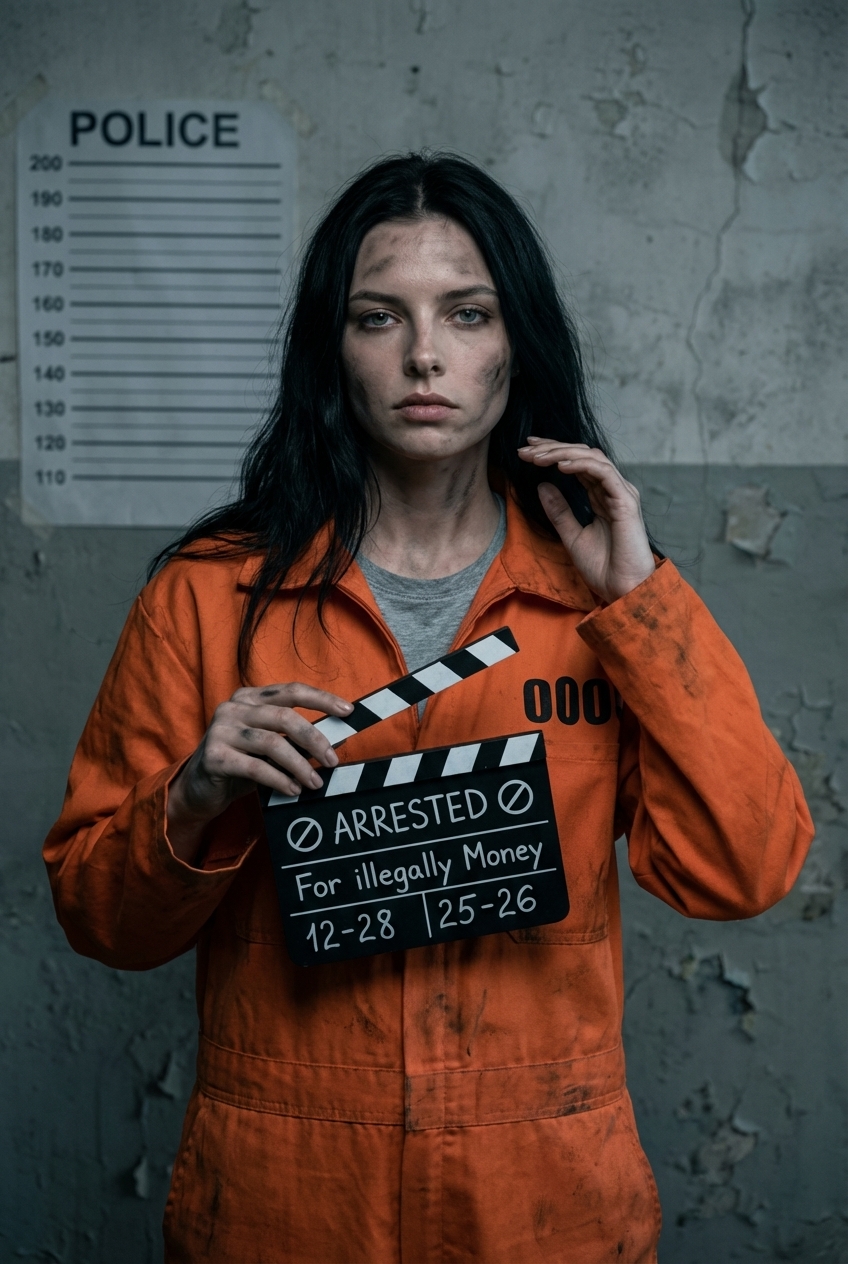
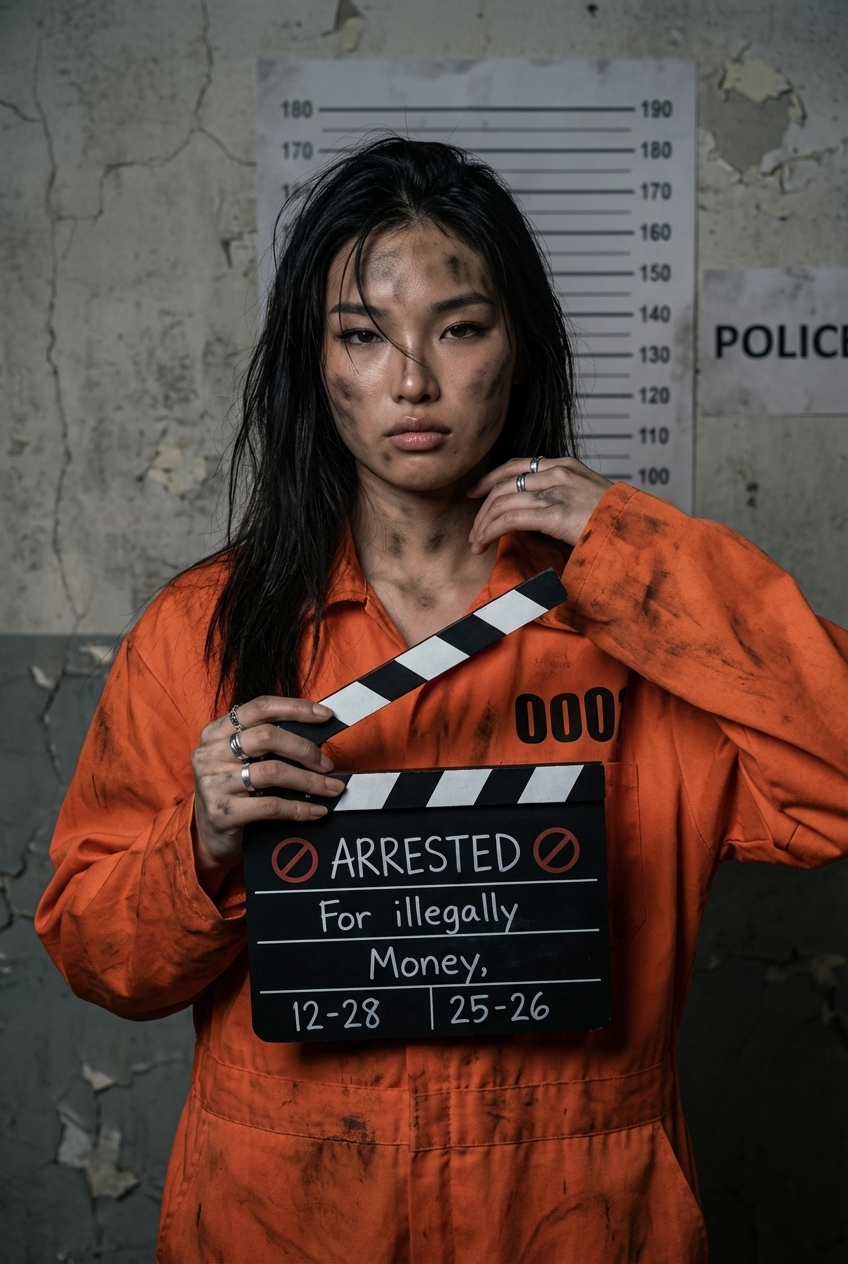
Your finished image shows you as a prisoner standing in front of a cracked concrete wall marked with a police lineup height chart. Dressed in a distressed orange prison jumpsuit smudged with dark soot, your character holds an arrest clapperboard directly toward the camera under cinematic, cool-toned lighting. Your uploaded photo provides your real facial features, eye shape, nose, mouth, and skin tone to maintain character consistency. The jail photo effect supplies the worn boiler suit, subtle soot on your skin, the mugshot slate, and the gritty background. You receive a single high-detail portrait ready to save and share.
What is the Prison Scene with Character Consistency Trend?
The Prison Scene with Character Consistency Trend is an AI portrait style popular across TikTok and Instagram, where creators turn everyday selfies into dramatic jail booking photos. Instead of standard face swaps that distort natural traits, this trend focuses on preserving the user's exact facial structure, skin tone, and expressions while placing them in a correctional scene. The portrait features a distressed orange prisoner jumpsuit, realistic soot smudges, a police height chart wall, and a slate board listing arrest details. On imageat, you upload a single selfie to generate a custom prison mugshot while keeping your natural likeness intact.
How to Do the Prison Scene with Character Consistency Trend
Here is how to make your own version on imageat:
- 1Pick a clear selfie from your gallery and upload it to our tool.
- 2Choose the Prison Scene template from our viral library.
- 3Save your AI photo to your device and post it on social media.
Tips for Best Results
- Use a clear, front-facing selfie.
- Make sure your face is not covered by hair or hands.
- Good lighting in your original photo helps the AI.
- Try different facial expressions for more drama.
- Look directly at the camera for a realistic stare.
- Avoid busy backgrounds in your uploaded photo.
Best Prompts for Prison Scene with Character Consistency Trend
Want more control over the look? Copy one of these prompts and use it in our AI image generator to fine-tune the prison scene with character consistency trend style.
Prison Scene with Character Consistency Trend style portrait, keeping the original face and pose, cinematic lighting, high detail, sharp focus
Prison Scene with Character Consistency Trend aesthetic with soft diffused light, pastel color grade, gentle film grain, shallow depth of field
High-contrast prison scene with character consistency trend version, saturated colors, dramatic rim lighting, glossy editorial finish
Prison Scene with Character Consistency Trend effect at night, neon ambiance, deep shadows, reflective highlights, atmospheric haze
Prison Scene with Character Consistency Trend at a Glance
What to upload
1 clear photos, one per person.
What you get
An AI image, ready to download and post on TikTok, Reels or Shorts.
What it costs
8 imageat credits per image. The price is shown before you generate, and a failed generation is refunded.
FAQs About Prison Scene with Character Consistency Trend
Create this trend with imageat
Create unlimited variations beyond the prison scene with character consistency trend with imageat's AI image generator.