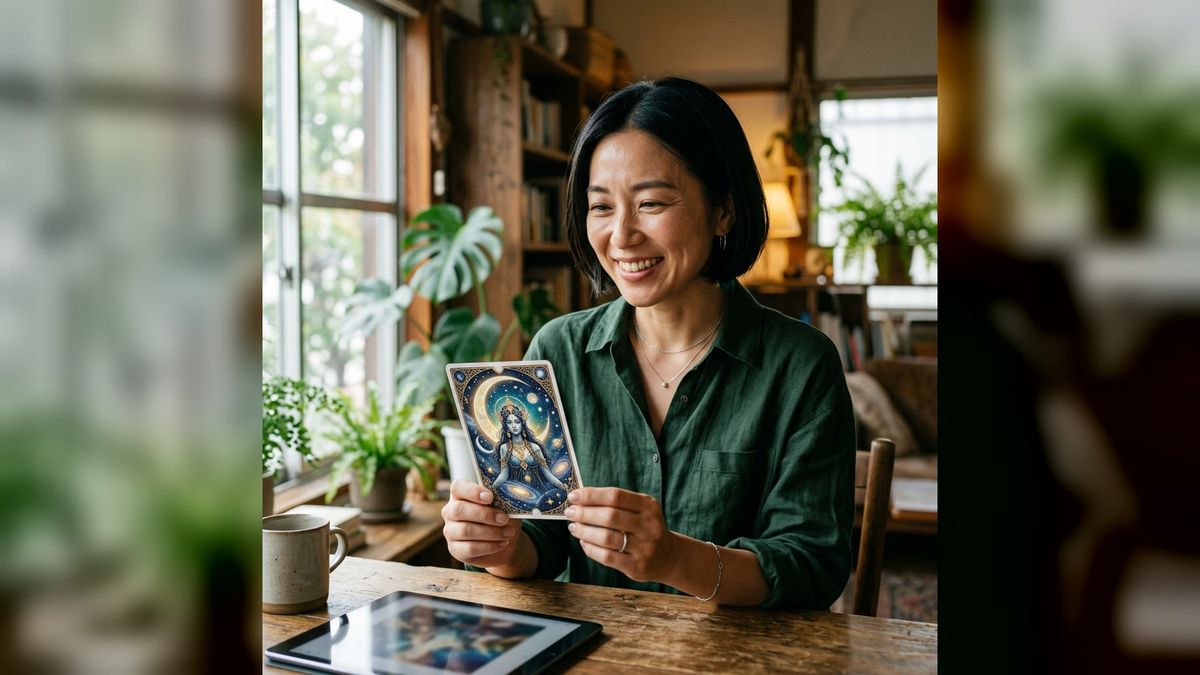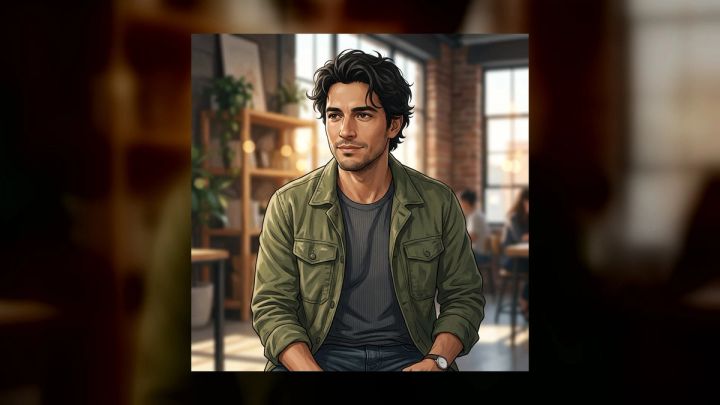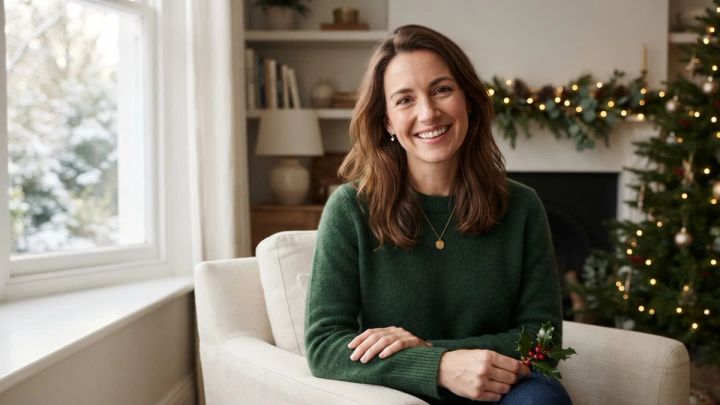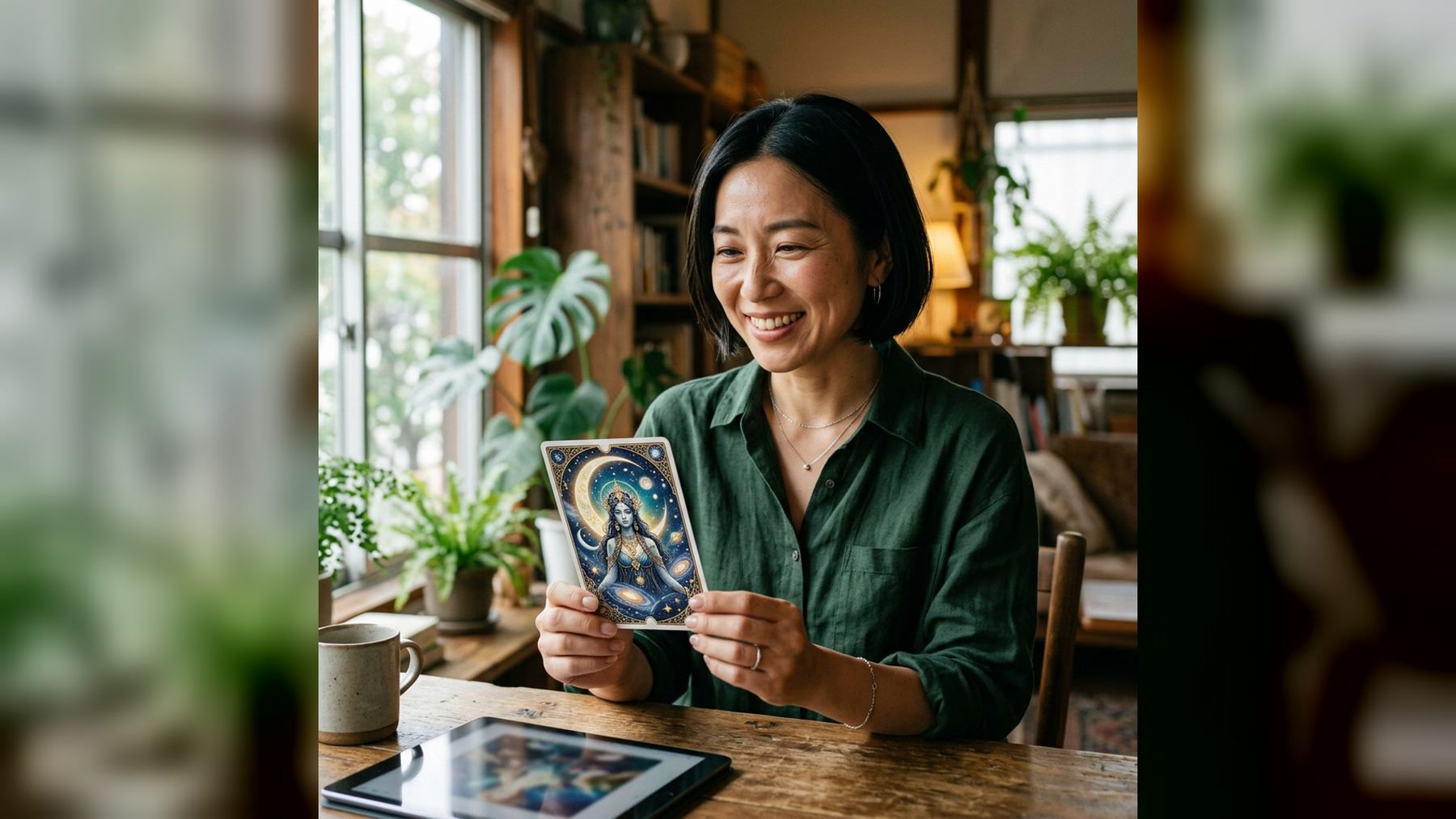
A personal tarot-style portrait can work as fantasy art, a profile image, a party keepsake, or the starting point for an original card concept. The difficult part is usually not finding celestial symbols. It is combining a recognizable face, a clear visual hierarchy, and enough detail to feel ornate without producing a cluttered image.
The imageat AI Tarot Card Generator gives you a focused way to make that first concept. Upload one clear portrait, choose one of three ready-made directions, and generate a polished 4:5 image without writing a prompt. The current pack is designed for fantasy art and entertainment, not divination or guaranteed spiritual guidance.
This guide explains what the pack currently includes, how to prepare a useful source photo, how to choose a style, and how to evaluate the result. You will also learn how to turn one portrait into a more intentional card design without copying an existing deck.
What is an AI tarot card generator?
An AI tarot card generator creates new card-inspired artwork from a reference image or text description. Depending on the workflow, it may transform a portrait into a mystical character, invent a symbolic setting, add an ornate border, and arrange the composition like a collectible card.
The imageat pack starts with one portrait. It is identity-preserving in intent: the setting, styling, lighting, and composition can change while recognizable facial features remain. A generated result is still an interpretation, however. It may simplify small facial details or invent visual elements that were not in the source.
That distinction is useful because “tarot generator” can describe several different tools:
- A card-art generator creates original illustrations or portraits.
- A deck-layout tool helps arrange supplied artwork, labels, and print dimensions.
- A random card picker draws cards from an existing deck.
- An AI reading tool writes an interpretation of selected cards.
The imageat feature belongs to the first category. It creates personalized visual artwork. It does not draw a traditional card for you, interpret a spread, predict events, or replace a print-layout application.
What the current imageat pack includes
The live pack currently offers three visual directions:
- Celestial card
- Moonlit oracle
- Botanical mystic
The Celestial card option is presented as the cleaner, naturally lit direction. Moonlit oracle is the more polished editorial variation, while Botanical mystic is described as a more candid, personal option. These are ready-made choices, so you do not need to specify the border, lighting, styling, or environment in a text prompt.
The workflow accepts JPG, PNG, and WebP portraits. It produces a high-resolution 4:5 result, and the current generation price shown on the page is 6 credits. Uploads are used to create the requested result and are not automatically published to the community gallery.
Product details can change, so confirm the live options and credit cost before starting a larger set.
Choose a source portrait that gives the AI useful information
The finished card depends heavily on the source image. Ornate decoration cannot rescue a face that is tiny, blurred, or hidden. Start with a portrait that makes your identity easy to read.
Use a clear head-and-shoulders composition
A close portrait gives the generator more facial information while leaving enough room for costume and symbolic details. Your head should not touch the top edge, and the shoulders should be visible if possible. Avoid a distant full-body photo unless the face remains sharp.
Keep the face unobstructed
Choose an image without sunglasses, heavy motion blur, a hand over the face, or hair covering both eyes. A direct or slight three-quarter angle is easier to transform than an extreme profile. A natural expression also gives the new artwork room to change mood without distorting the face.
Prefer even, neutral light
Window light or soft outdoor shade is a strong starting point. Hard colored lighting can be attractive, but it may influence skin color and make identity preservation more difficult. Let the selected pack add the mystical lighting rather than baking an unrelated effect into the source.
Use one person
The pack asks for one clear portrait. A group image introduces ambiguity about which person should become the subject. Crop the intended person first, or prepare the image with the AI photo editor.
Avoid heavily processed inputs
Beauty filters, artificial sharpening, and compressed social-media screenshots can remove useful texture. Upload the cleanest available original. If the file is too small, the image upscaler can help prepare a larger working copy, although upscaling cannot restore facial information that was never captured.
How to turn a photo into tarot-style card art
The pack keeps the generation process short, but a deliberate workflow improves your chances of getting a result you will actually use.
1. Decide what the image is for
A profile image needs a face that remains clear at small size. A party invitation can support a more theatrical environment. A printed card prototype needs clean edges and enough empty space for later layout work.
Write one sentence before generating: “This image will be used as…” That small decision helps you judge the result based on its purpose rather than on detail alone.
2. Prepare and upload the portrait
Open the AI Tarot Card Generator and upload a sharp JPG, PNG, or WebP image. Check the preview for accidental cropping. If your face occupies only a small part of the frame, make a tighter crop first.
Only upload a photo you have the right and permission to use. Do not turn another person into mystical, religious, or identity-sensitive artwork without their knowledge.
3. Choose one of the three directions
Start with the direction that matches your intended mood:
- Pick Celestial card when you want the clearest general-purpose portrait concept.
- Try Moonlit oracle when the project calls for a more dramatic, polished visual.
- Use Botanical mystic when a warmer or more personal atmosphere fits the idea.
These are creative starting points rather than strict templates. The generated details can vary with the source portrait.
4. Generate one controlled test
Make one result before producing several versions. Inspect the face, hands, card edges, repeated motifs, and background geometry at full size. If the identity is weak, change the source portrait before spending credits on more variations.
5. Download the strongest version
Save the original download rather than a screenshot. Keep the source portrait and generated file together so you can compare them and return to the same project later.
Build an original card concept instead of copying a deck
Tarot-inspired art has a recognizable visual language: framed compositions, celestial objects, botanical motifs, dramatic symmetry, and archetypal characters. You can use that broad language without reproducing a specific commercial card or living artist’s signature style.
Before generating, choose three ingredients:
- A role: navigator, gardener, storyteller, guardian, dreamer, or messenger.
- A symbol family: stars, keys, birds, mirrors, flowers, rivers, maps, or lanterns.
- A mood: hopeful, contemplative, mysterious, playful, calm, or triumphant.
For example, “a calm navigator with stars, maps, and deep blue light” is a coherent concept. “Every mystical symbol at once” is not. A limited theme gives the image a stronger focal point.
If you later want to build custom companion art outside the ready-made pack, the AI image generator supports a more open-ended workflow. Useful starting prompts include:
- “Original celestial card illustration of a thoughtful navigator, midnight blue and warm gold palette, symmetrical frame, stars and hand-drawn maps, centered portrait, intricate but uncluttered, no words, no logo.”
- “Original botanical oracle-style artwork, calm gardener surrounded by herbs and white flowers, soft dawn light, engraved border, balanced composition, no title, no readable text.”
- “Fantasy card portrait of a lantern-bearing storyteller in a moonlit library, deep green and amber palette, ornamental frame, clear face, subtle paper texture, no existing deck symbols, no typography.”
These prompts deliberately request no readable text. Image models often render letters inconsistently. Add the final title and number later in a design application if your project needs typography.
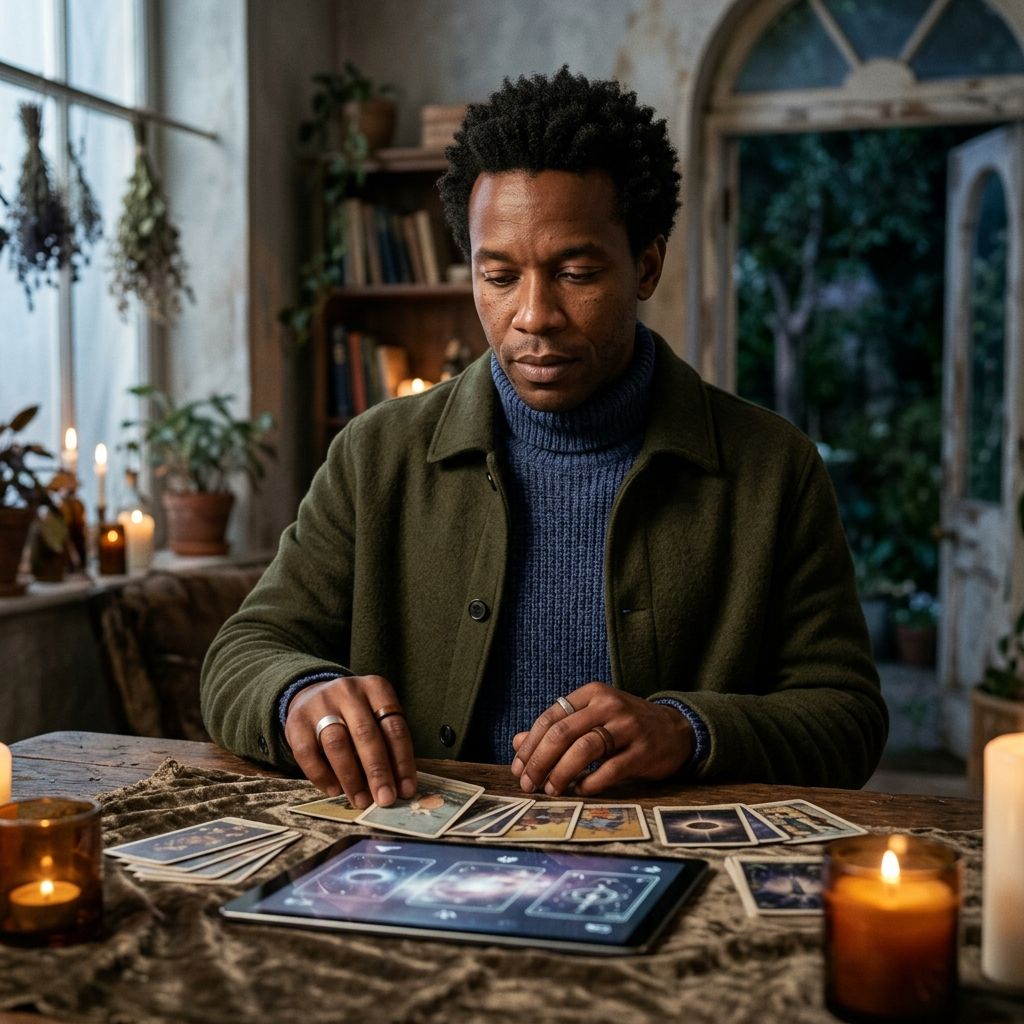
How to evaluate the generated card
A detailed result can feel impressive at first glance and still fail in practical use. Review it in layers.
Face and identity
Does the person remain recognizable? Look at eye shape, brows, nose, smile, face proportions, and hairline. Do not accept a beautiful image that turns the subject into a different person if likeness matters to the project.
Composition
The face should be the main focal point. Decorative elements can guide the eye inward, but they should not compete with the subject. Check whether a crop for a profile image would remove essential details.
Anatomy and objects
Inspect hands, fingers, jewelry, card edges, and repeated objects. Small anomalies are easier to notice after the initial “wow” effect passes. If a detail looks wrong, regenerate or crop it out rather than hiding it with more decoration.
Symbols
Ask what each prominent symbol appears to communicate. AI can combine motifs without understanding their cultural or spiritual context. Remove or avoid elements that could be misleading, disrespectful, or inconsistent with your intended theme.
Text and borders
Zoom in on labels, numbers, and decorative marks. Treat garbled pseudo-writing as an image defect. For a clean card prototype, generate the art without typography and add real text during layout. Borders should also be checked for asymmetry, broken corners, and accidental duplication.
Small-size readability
Reduce the image to the size it will appear on a profile, invitation, or social post. If the face disappears into the detail, make a tighter crop. A design that works at full resolution does not automatically work as a thumbnail.
Practical ways to use the finished image
A personal mystical portrait can become more than a one-off post:
- Use a face-forward crop as a fantasy profile image.
- Make a themed invitation for a consented private gathering.
- Create an original character reference for a story or tabletop game.
- Build a three-image mood board by pairing the portrait with matching symbols and environments.
- Print a personal keepsake after checking the printer’s bleed, color, and resolution requirements.
- Animate the portrait as a subtle short video after preparing it for an image-to-video workflow.
If you create multiple cards, keep the palette, border weight, framing, and symbol density consistent. A set feels coherent when the design rules repeat, even if the subjects and moods change.
Responsible use and important limits
Treat the output as creative artwork. It is not evidence of supernatural ability, a guaranteed reading, or a prediction about health, money, relationships, or other high-stakes decisions. If you share it in a context where people could mistake it for handmade commissioned art or a real event, label it as AI-generated.
Use your own portrait or obtain clear permission. Avoid impersonation, deceptive endorsements, and unwanted spiritual characterization of another person. For commercial work, review the current imageat terms and plan details, and confirm that any added fonts, symbols, or design assets are licensed for your intended use.
Frequently asked questions
Can I make a tarot card from my photo?
Yes. Upload one clear portrait to the imageat AI Tarot Card Generator, choose Celestial card, Moonlit oracle, or Botanical mystic, and generate a 4:5 card-inspired image. The pack is designed to preserve recognizable features while changing the styling and setting.
Do I need to write a prompt?
No. The current pack uses three ready-made directions. If you want to invent a more specific environment or symbol set later, use a general image-generation workflow and describe the role, symbols, palette, framing, and mood.
Does it create a tarot reading?
No. It creates original visual artwork from a portrait. It does not draw cards, interpret a spread, or provide reliable spiritual or predictive guidance.
Which photo format can I upload?
The live feature page currently accepts JPG, PNG, and WebP. A sharp, front-facing portrait with even light is the strongest starting point.
How much does one generation cost?
The page currently shows 6 credits per generation. Check the live feature before generating because product options and credit costs can change.
Will the generated card still look like me?
The workflow is designed to retain recognizable facial features, but every result is an AI interpretation. A clear portrait improves the odds. Review the output closely rather than assuming the likeness is accurate.
Are uploaded portraits automatically public?
The feature page says uploads are not automatically published to the community gallery. Continue to use only images you have permission to upload and review the current privacy and product terms for sensitive projects.
Can I print the result as a physical card?
You can download the high-resolution result and test a personal print, but a production-ready card requires additional layout work. Add real typography separately, set bleed and safe areas, confirm resolution, and order a proof before printing a full set.
Create a focused first card
The strongest personal card art begins with a good portrait and a narrow visual idea. Choose one role, one family of symbols, and one mood. Generate a clean first version, inspect the identity and details at full size, then refine only what the project needs.
Explore the current directions in the imageat AI Tarot Card Generator, or browse more guided ideas on the AI photo packs page.