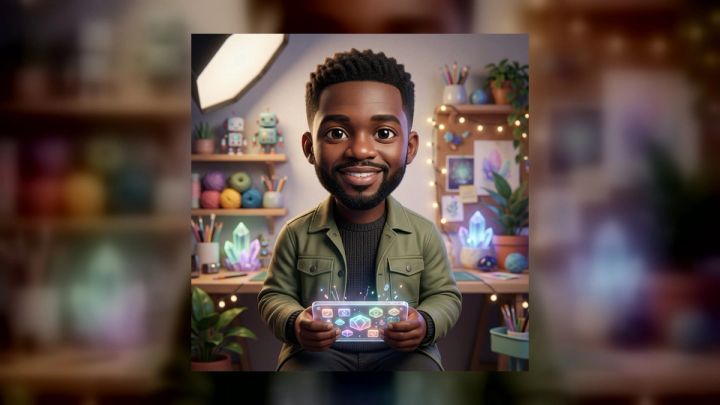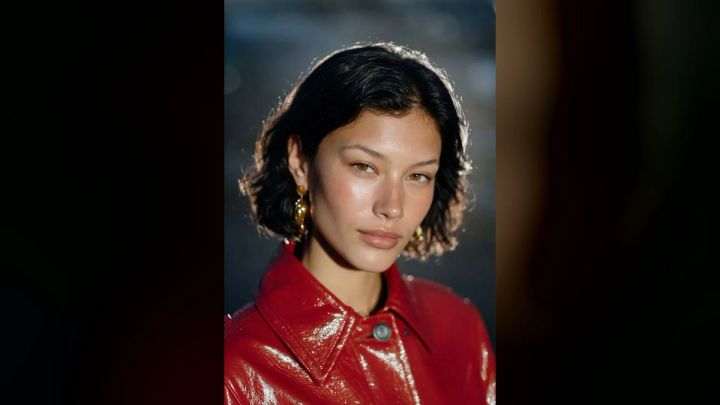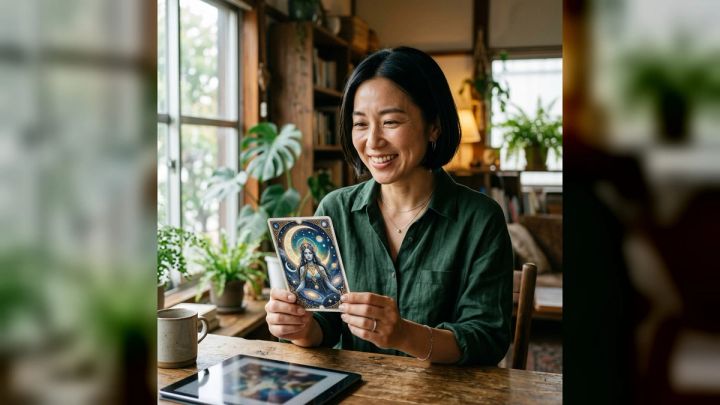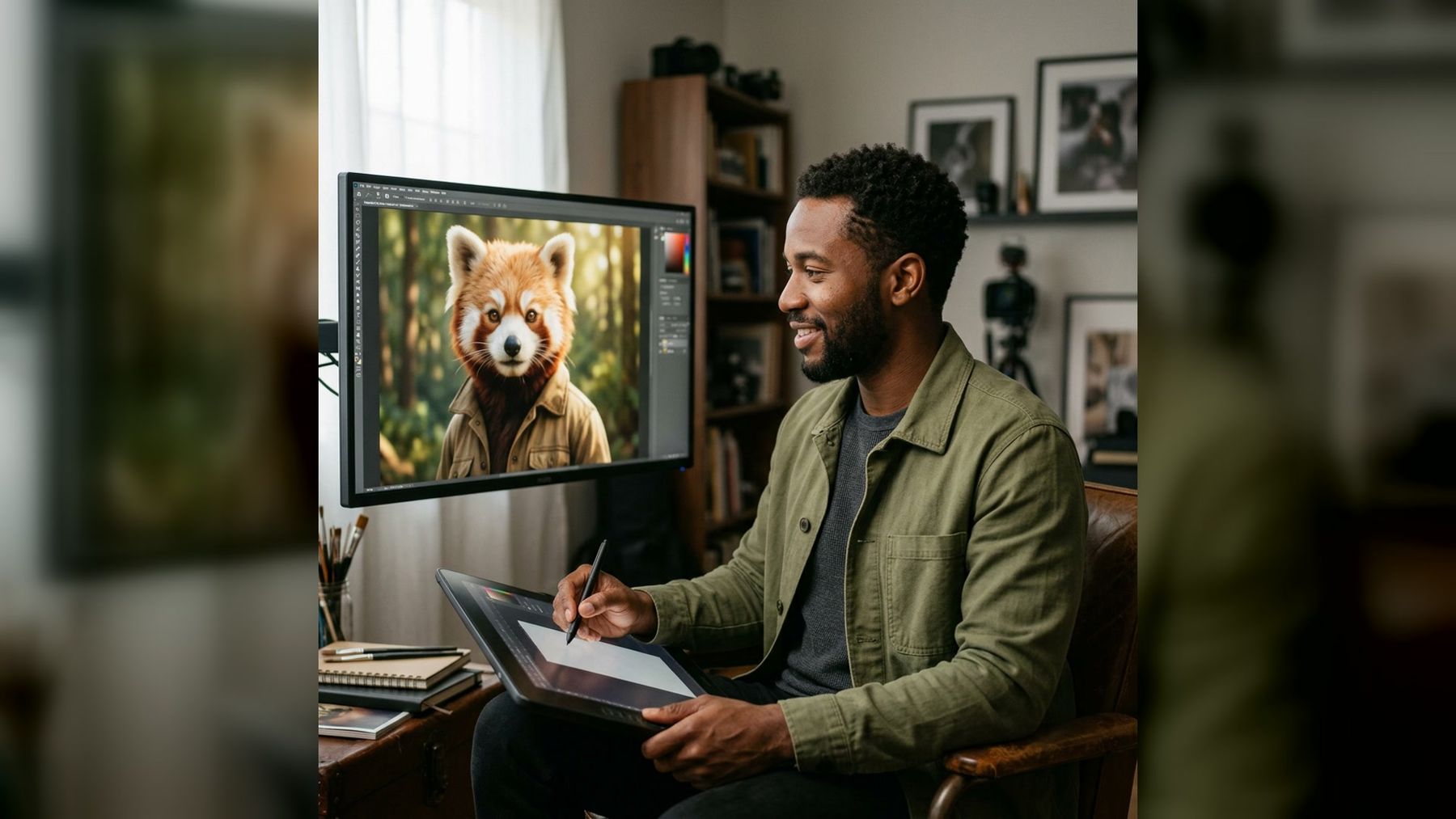
Creating a fursona often begins with a surprisingly difficult question: what should the character actually look like? Species, color palette, clothing, expression, and setting all contribute to the design. When every choice is open, it can be hard to produce a first visual that feels coherent.
The imageat AI Furry Character Generator gives you a focused way to explore that first concept. Upload one clear portrait, choose one of three ready-made directions, and generate a polished 4:5 anthropomorphic character image. There is no prompt to write, and the workflow is designed to carry recognizable cues from your portrait into a new character-art setting.
This is best treated as an ideation tool, not a complete character-sheet builder. It can help you discover a mood, silhouette, and visual direction quickly. You can then review the result, record the features you want to keep, and develop a more detailed original character from there.
What is an AI furry character generator?
An AI furry character generator creates artwork built around an anthropomorphic character: an animal-inspired figure with human-like expression, clothing, posture, or storytelling context. Depending on the workflow, the input might be a text prompt, a sketch, or a portrait.
The imageat pack uses a portrait-led workflow. The live page currently asks for one JPG, PNG, or WebP image and recommends a sharp, front-facing photo. It then changes the setting, styling, lighting, and composition while aiming to preserve recognizable facial cues. The result is a high-resolution 4:5 image made for character art and entertainment.
That distinction matters. This pack is not a random tarot-style draw, a character chat, or a species-by-species avatar editor. It is a quick visual transformation based on your portrait and one of three curated art directions.
Why start a fursona concept from a photo?
A portrait provides the generator with a stable emotional reference. Your expression, face angle, and general presence can influence how the resulting character feels, even though the final artwork is anthropomorphic.
Starting from a photo can be useful when you want the character to feel connected to you without becoming a literal copy. The generated image may suggest:
- A facial expression that fits the character’s personality.
- A warm, cool, natural, or neon color direction.
- Clothing that supports a particular role or setting.
- A visual balance between animal features and human posture.
- An illustration mood worth developing into a fuller design.
It can also reduce blank-page pressure. You are not committing to the first result as a permanent identity. You are creating a concrete reference you can react to: keep this mood, change that palette, simplify the outfit, or try a different environment.
What the imageat pack currently includes
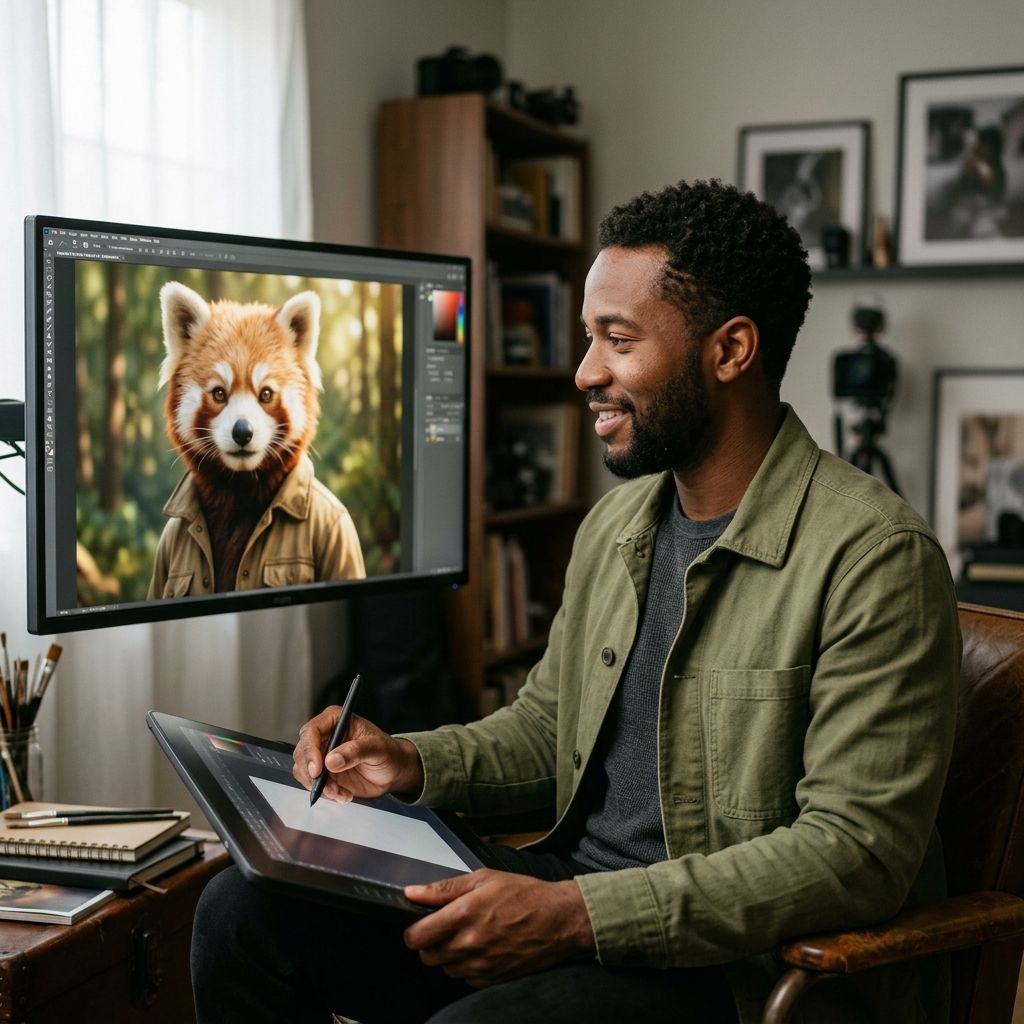
The AI Furry Character Generator offers three ready-made directions. Each one emphasizes a different storytelling context.
Studio character
Studio character is the cleanest option. The live page describes it as a natural portrait direction with flattering light. Choose it when you want the character itself to be the main subject and you prefer a relatively neutral starting point.
This direction can work well for profile-picture concepts, character introductions, expression studies, and early design reviews. A simpler environment also makes it easier to judge the face, clothing, and overall silhouette.
Fantasy forest
Fantasy forest adds a more dramatic editorial atmosphere. It suits woodland species, ranger or druid concepts, folklore-inspired characters, and designs built around natural materials.
Use the environment as inspiration rather than assuming every visible detail must become permanent canon. You might keep the earthy palette and adventurous mood while replacing complicated accessories in a later iteration.
Neon city
Neon city moves the concept toward an urban, nightlife, or science-fiction mood. It can suit techwear, streetwear, cyberpunk, performer, courier, or city-explorer characters.
Strong environmental color can make an image memorable, but check the character in neutral light later. A palette that works under neon illumination may need adjustment before it becomes a reusable reference.
Prepare a source portrait that gives the generator useful information
The quality of the input affects how clearly the workflow can interpret your expression and facial structure. You do not need a professional headshot, but the photo should be deliberate.
Use clear, even light
Choose a picture where both eyes, the nose, mouth, and main facial contours are visible. Soft window light is usually more useful than a dim room or a harsh overhead spotlight.
Avoid blown highlights, deep shadows across half the face, and strong color filters. The source should describe your features rather than obscure them.
Keep your face large in the frame
A head-and-shoulders portrait is generally more useful than a distant full-body photo. Tiny group-photo crops contain less facial information and may become soft when enlarged.
Leave a little room around the hair and shoulders, but do not make the generator search for you inside a busy scene.
Prefer a front-facing or gentle three-quarter angle
The feature page recommends a sharp, front-facing source. A modest three-quarter turn can still provide a natural portrait, but an extreme profile gives the workflow less information about the hidden side of the face.
Sunglasses, hands over the mouth, heavy motion blur, masks, and hair covering both eyes can also reduce consistency.
Pick an expression that supports the intended personality
A relaxed source can support a thoughtful, friendly, or reserved character. A confident expression can fit an explorer, performer, or leader. A playful expression may suit an energetic social avatar.
The generator can change the setting and styling, but starting with a compatible emotional signal usually gives you a clearer design direction.
Use a photo you are allowed to transform
Upload your own portrait or an image you have permission to use. Do not use another person’s face to impersonate them, imply an endorsement, or create deceptive profile content.
Step by step: create a furry character concept from your photo
The pack is intentionally short and does not require prompt engineering.
- Open the character pack. Visit the imageat AI Furry Character Generator and review the current examples and directions.
- Upload one portrait. Select a clear JPG, PNG, or WebP file using the source-photo guidance above.
- Choose a direction. Pick Studio character, Fantasy forest, or Neon city according to the mood you want to explore.
- Generate the image. The live page currently lists the generation at 6 credits. Check imageat pricing before generating if you need the latest credit options.
- Inspect the full-size result. Review the eyes, muzzle, ears, hands, clothing edges, accessories, and background objects.
- Download only a result you are comfortable using. Keep the original file so you have the best available resolution for later crops and edits.
Uploads are used to create the requested result and are not automatically published to the community gallery, according to the current feature page.
Turn one generated image into a useful character brief
A visually appealing portrait is not yet a complete fursona specification. After generation, convert what you like into written decisions. This makes the concept easier to redraw, commission, or expand consistently.
Use a brief with these fields:
- Species inspiration: What animal traits are visible, and which should remain?
- Core colors: Choose two or three dominant colors instead of recording every lighting variation.
- Markings: Note any face, ear, tail, or limb patterns worth keeping.
- Personality: Describe the character in three adjectives.
- Clothing: Identify the one or two garments that communicate the role best.
- Setting: Decide whether the environment is part of the character’s story or only visual atmosphere.
- Signature detail: Select one memorable accessory, motif, or silhouette feature.
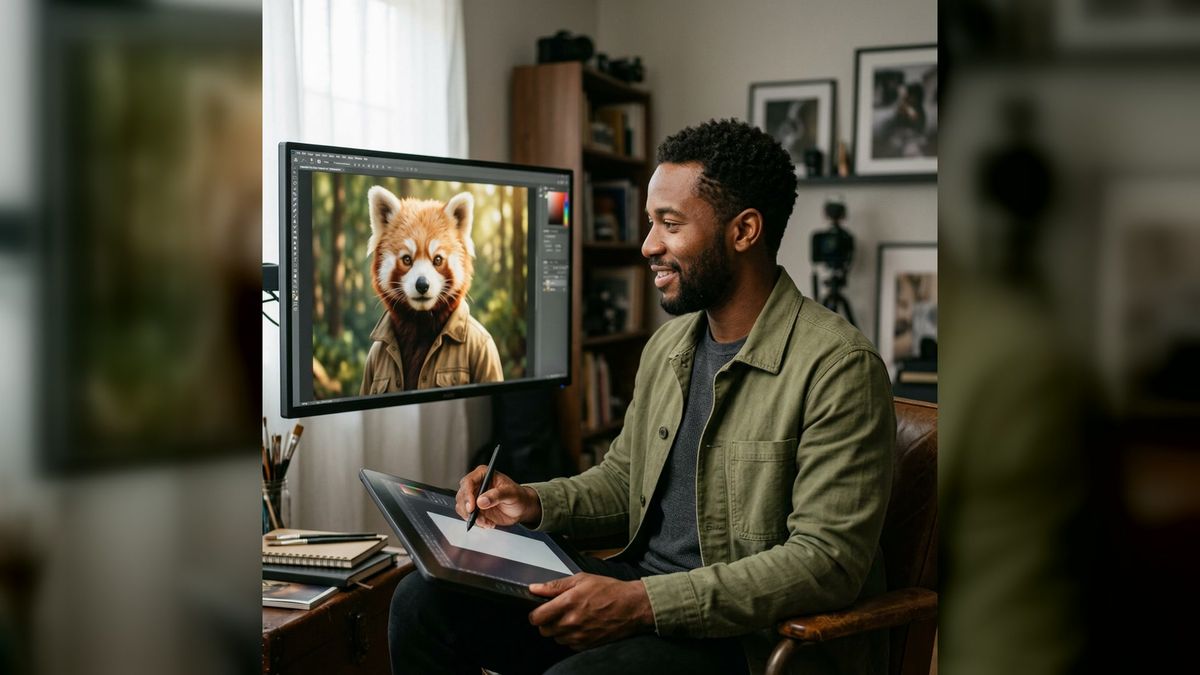
For example, a Fantasy forest result might become: red-panda-inspired explorer; rust, cream, and forest green; calm, curious, resourceful; short field jacket; leaf-shaped clasp; woodland home. That short description is more reusable than trying to reproduce every pixel of one generated scene.
Three concept briefs to guide your choices
The pack does not accept prompts, but a brief can help you choose a direction and evaluate the output.
Friendly community avatar
Choose Studio character. Look for an open expression, uncluttered framing, and a silhouette that remains readable in a small circular crop. Keep accessories simple so the face remains the focus.
After downloading, test a square crop with the imageat AI Avatar Generator workflow in mind. Do not crop so tightly that the ears or hairstyle are cut awkwardly.
Woodland adventurer
Choose Fantasy forest. Focus on an earthy palette, practical clothing, and one role-defining detail such as a satchel, clasp, map case, or natural motif.
Avoid keeping every decorative object. A strong original character is often easier to recognize when the design has one clear visual story rather than ten unrelated fantasy props.
Neon city courier
Choose Neon city. Look for a bold silhouette, controlled accent color, and clothing that suggests movement. Decide whether the neon color belongs to the character’s permanent palette or only comes from the environment.
If you later create new scenes with the imageat AI Image Generator, your written brief can help you describe the character without depending on the exact original background.
How to evaluate an AI-generated fursona concept
Review the result in three passes rather than deciding based on the first impression.
1. Check anatomy and image quality
Zoom in and inspect the eyes, paws or hands, teeth, ears, tail, clothing seams, and overlapping objects. Look for duplicated accessories, inconsistent markings, accidental symbols, or shapes that merge into the background.
AI-generated output is a design draft. Rejecting a flawed result is part of the workflow, not a failure of creativity.
2. Check character coherence
Ask whether the species cues, clothing, environment, and personality appear to belong to the same character. A quiet studio portrait and a neon action outfit can both work, but combining every possible aesthetic usually weakens the identity.
Try to describe the design in one sentence. If that sentence becomes a list of unrelated ideas, simplify the brief.
3. Check originality and intended use
Do not present the character as an official version of an existing copyrighted character. Avoid copied logos, signature costumes, and distinctive franchise-specific details. Use the result as inspiration for an original identity.
If you plan to use the art commercially, review imageat’s current terms and any requirements of the marketplace, publisher, or platform where it will appear. A social avatar, private concept reference, commissioned character sheet, and merchandise design can involve different practical considerations.
Refine the image without losing the core idea
Small corrections are often more useful than repeatedly changing the entire design. The imageat AI Photo Editor can support follow-up visual edits when a particular area needs attention.
When refining, keep a simple change log:
- Preserve the face shape and expression.
- Keep the selected species cues.
- Remove accidental or unnecessary accessories.
- Standardize the palette.
- Clarify one clothing detail at a time.
- Maintain the same signature marking across versions.
If a crop is a little soft but the underlying detail is sound, the imageat Image Upscaler may help prepare a larger version. Upscaling cannot repair confused anatomy or invent missing facial detail reliably, so regenerate from a clearer source when the structure itself is wrong.
For more focused portrait transformations, browse the imageat photo packs. Keep each project visually coherent instead of combining several unrelated pack styles in one character.
Common mistakes to avoid
Treating the first result as a finished character sheet
A single 4:5 portrait does not define side views, back markings, height, expressions, paws, tail structure, or outfit construction. Use it as a concept image, then document the missing decisions.
Choosing a style only because it is dramatic
Neon light or a fantasy background can look impressive while distracting from the character. Choose the direction that supports the intended personality and use case.
Ignoring small generated artifacts
Tiny errors become more noticeable in profile images, prints, and close crops. Inspect the full-resolution download before publishing it.
Copying an existing character too closely
A familiar costume or marking may feel like a shortcut, but it reduces originality and can create rights concerns. Build a distinct combination of species inspiration, palette, personality, clothing, and signature detail.
Using the generated image deceptively
AI character art is appropriate for entertainment and creative exploration. Do not use another person’s likeness without permission or misrepresent AI-generated work as a documentary photograph.
Frequently asked questions
Does the imageat AI Furry Character Generator require a prompt?
No. The current pack uses three ready-made directions: Studio character, Fantasy forest, and Neon city. You upload a portrait and select a style.
What file formats can I upload?
The live feature page currently lists JPG, PNG, and WebP.
What aspect ratio does it create?
The page describes a polished 4:5 result. That format works well for portrait artwork and can be cropped carefully for profile images.
Will the generated character still look like me?
The workflow is designed to preserve recognizable facial cues while changing the setting, styling, lighting, and composition. A clear, front-facing portrait provides the strongest reference.
Is this a complete fursona maker?
It is best used as a portrait-led concept generator. It does not replace a full character sheet with multiple views, exact markings, expressions, and construction details.
Are uploads automatically public?
No. The current feature page states that uploads are not automatically published to the community gallery.
Can I use the result as a social avatar?
The page says downloaded results can be used on profiles and social channels, subject to imageat’s terms and the rules of the third-party platform. Check the crop at small size before posting.
How can I make later versions more consistent?
Write a character brief covering species inspiration, palette, markings, personality, clothing, setting, and one signature detail. Use that brief when editing or generating additional artwork.
Create the first concept, then make it your own
The most useful AI character workflow does not ask you to accept every generated decision. It gives you something concrete to evaluate. From there, your taste and storytelling turn the image into a more intentional original character.
Start with one sharp portrait, select the direction that best matches the personality you have in mind, and create a first concept with the imageat AI Furry Character Generator. Then inspect the result carefully, write down the strongest design choices, remove accidental details, and develop a character that can remain recognizable beyond one image.