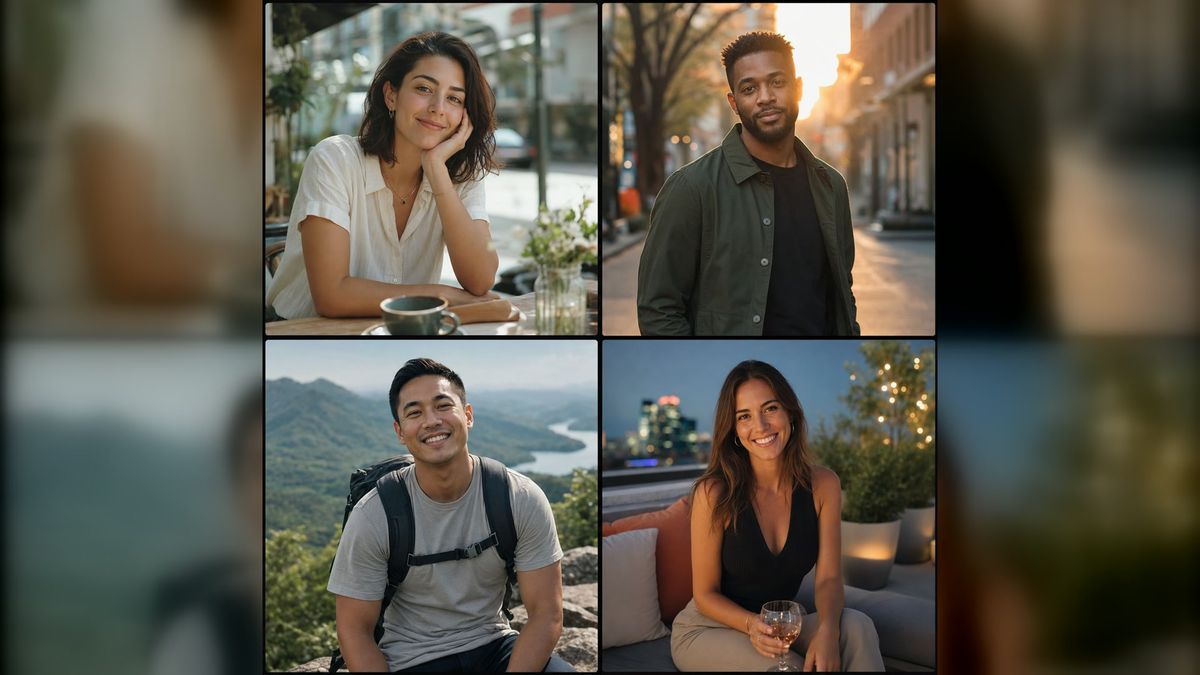
A strong dating profile does not need to look like a professional campaign. It should make you recognizable, approachable, and easy to imagine meeting in real life. The problem is that many people have a camera roll full of group shots, old selfies, and six nearly identical close-ups.
The AI Dating Photo Generator from imageat offers a practical way to fill those gaps. You upload one clear selfie, choose one of ten ready-made lifestyle scenes, and create a 4:5 portrait designed for a dating profile. The goal is not to invent a new identity. It is to present a believable version of you in a setting that communicates something useful: warmth, confidence, curiosity, or social energy.
This guide explains how to choose the right source photo, build a varied profile set, evaluate generated images honestly, and avoid the polished-but-generic look that makes an AI dating photo less convincing.
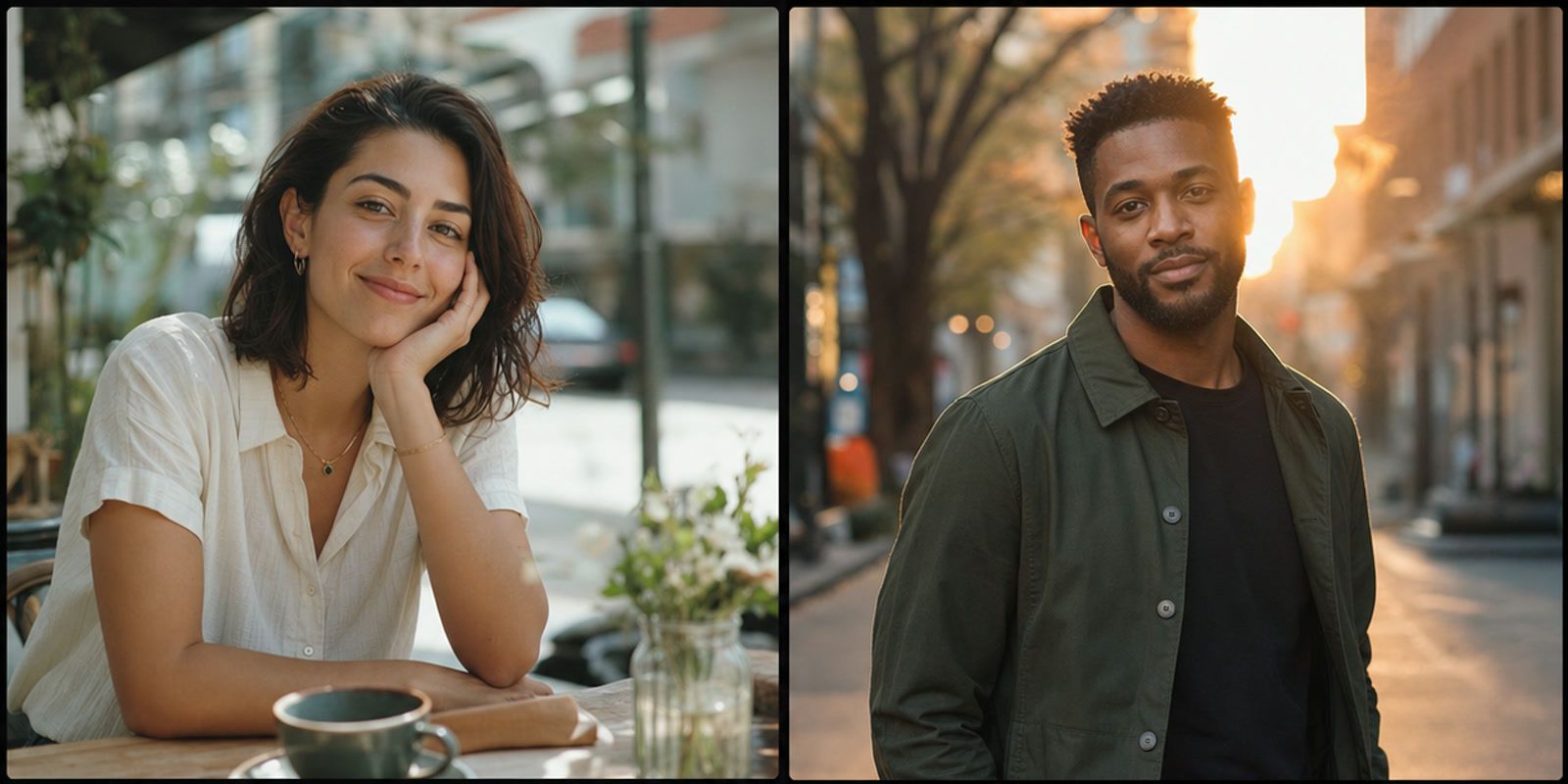
What makes a good dating profile picture?
A good dating photo does more than show your face. It answers several questions quickly: What do you look like now? What is your energy like? What might spending time with you feel like? Is there anything in the image that could start a conversation?
The best profiles usually combine four qualities:
- Recognition: Your face is visible, current, and consistent across the set.
- Variety: The photos change distance, setting, clothing, and activity.
- Context: At least some images show interests or everyday environments.
- Credibility: Lighting, skin texture, body proportions, and backgrounds feel believable.
Your first photo should normally be the simplest: one person, clear eye contact, natural expression, and no visual puzzle about who owns the profile. Later photos can add movement, hobbies, travel, or a more dressed-up evening look.
AI is most useful when it adds a missing type of photo. If your real profile already has a good hiking picture but no clear lead portrait, generate a café or city portrait. If every existing image is a close-up, create an environmental or full-body option. Treat the generator as a profile editor, not a replacement for your real life.
How the imageat AI dating photo generator works
The imageat dating pack is a guided workflow rather than a blank prompt box. It currently includes ten tuned scenes:
- Coffee Date
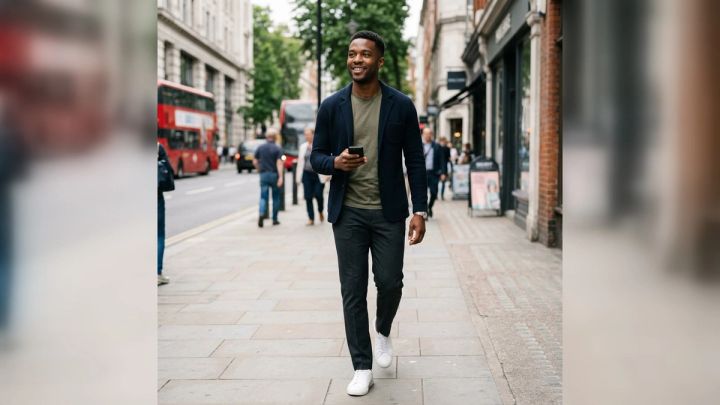
- City Walk
- Outdoor Adventure
- Rooftop Evening
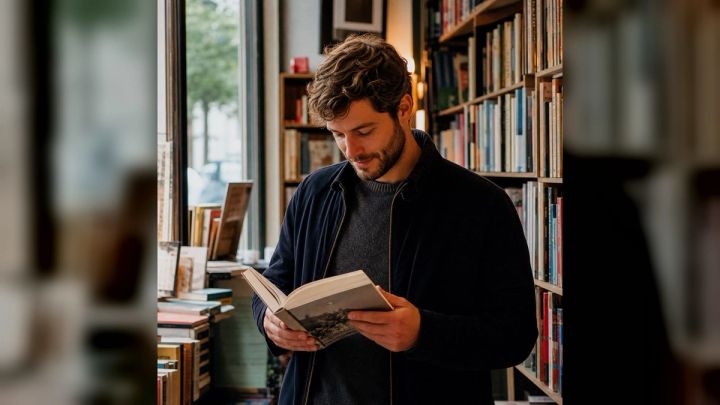
- Bookstore Browse
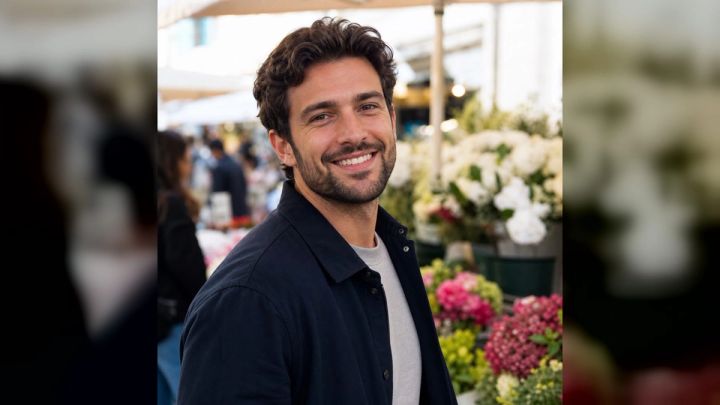
- Weekend Market
- Dog Park
- Pottery Studio
- Beach Walk
- Dinner Date
Each scene combines a setting, wardrobe direction, lens choice, lighting, and composition behind the scenes. You do not need to write a photography prompt. The generator uses your uploaded selfie as the identity reference and creates a new scene around it.
The page accepts JPG, PNG, and WebP files up to 10MB. Results are generated as profile-ready 4:5 portraits. At the time of writing, one 2K dating portrait uses 6 imageat credits; the Generate button shows the current requirement before you start. Because product pricing can change, confirm the displayed credit cost before generating.
The tool is optimized for one-person portraits and accepts one reference image. It is not intended for simulated couples or group photos. imageat also states that your upload is used in the generation flow and is not placed in the public example gallery.
Step-by-step: create dating profile photos from one selfie
1. Choose a recent source photo
Start with a recent photo that accurately represents your current appearance. Use a solo image with your full face visible, even lighting, and enough resolution to show details around the eyes, hairline, and jaw.
A front-facing angle or a slight turn works well. Avoid sunglasses, heavy beauty filters, motion blur, dramatic shadows, tiny faces, and group photos. If the source image hides a feature, the generated result has to guess.
A plain source photo is fine. You are giving the model identity information, not trying to impress anyone with the upload itself.
2. Decide what your current profile is missing
Review your existing profile before choosing a scene. Sort your photos into simple roles:
- Clear lead portrait
- Full-body or medium-distance view
- Activity or hobby
- Social or outdoor context
- Dressed-up evening image
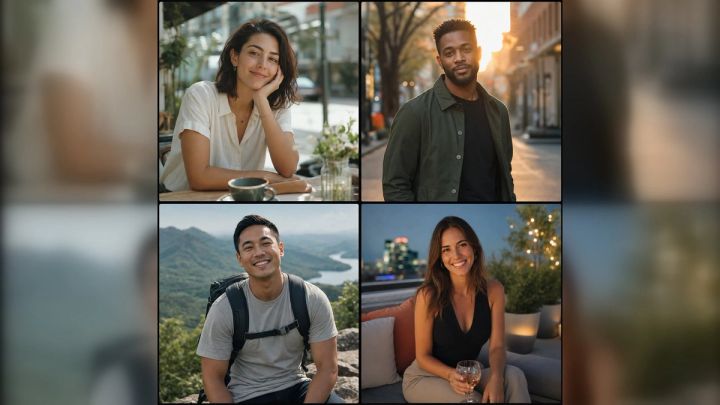
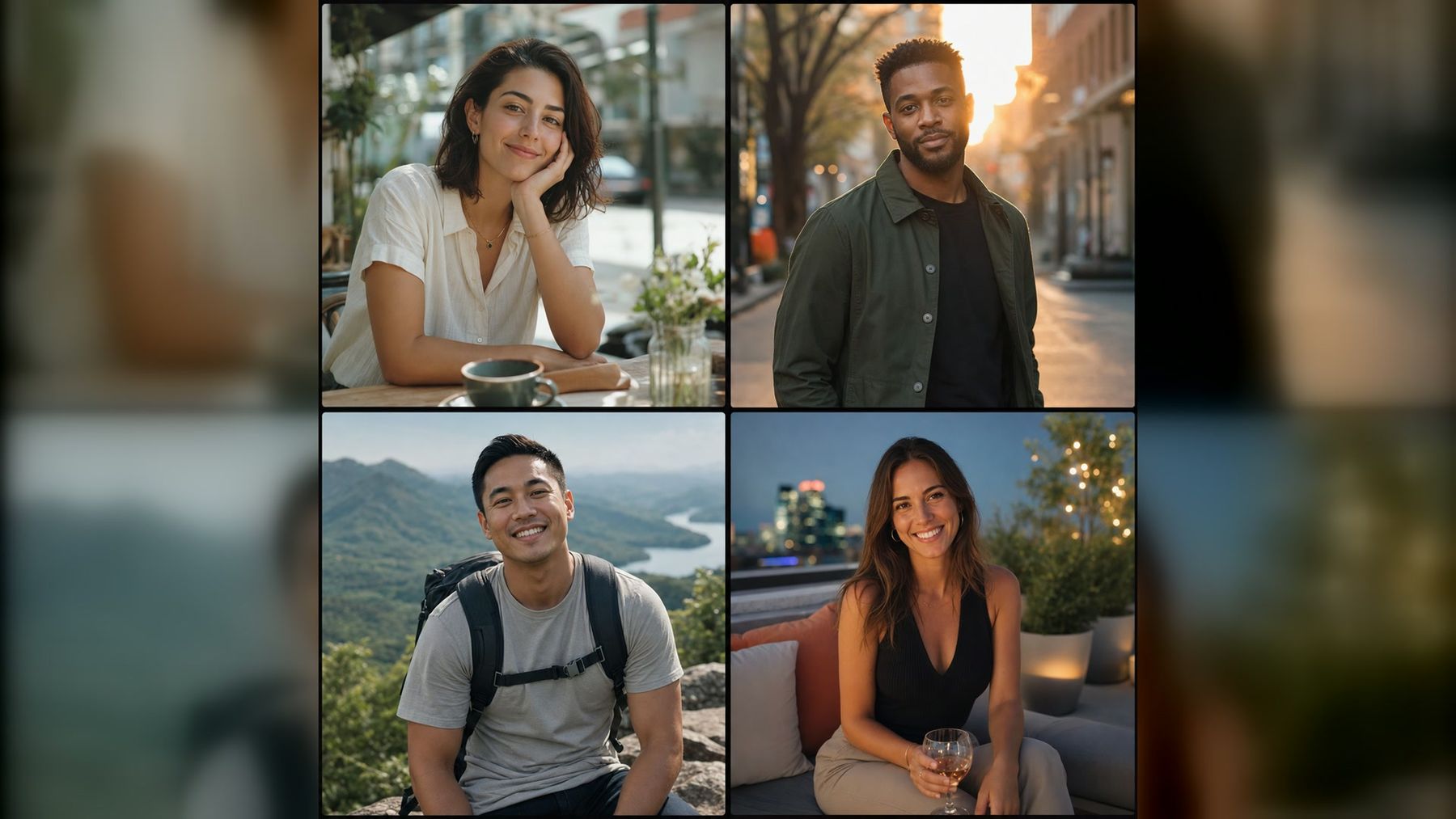
Look for the gap. Coffee Date can work as an approachable lead portrait. City Walk adds movement and confidence. Outdoor Adventure or Beach Walk provides a wider sense of lifestyle. Bookstore Browse, Dog Park, and Pottery Studio create natural conversation hooks. Rooftop Evening and Dinner Date give you a more polished option.
Do not select ten scenes simply because ten are available. Generate with a purpose.
3. Open the pack and select a scene
Go to the AI Dating Photo Generator, upload your selfie, and choose the setting that fills the identified gap. Review the scene description rather than choosing only by location. Each scene is designed to send a slightly different signal.
For example, a bright market image may feel open and spontaneous, while a softly lit restaurant portrait may look elegant and composed. Neither is automatically better. The right choice depends on the rest of your profile and the way you genuinely spend your time.
4. Generate and inspect the result at full size
When the result appears, do not judge it only as a small thumbnail. Open it at full size and check:
- Do the eyes, smile, nose, hair, and face shape still look like you?
- Are hands, teeth, jewelry, and clothing details coherent?
- Does the skin retain natural texture?
- Do the body proportions match your real appearance?
- Are background objects and reflections believable?
- Would a recent acquaintance recognize you immediately?
Generation results vary. A beautiful image is not useful if it resembles a more polished stranger. Keep only the versions that preserve your recognizable features.
5. Build a balanced profile set
A credible dating profile should not look like ten frames from the same photo shoot. Mix generated photos with current real images that show your everyday appearance, friends, interests, and activities accurately.
A practical six-photo sequence might be:
- A clear, friendly lead portrait
- A real full-body photo
- A generated hobby or lifestyle scene
- A real social or travel image
- A generated dressed-up evening portrait
- A candid real photo with personality
This sequence creates visual variety without turning your profile into an AI portfolio.
6. Download, crop carefully, and upload
The generator produces a 4:5 portrait, which is a useful vertical format for profiles and social media. Check how your dating app crops images in its grid and full-screen views. Keep your face away from the extreme top edge, and avoid crops that cut through joints or remove the environmental detail that makes the scene interesting.
If a platform applies an unexpected crop, use the AI Photo Editor to make a careful adjustment rather than stretching the image. Do not add filters that create a visible mismatch with the rest of your profile.
Which dating photo scene should you choose?
For a clear first photo: Coffee Date
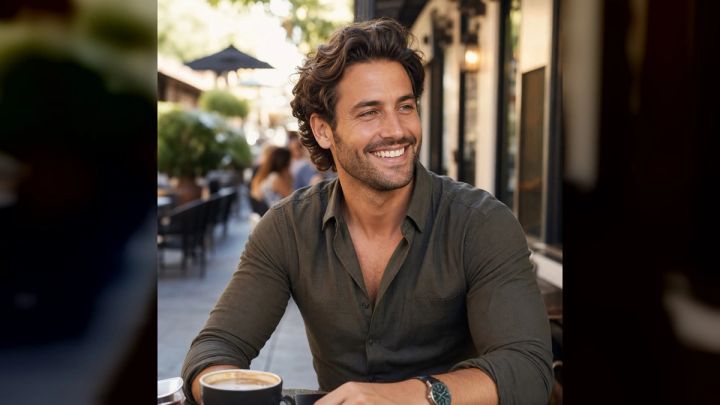
A relaxed café portrait can combine eye contact, soft window light, and an everyday setting. It feels more natural than a formal studio headshot while keeping attention on your face.
For confident energy: City Walk
A city portrait introduces movement and a stronger environmental composition. It can work well when your existing profile is dominated by static selfies.
For an active profile: Outdoor Adventure or Beach Walk
Choose one of these when outdoor activity is genuinely part of your life. A trail or coastal setting can make a profile feel open and energetic, but it should not imply a lifestyle you never pursue.
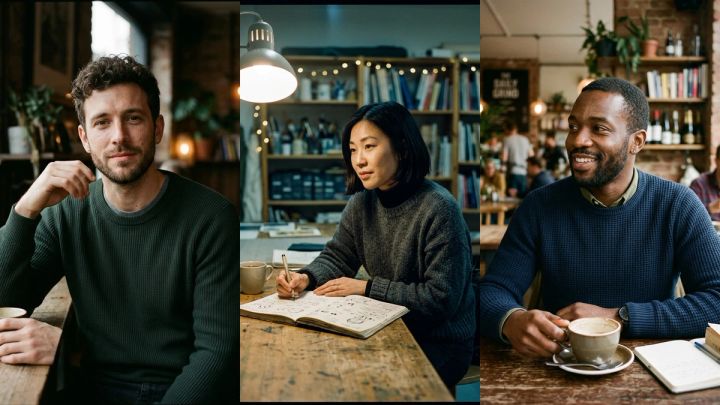
For conversation starters: Bookstore, Dog Park, or Pottery Studio
Specific environments make opening messages easier. A match can ask about a favorite book, your dog, or a creative hobby. Use a setting that feels plausible for you; authenticity matters more than novelty.
For a polished later photo: Rooftop Evening or Dinner Date
These scenes add wardrobe and lighting variety. They usually work better after a clear daytime lead photo, not as the only evidence of your appearance.
For platform-specific variations, imageat also provides an AI Tinder Photo Generator, AI Bumble Photo Generator, and AI Hinge Photo Generator. Their names reflect common search and profile intents, but imageat is independent and is not affiliated with or endorsed by those dating services.
How to make AI dating photos look natural
Match your real wardrobe and grooming
Select scenes whose clothing, hair, facial hair, makeup, and accessories are reasonably close to your normal appearance. A sudden shift in style between photos can make the set feel inconsistent even when every individual image looks good.
Keep visible imperfections
Natural skin texture, asymmetry, flyaway hairs, fabric wrinkles, and ordinary background detail help a photo feel real. Do not reject a believable image in favor of one with plastic skin and impossible lighting.
Avoid an all-AI profile
The imageat page itself recommends balance. Generated images can add variety, but recent real photos establish trust. If every photo shows cinematic light, perfect locations, and a different wardrobe, the profile can feel less credible rather than more attractive.
Do not claim an experience that did not happen
A generated beach or pottery scene is a visual concept, not evidence of a trip or hobby. Choose settings that reflect your personality and label AI-created content when a platform requires it. Follow the current profile and synthetic-media policies of the service you use.
Ask a friend for a recognition check
Send the final image without explaining what changed and ask two questions: “Does this look like me?” and “Does anything feel off?” A friend who sees you regularly is often better at noticing identity drift than you are.
Common mistakes to avoid
Using an old or filtered selfie
The model can preserve details that no longer represent you. Start from a recent, unfiltered photo whenever possible.
Choosing scenes only because they look expensive
Luxury locations and dramatic evening light are not universal improvements. A simple café or park portrait may communicate far more warmth and credibility.
Repeating the same composition
Six close-up portraits—even six excellent ones—do not build a complete profile. Change framing and context.
Keeping a result with weak likeness
Do not rationalize identity drift because the photo is flattering. If it changes your face, body, or age substantially, generate another version or use a different source image.
Over-editing after generation
Heavy retouching can remove the natural details that made the original output believable. Make only necessary crop, exposure, or cleanup adjustments.
Dating photos versus professional headshots
A business headshot and a dating lead photo both need good lighting and clear facial detail, but they communicate different things. Professional portraits emphasize credibility, role, and consistency. Dating photos need personality, varied context, and an invitation to start a conversation.
If you need a résumé, company page, or LinkedIn image, use the AI Headshot Generator instead. For personal profiles, the dating pack's lifestyle scenes are a better fit than a formal studio background. You can explore the wider photo packs collection when you need a more specific career, travel, style, or event look.
FAQ
Can I make dating profile pictures from one selfie?
Yes. The imageat AI dating photo generator uses one clear selfie as an identity reference and creates a new solo portrait in your chosen lifestyle scene.
Will the generated photo still look like me?
The scenes are designed to prioritize facial identity and recognizable features, but results can vary. Use a sharp source photo and keep only images that genuinely resemble you.
Can I use the photos on dating apps?
You can use downloaded results on dating and social platforms, subject to each service's current rules. Review every image, represent yourself honestly, and disclose AI-created media when required.
Should every dating profile photo be AI-generated?
No. A balanced mix is usually more credible. Use generated photos to fill specific gaps and combine them with recent real images of your everyday life and interests.
What image should I upload?
Use a recent, well-lit solo portrait with your full face visible. Avoid sunglasses, heavy filters, motion blur, group photos, and images where your face occupies only a small part of the frame.
How many scenes are available?
The pack currently offers ten scenes: Coffee Date, City Walk, Outdoor Adventure, Rooftop Evening, Bookstore Browse, Weekend Market, Dog Park, Pottery Studio, Beach Walk, and Dinner Date.
How much does a dating photo cost on imageat?
At the time of writing, one 2K portrait uses 6 credits. Check the Generate button and pricing page for the current requirement before starting.
Is imageat affiliated with Tinder, Bumble, or Hinge?
No. imageat is an independent AI image platform and is not affiliated with, endorsed by, or sponsored by those dating services.
Create a profile set that still feels like you
The most effective AI dating photo is not the most dramatic one. It is the image that adds useful variety while remaining recognizable and believable. Start with a current selfie, identify what your profile lacks, choose one relevant lifestyle scene, and inspect the result with the same honesty you would expect from a match.
Create your first dating profile photo with imageat, then keep only the result that looks and feels like you on a genuinely good day.