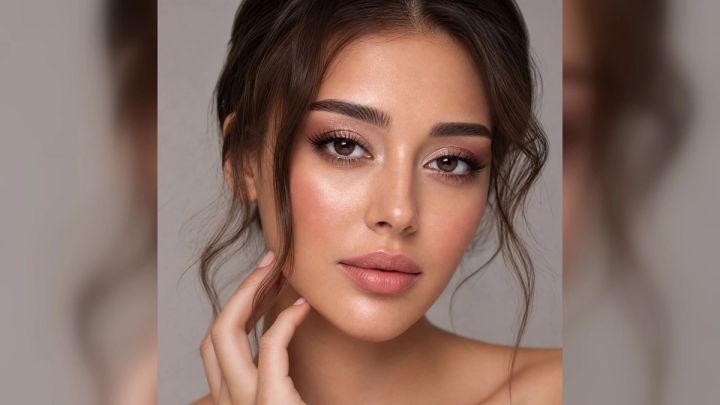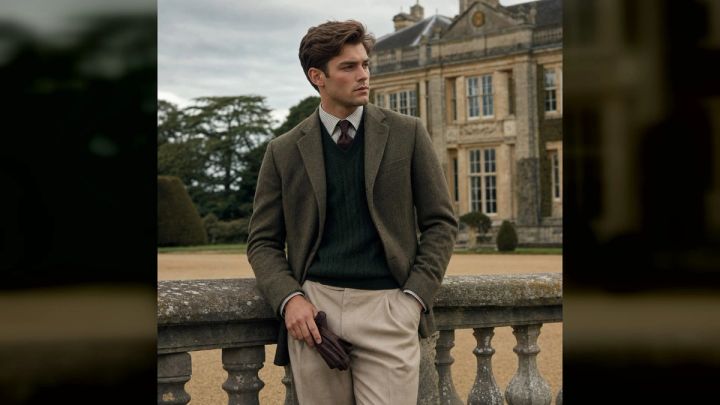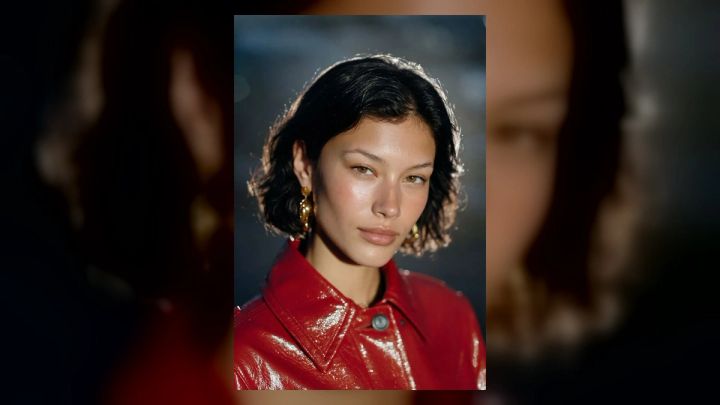
No app can predict exactly what you will look like decades from now. Genetics, health, habits, styling, environment, and chance all shape how a face changes. An AI age filter can still create a believable fictional visualization: a creative portrait that keeps recognizable features while exploring an older or younger look.
If you are curious about your future appearance, the AI Age Filter on imageat offers a focused way to try the idea. Upload one clear portrait, choose a ready-made direction, and generate a polished vertical image. Treat the result as entertainment and visual storytelling—not a forecast, diagnosis, or promise about how you will age.
What does an AI age filter do?
An AI age filter analyzes visible traits in a reference portrait, then creates a new interpretation with age-related changes. Depending on the chosen direction, those changes may include silver hair, a different hairline, fine lines, softer facial volume, altered styling, or a more mature setting. A good result keeps the person recognizable instead of merely placing an unrelated older face over the source.
The current imageat pack is designed to create fictional younger and older versions while preserving recognizable features. Its three ready-made directions are Clean result, Creative variation, and Polished concept. You do not need to write a prompt.
The output is a creative image, however. It cannot know your future lifestyle, health, cosmetic choices, facial expressions, or the many environmental factors that influence appearance. Two generations from the same portrait may therefore suggest different—and equally imaginary—futures.
The short answer: what will I look like when I’m older?
You will probably retain many of the traits that make you recognizable: the overall relationships among your eyes, nose, mouth, cheekbones, jaw, and expressions. Hair color and density, skin texture, facial volume, posture, clothing, and grooming may change. But the pace and pattern are individual, so an AI result should be read as “one possible visual concept,” not “this is your future face.”
That distinction matters. A tasteful age visualization can be fun, moving, or useful for a character concept. It should not be used to assess health, verify age, make identity decisions, or judge how well someone is aging.
How to use an AI age filter step by step
1. Choose a clear source portrait
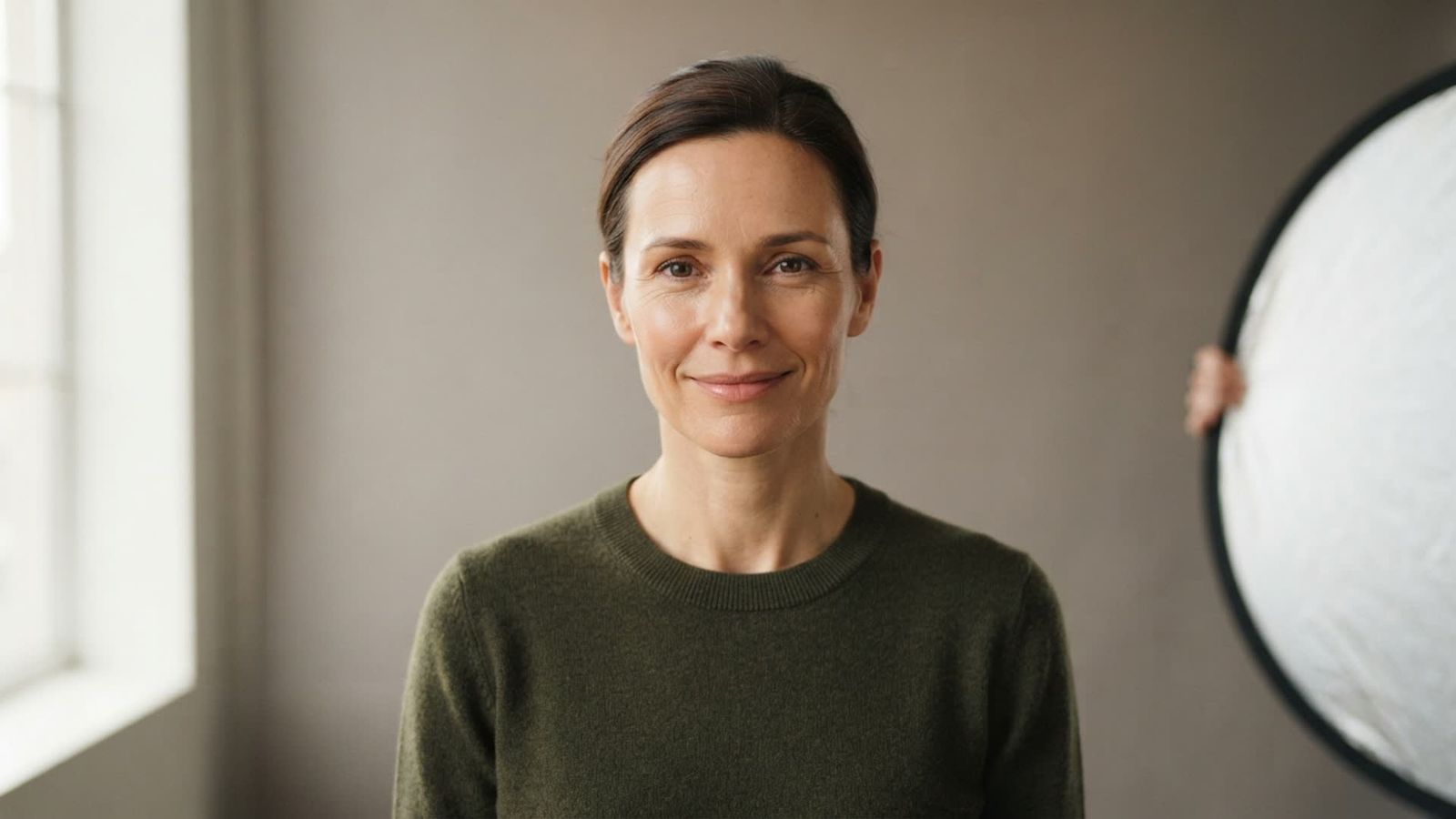
Start with a sharp, recent photo in which one face is easy to see. A chest-up portrait usually gives the generator enough facial detail without making the face too small. Face the camera or turn only slightly, and keep your eyes visible.
Avoid sunglasses, heavy motion blur, extreme beauty filters, a hand across the face, or several people in the frame. These details make it harder to preserve identity. A neutral expression or gentle smile is often easier to reinterpret than an exaggerated expression.
2. Use even, natural light
Soft window light or open shade reveals real facial structure without deep shadows. Harsh overhead light can create eye sockets or lines that the model may exaggerate. Strong colored light can also affect skin and hair in the generated result.
If your source is too dark, correct it lightly before uploading. The relight tool can help rebalance illumination, but avoid flattening every shadow. Natural shape and texture provide useful identity cues.
3. Upload a supported file
The live pack accepts JPG, PNG, or WebP portraits. Use the original file when possible rather than a screenshot compressed by a messaging app. Crop away large empty areas, but leave a little room around the hair and shoulders.
4. Choose a ready-made direction
Select Clean result for a restrained, natural-looking interpretation. Choose Creative variation for a more editorial treatment, or Polished concept for a candid lifestyle feel. The labels describe visual directions, not different levels of predictive accuracy.
5. Generate and review the full portrait
The pack currently produces a polished 4:5 image and displays a cost of 6 credits per generation. Check the live interface before generating because credit amounts can change. Review more than the face: look at ears, hairline, hands, jewelry, clothing edges, and background objects for visual mistakes.
6. Save the strongest version
Download the result you prefer. If the facial identity is weak, return to the source rather than repeatedly forcing the same poor photo. A clearer portrait, simpler background, or more even light often helps more than generating many variations.
How to take a source photo that still looks like you
Keep the face large enough
If the face occupies only a small part of a full-body photo, fine identity details may be lost. Frame from the chest or shoulders upward. Make sure the image is in focus at the eyes rather than the wall behind you.
Remove temporary obstructions
Move hair away from the eyes, take off sunglasses, and avoid hats that hide the hairline. Ordinary glasses may be part of your identity, but reflective lenses can obscure the eyes. Try one version with them and one without if you want to compare.
Use familiar styling
A familiar haircut, expression, and clothing color can make a fictional older portrait feel more connected to you. The model may change those details, but a clear starting point gives it better context. If you want a neutral comparison, avoid theatrical makeup and costume pieces.
Do not over-retouch the source
Skin-smoothing filters erase texture and can alter face shape. Use a photo that looks like you in normal light. Minor exposure and color corrections are fine; aggressive reshaping is not helpful when identity preservation is the goal.
Why AI aging results sometimes look wrong
The source image hides important information
A side profile, low-resolution crop, or shadowed face leaves the model to invent details. That invention may produce a polished portrait that does not resemble you closely.
The model overstates familiar aging cues
Gray hair and wrinkles are easy visual shorthand, so a generator may add too much of both. Real aging is more varied. Regenerate with a cleaner source or select the restrained direction if the first result feels caricatured.
Styling changes overwhelm identity
A dramatic hairstyle, heavy makeup, formal wardrobe, or unfamiliar setting can make the person feel different even when the facial structure remains similar. Compare the eyes, nose, smile, and proportions before deciding that identity is lost.
The result is too perfect
Some outputs smooth skin while adding only a few silver strands. That may be aesthetically pleasing but visually inconsistent. A believable portrait can still be flattering; it simply needs coherent skin, hair, light, and age cues.
Hands and accessories contain artifacts
Look beyond the face. Earrings can merge with hair, glasses can become asymmetric, and fingers can be malformed. Crop or regenerate obvious errors instead of sharing them as though they were intentional.
Creative ways to use a future-self portrait
A private time-capsule image
Save the portrait with a note about your present goals, assumptions, and interests. Revisit it later as a record of how you imagined the future—not as a test of whether the image was accurate.
A then-and-future family conversation
With each person’s permission, create separate concepts for adult family members and discuss which inherited expressions or features seem familiar. Do not upload someone else’s portrait without their consent, and avoid turning the exercise into criticism about appearance.
An original character reference
Writers, filmmakers, and tabletop players can use fictional age progression to explore a character across decades. Keep the design consistent by noting the character’s eye shape, hairstyle, posture, wardrobe palette, and defining accessories.
A retirement or milestone concept
A future-self portrait can support a lighthearted birthday, graduation, career, or retirement vision board. Keep captions explicit that the image is AI-generated when an audience could mistake it for a real photograph.
A fitness-oriented fictional concept
If the idea is specifically an older, active portrait, the AI Fit Aging Visualizer provides a separate entertainment-focused direction. It does not predict future fitness, health, body composition, or life expectancy. Use it as motivation-themed artwork only.
Can an AI age filter accurately predict aging?
No. It can create a plausible image based on visual patterns, but plausibility is not prediction. Even identical twins can age differently because of environment, habits, illness, stress, occupation, sun exposure, grooming, and personal choices. A single portrait also contains no reliable information about most of those factors.
This is why the most responsible description is “fictional age progression” or “older-self visualization.” The image may preserve recognizable geometry while inventing almost everything else. It is useful when the goal is creative exploration, not factual assessment.
Privacy, consent, and responsible sharing
Use a portrait you have the right to upload. Ask permission before using a partner’s, relative’s, client’s, or colleague’s face. Be especially cautious with children’s images; age-progressed child portraits can be sensitive and should not be shared casually.
The live imageat page states that uploads are used to create the requested result and are not automatically published to the community gallery. Review the current privacy policy and terms before uploading any sensitive image, because product practices and policies can change.
When posting a result, label it as an AI-generated or AI-edited age visualization. Do not present it as documentary evidence, a missing-person age progression, a professional forensic image, or proof of anyone’s identity. Do not use an age filter to bypass age checks or identity verification.
How to improve the finished image
Correct distracting details carefully
If the face works but a background or clothing edge does not, make a small, targeted correction with the AI photo editor. Avoid reshaping the whole face after you have achieved a recognizable result.
Upscale only after choosing a final version
A higher-resolution file cannot repair incorrect anatomy or a weak resemblance. First select a clean generation, then use the image upscaler if you need a larger export for a print or presentation.
Separate aging from restoration
An age filter imagines another life stage. It is not the same as repairing an old family photograph. For scratches, fading, or damaged archival images, use photo restoration rather than asking an age generator to reconstruct history.
Preserve the original
Keep an untouched copy of your source portrait and generated download. Edit duplicates so you can compare changes and return to the original if a later adjustment looks artificial.
AI age filter checklist
Before generating:
- Use one clear, front-facing adult portrait.
- Choose soft, even light and a simple background.
- Keep eyes, hairline, and facial outline visible.
- Upload only images you have permission to use.
- Remember that the result is fictional entertainment.
Before sharing:
- Check facial resemblance, hands, ears, jewelry, and background.
- Remove or regenerate obvious artifacts.
- Label the portrait as AI-generated or AI-edited.
- Do not make medical, forensic, or identity claims.
- Respect the subject’s consent and privacy.
Frequently asked questions
Is an AI age filter a real prediction of my future face?
No. It generates a plausible fictional interpretation from your current portrait. It cannot account for genetics, environment, health, habits, styling, or future choices with predictive accuracy.
What photo works best for an old age filter?
Use a sharp chest-up portrait with one person, a visible hairline, open eyes, a natural expression, and soft frontal or side-window light. Avoid heavy filters, sunglasses, motion blur, and deep shadows.
Can I make myself look younger as well as older?
The current imageat pack describes fictional younger and older versions. Results depend on the source portrait and selected direction. Treat both as creative edits rather than evidence of an actual past or future appearance.
Do I need to write an AI prompt?
No. The pack provides three ready-made directions: Clean result, Creative variation, and Polished concept. You upload a portrait and choose the visual direction.
What image format does the tool accept?
The live interface accepts JPG, PNG, or WebP files and produces a vertical 4:5 result. Use a high-quality original file for the clearest identity details.
Are my uploaded photos posted publicly?
The current feature page says uploads are not automatically published to the community gallery. Check the latest imageat terms and privacy policy before using the tool, particularly for sensitive portraits.
Can I use the result on social media?
The feature page allows downloaded results to be used on profiles and social channels, subject to imageat’s terms and the rules of the destination platform. Label the image clearly if viewers might mistake it for a real photo.
Why does the older version not look like me?
The source may be too small, dark, filtered, obstructed, or angled. Try a clearer front-facing portrait in even light. A restrained visual direction may also preserve identity better than a dramatic editorial variation.
See one possible future-self concept
An AI age filter is most useful when curiosity is paired with realistic expectations. It can preserve familiar features and create a compelling older-self portrait, but it cannot tell you what time will actually do. Start with a clear image, choose a restrained direction, inspect the full result, and share it honestly as a fictional visualization.
Ready to experiment? Create an older or younger portrait with the imageat AI Age Filter, or browse more ready-made concepts in imageat photo packs.