AI Winter Trend
Join the viral AI Winter Snow Effect Trend. Add realistic snow and icy magic to your photos instantly.
Example results
Preview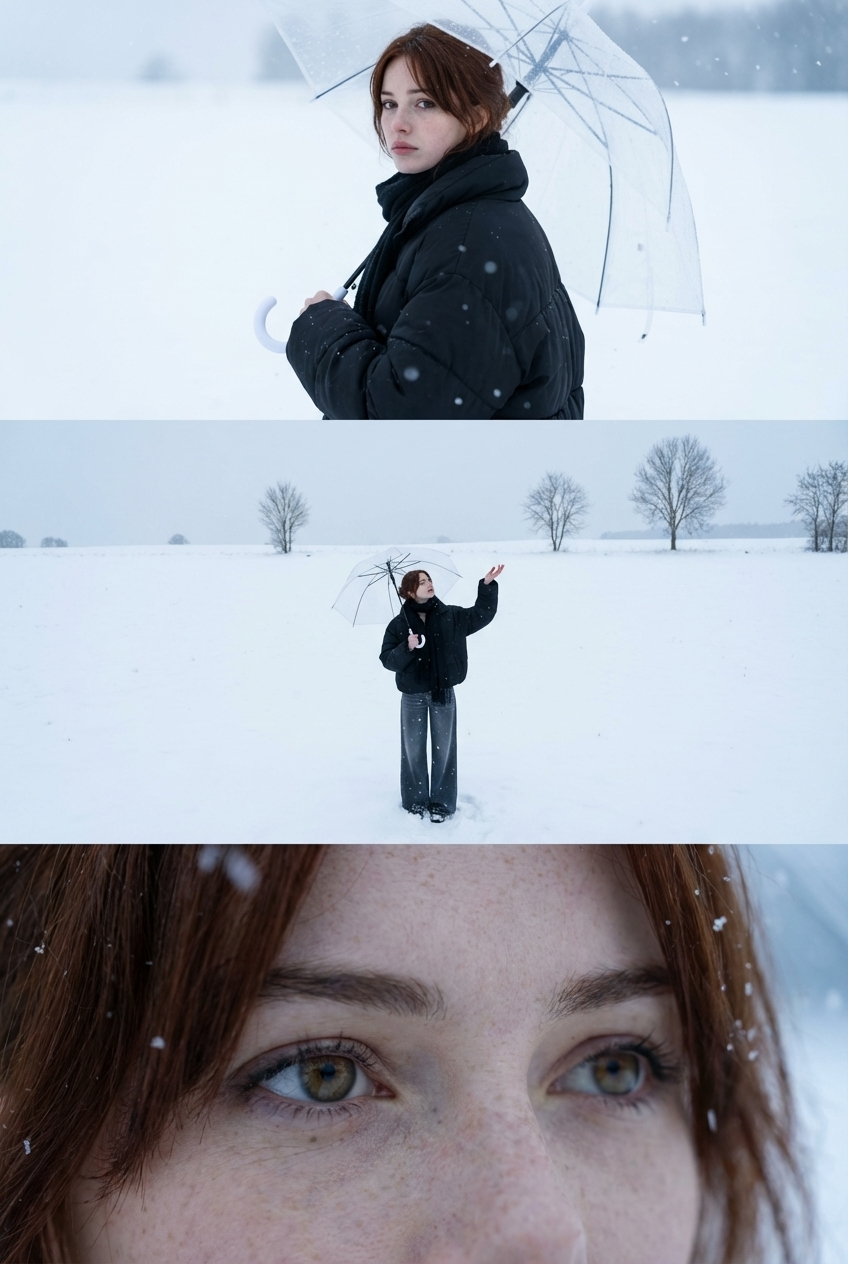
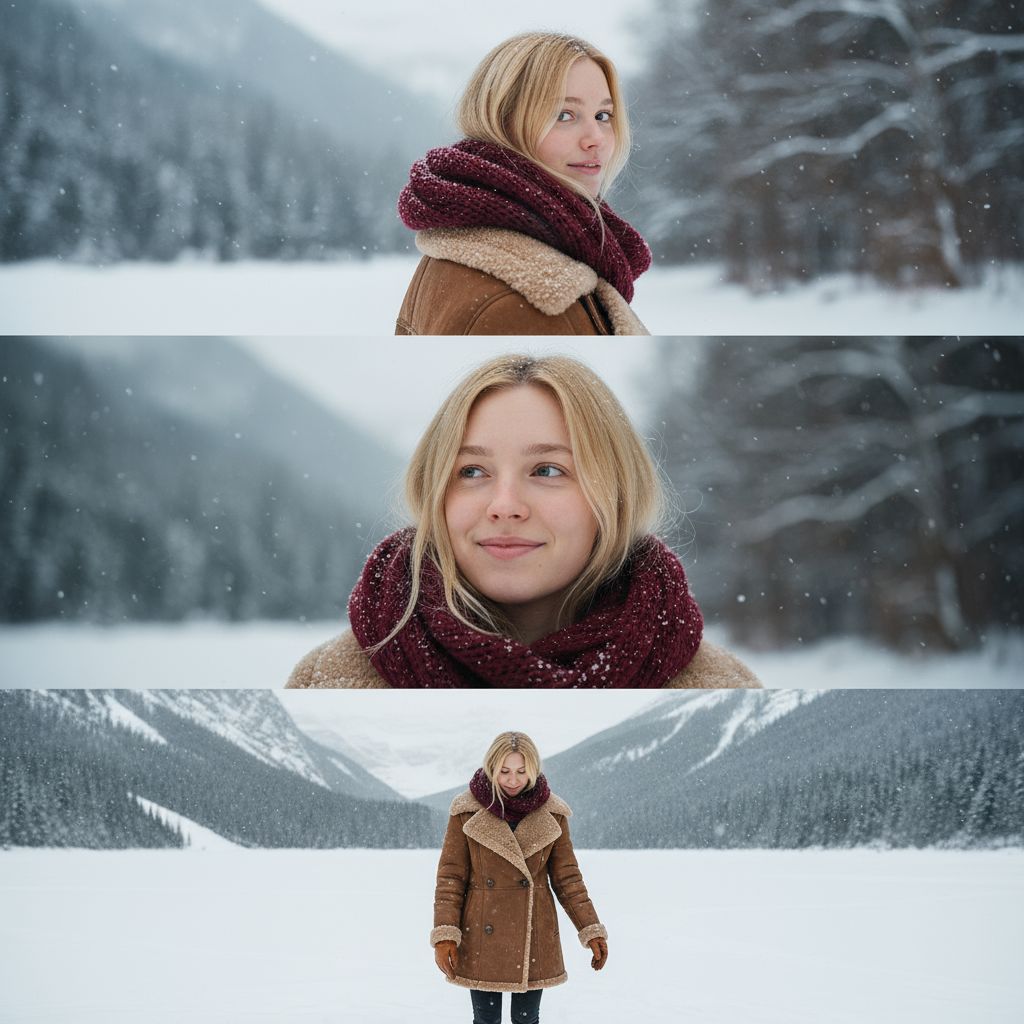
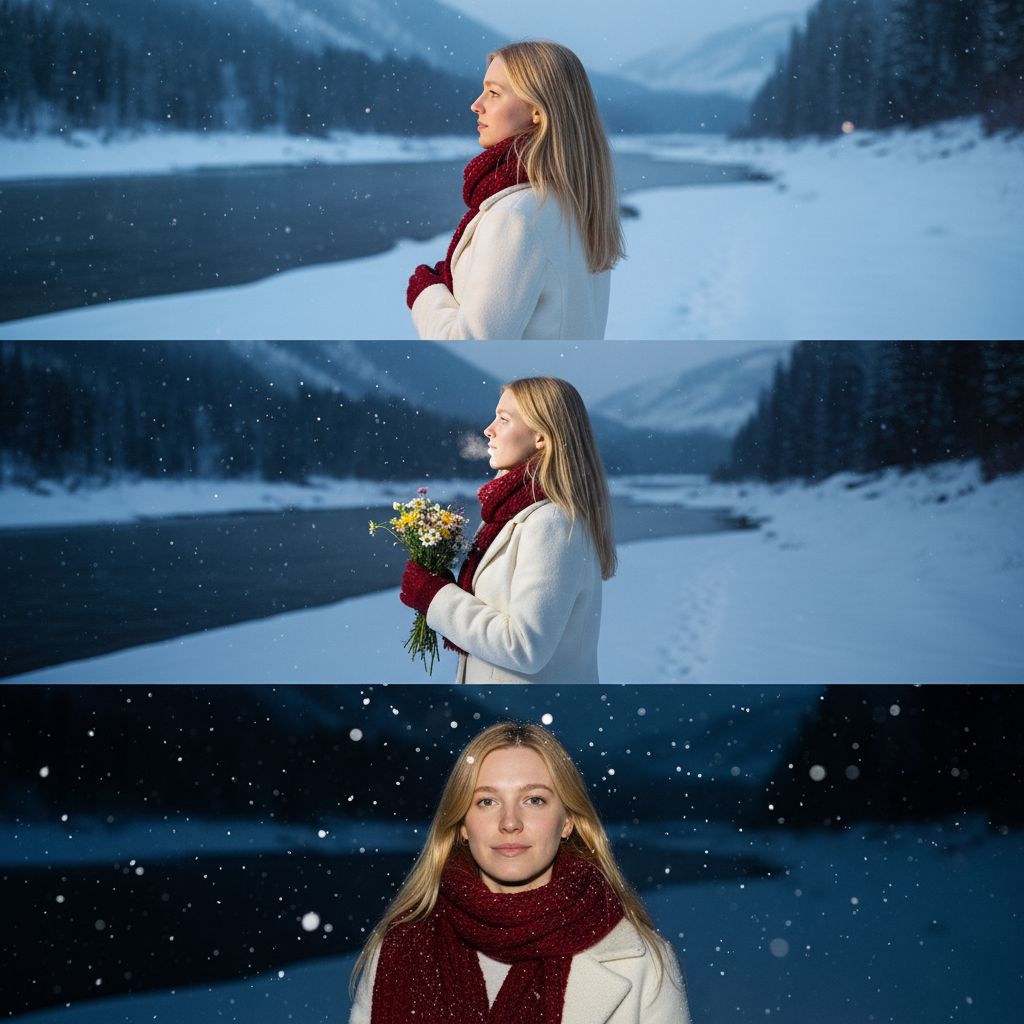
AI Winter Trend
AI Winter Trend
Upload Your Photo
By uploading or generating, you confirm you own these photos or have the person's permission, and you won't impersonate real people or celebrities. Responsible use
Quick answer
To do the AI Winter Trend, upload one clear photo where your face is easy to see, then press generate. imageat recreates your photo in the trend's look, and the image is ready to download when it finishes. One generation costs 8 imageat credits; no prompt writing or editing app is needed.
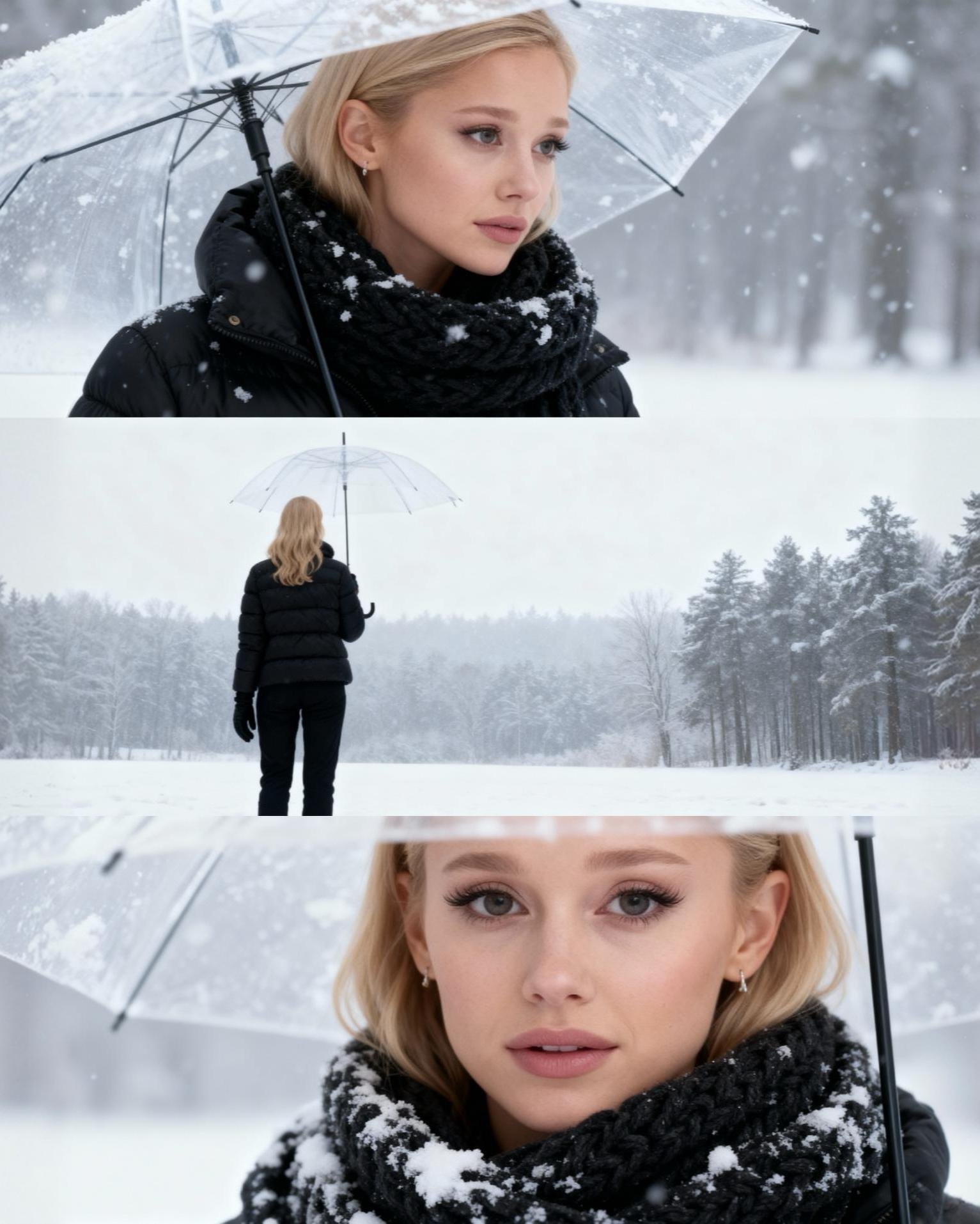
The finished result is a vertical three-panel photo collage set in a silent, snow-covered landscape. The top panel shows you holding a clear umbrella, glancing back over your shoulder into the camera. The middle panel pulls back into a high-angle wide shot of you standing alone in a vast white field, reaching one hand upward toward falling snowflakes. The bottom panel focuses entirely on your eyes, capturing an emotional, distant gaze dusted with falling snow. Your uploaded photo supplies your facial features, skin tone, and hair. The AI winter trend template applies the heavy snowfall, muted gray tones, transparent umbrella, and winter wardrobe, including a dark puffer jacket, wide-leg pants, and a warm scarf. The result is a single image formatted for vertical viewing and social media sharing.
What is the AI Winter Trend?
The AI winter trend spread on TikTok and Instagram as a viral seasonal photo aesthetic. It creates a melancholic, cinema-inspired triptych of a person wandering through a blizzard. Instead of an ordinary snow filter, the trend produces a three-part storyboard featuring an over-the-shoulder portrait under a clear umbrella, a desolate wide shot in an empty snowfield, and a detailed eye close-up. Creators share these three-frame portraits with slow, ambient audio on their feeds. On imageat, you can create your own winter photo by uploading a single portrait.
How to Do the AI Winter Trend
Here is how to make your own version on imageat:
- 1Select a clear image from your gallery and upload it to our tool.
- 2Click generate and let the AI add the snow, frost, and icy tones.
- 3Download your new winter photo and share it with your friends.
Tips for Best Results
- Use high-resolution photos for the clearest snow details.
- Outdoor photos usually look the most natural with snow.
- Wear cozy clothes in your photo to match the winter vibe.
- Make sure your face is well-lit for the best AI processing.
- Try photos with trees or buildings to see the frost effect.
- Share your result with trending winter music on social media.
Best Prompts for AI Winter Trend
Want more control over the look? Copy one of these prompts and use it in our AI image generator to fine-tune the ai winter trend style.
AI Winter Trend look as a clean studio portrait, even softbox lighting, neutral background, crisp skin texture
AI Winter Trend style during golden hour, warm backlight, lens flare, natural skin tones, bokeh background
AI Winter Trend aesthetic as a fashion magazine cover, bold styling, sharp detail, professional color grade
AI Winter Trend effect with vintage 35mm film grain, faded colors, light leaks, nostalgic mood
AI Winter Trend at a Glance
What to upload
1 clear photos, one per person.
What you get
An AI image, ready to download and post on TikTok, Reels or Shorts.
What it costs
8 imageat credits per image. The price is shown before you generate, and a failed generation is refunded.
FAQs About AI Winter Trend
Create this trend with imageat
Create unlimited variations beyond the ai winter trend with imageat's AI image generator.