Ceiling Hang Video Generator
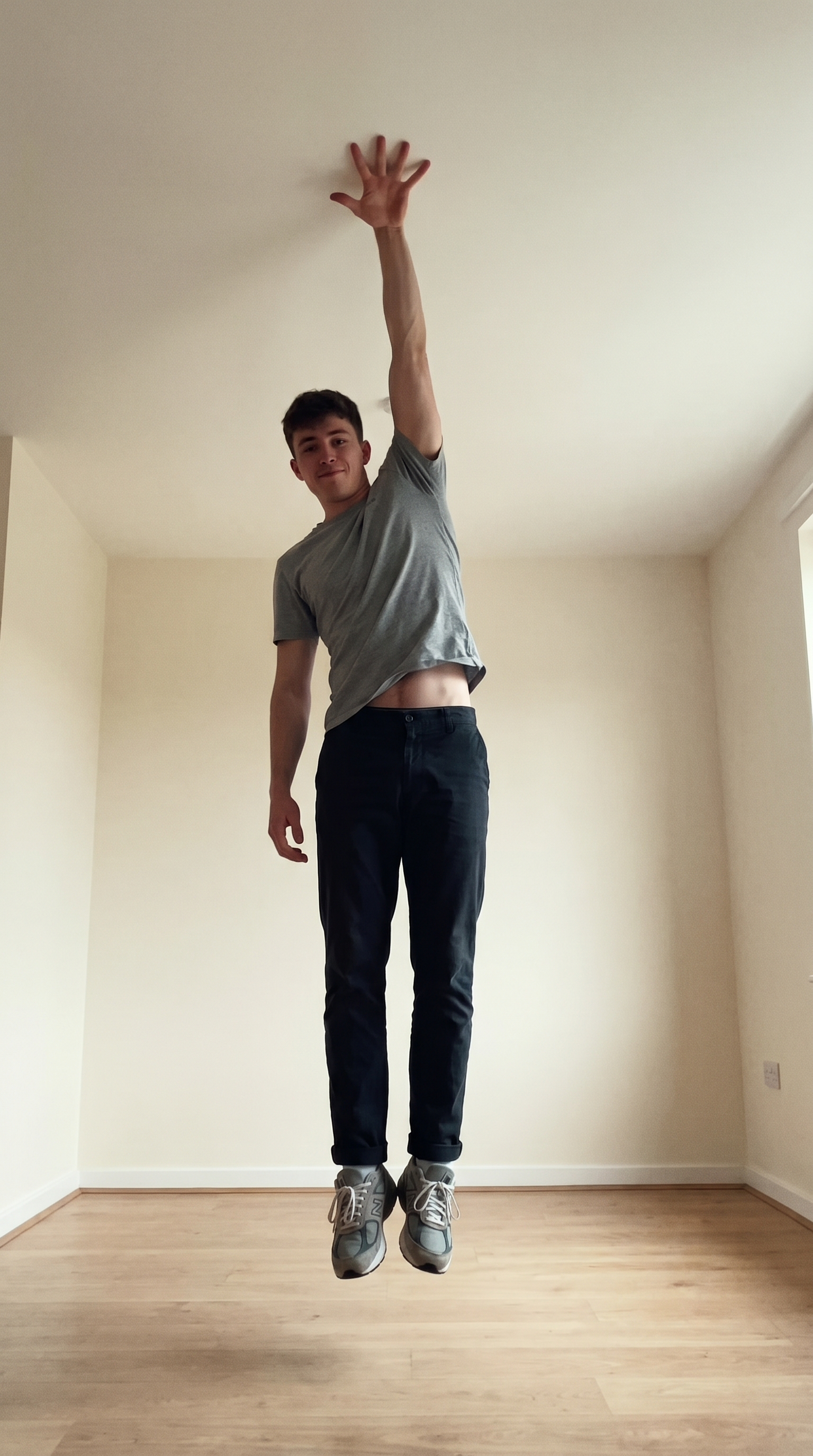
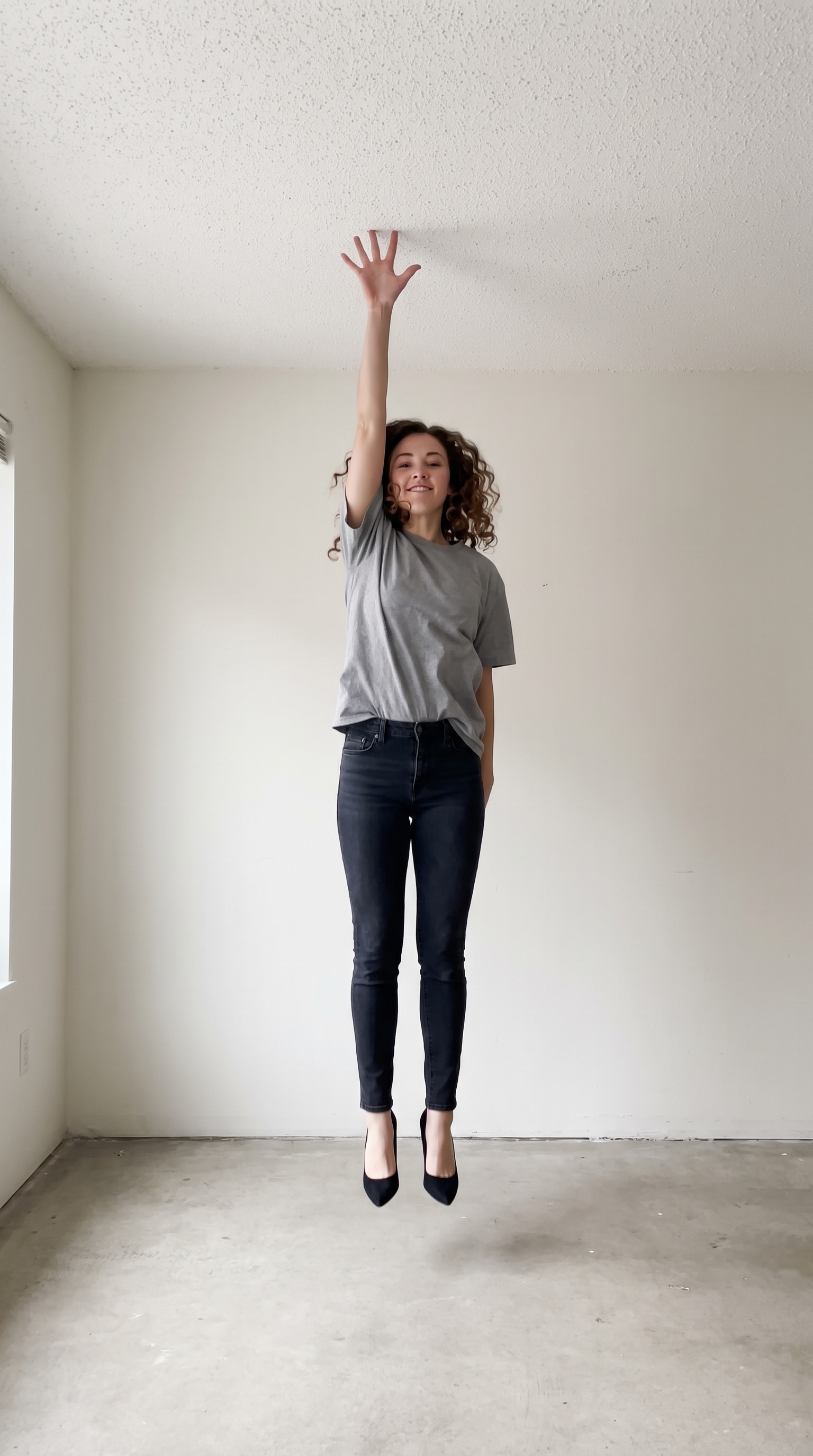
Stick to the ceiling with one hand. Upload a single photo and AI generates the whole 8-second clip — the jump, the one-palm ceiling grab and the upside-down hold.
Example results
Preview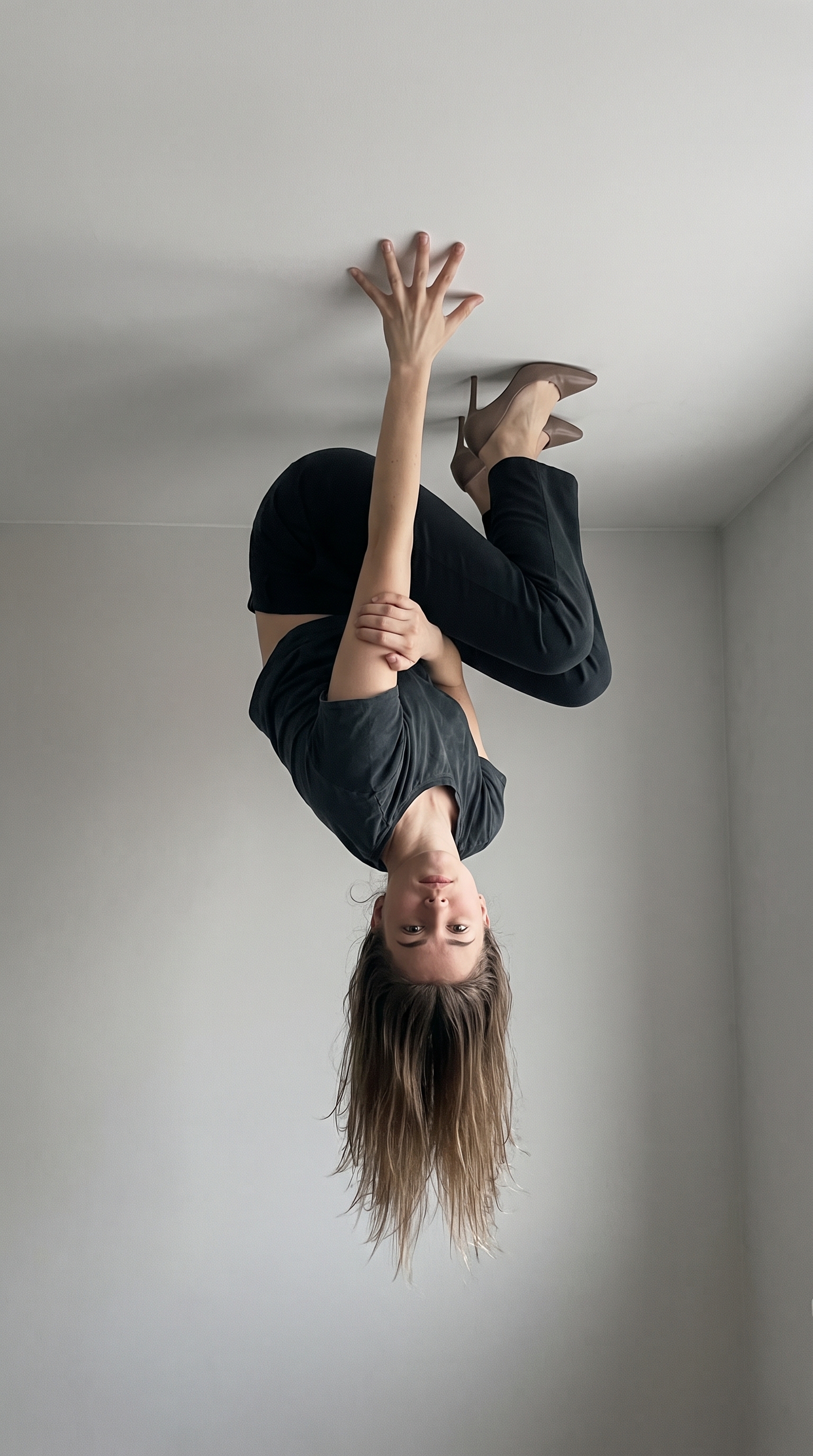
Ceiling Hang Video Generator
Ceiling Hang
Upload Your Photo
For the best likeness: one person per photo, face clearly visible from the front, good light, nothing covering the face (phone, sunglasses, hand). Upload the original photo, not a screenshot.
By uploading or generating, you confirm you own these photos or have the person's permission, and you won't impersonate real people or celebrities. Responsible use
Quick answer
To do the Ceiling Hang trend, upload one clear photo where your face is easy to see, then press generate. imageat turns your photo into the trend's AI video, and the video is ready to download when it finishes. One generation costs 56 imageat credits; no prompt writing or editing app is needed.
Your finished ceiling hang video shows you standing in a minimal room before jumping straight up, pressing one palm flat against the ceiling, and holding a gravity-defying upside-down pose. Your knees tuck upward while your body suspends in mid-air, with your face staying clearly in view against a smooth, neutral wall. Your uploaded picture provides your facial features, hairstyle, body proportions, and clothing. The AI model animates the entire sequence from the initial leap to the one-hand ceiling grab and stable hold, producing an 8-second vertical video clip ready to share.
What is the Ceiling Hang Video Generator?
The ceiling hang video is a viral visual trend across TikTok and Instagram Reels where people appear to defy gravity by leaping up and clinging to a ceiling with just one hand. The scene features a plain room with bare neutral walls, focusing entirely on the surreal sight of an upside-down figure suspended from a single palm. It became popular as short-form video creators shared physics-defying AI clips to surprise their followers. The Ceiling Hang Video Generator on imageat creates the full motion clip from a single still portrait.
How to Do the Ceiling Hang Trend
Here is how to make your own video on imageat:
- 1Select a clear, well-lit photo of yourself framed from the waist up or full body.
- 2Upload the picture into the image slot.
- 3Tap generate to create your gravity defying AI video.
- 4Download the finished 8-second video and post it directly to your feed.
Tips for Best Results
- Upload a well-lit photo where your face is clearly visible and unobstructed
- A full-body or waist-up photo works better than a tight headshot — the AI needs your build and outfit
- Avoid sunglasses, heavy filters and group photos — one person only
- Front-facing or three-quarter angles preserve identity better than extreme profiles
- Post it vertically — the shot is built for 9:16 feeds
Best Prompts for Ceiling Hang Video Generator
Want more control over the motion? Copy one of these prompts and use it in our AI video generator to fine-tune the ceiling hang video generator style.
Ceiling Hang Video Generator, smooth controlled camera movement, realistic motion, cinematic lighting, stable composition, natural depth
Ceiling Hang Video Generator, immediate visual hook, smooth motion, clear centered subject, polished 9:16 social video
Ceiling Hang Video Generator, gradual movement, atmospheric depth, elegant pacing, wide cinematic reveal
Ceiling Hang Video Generator, energetic camera movement, strong parallax, dramatic scale, crisp detail
Ceiling Hang Video Generator at a Glance
What to upload
image.
What you get
An AI video, ready to download and post on TikTok, Reels or Shorts.
What it costs
56 imageat credits per video. The price is shown before you generate, and a failed generation is refunded.
FAQs About Ceiling Hang Video Generator
Create this trend with imageat
Go beyond the ceiling hang video generator — generate any AI video from text or an image with Veo, Kling, Seedance and more.