Fan Blade Outfit Change AI Video Generator
Upload one photo and lie back under the fan: every blade that sweeps past wipes you into a new designer look, four outfits in one 15-second top-down take.
Example results
Preview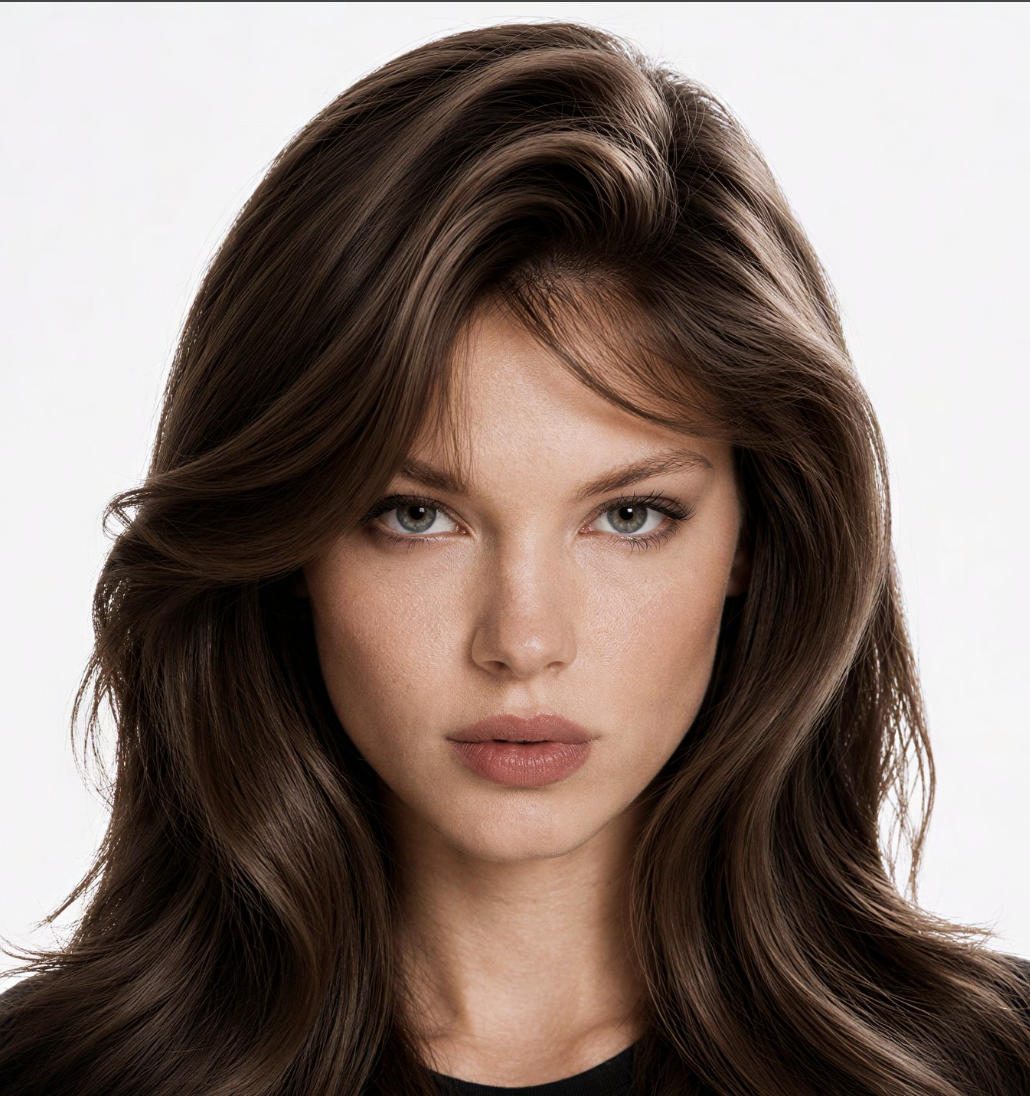
Fan Blade Outfit Change AI Video Generator
Fan Blade Outfit Change
Upload Your Photo
For the best likeness: one person per photo, face clearly visible from the front, good light, nothing covering the face (phone, sunglasses, hand). Upload the original photo, not a screenshot.
Resolution
Higher resolution uses more credits per generation.
By uploading or generating, you confirm you own these photos or have the person's permission, and you won't impersonate real people or celebrities. Responsible use
Quick answer
To do the Fan Blade Outfit Change trend, upload 1 to 5 clear photos, one per person, then press generate. imageat turns your photos into the trend's AI video, and the video is ready to download when it finishes. One generation costs 160 imageat credits; no prompt writing or editing app is needed.
This is the top-down ceiling-fan outfit change that keeps showing up on your feed, built around your own face. You lie on a vintage Persian rug, reach for the remote and switch the fan on — and from that moment every blade that sweeps across the frame wipes you into a different designer look. The change is not a cut or a dissolve: the transformation follows the moving edge of the blade down your body, so the half it has passed is already the new outfit while the rest is still the old one. Your photo is first turned into four character sheets, one per outfit, which is what keeps your face, hair and build identical across all four looks instead of drifting between them. Four couture outfits come built in — a rose-print puff dress, a red-and-black brocade mini with a white collar, a blush tulle ball gown and a draped gold mini — and you can swap any of them for a garment of your own.
What is the Fan Blade Outfit Change AI Video Generator?
The fan blade outfit change is a viral fashion transition trend popular on TikTok and Instagram Reels. In these overhead clips, a person lies flat on a rug beneath a ceiling fan while the camera looks straight down from above. As the fan spins, each rotating blade wipes across the screen like a shutter, transforming their clothes into a completely different outfit with every pass. Instead of filming multiple wardrobe swaps with a ceiling-mounted camera, imageat lets you upload a single clear photo of yourself to generate the full top-down video with four distinct looks.
Fan Blade Outfit Change AI Video Generator on TikTok
Popular posts of the trend, credited to their creators. The videos play from TikTok.
How to Do the Fan Blade Outfit Change Trend
Here is how to make your own video on imageat:
- 1Upload a clear photo of yourself — an adult (18+), front-facing, well lit, with your face unobstructed.
- 2Optionally replace any of the four outfits with your own garment photo. Leave a slot empty to keep the built-in designer look.
- 3Four character sheets are built from your photo, one per outfit, then the 15-second fan-blade take is rendered.
- 4Preview the vertical clip and download it for TikTok, Reels or Shorts.
Tips for Best Results
- Use a photo of an adult (18+). The video model rejects photos of children and of public figures on every attempt, so retrying the same photo will not help.
- A sharp, evenly lit, front-facing photo gives the character sheets the most to work with; sunglasses, heavy shadow and extreme angles cost likeness.
- Head-and-shoulders photos are enough — the sheets reconstruct the rest of the figure.
- Outfit photos work best as a flat-lay, a ghost-mannequin shot or a clean product image on a plain background; the garment is taken from the photo and the face in it is ignored.
- Whatever you are wearing in your own photo does not matter — it is replaced by the four outfits.
- Pick four visually distinct outfits. Two looks in similar colours make the blade wipe hard to read.
- Include the shoes in your outfit photo if you want specific footwear; otherwise matching heels are added.
Best Prompts for Fan Blade Outfit Change AI Video Generator
Want more control over the motion? Copy one of these prompts and use it in our AI video generator to fine-tune the fan blade outfit change ai video generator style.
Fan Blade Outfit Change AI Video Generator, smooth controlled camera movement, realistic motion, cinematic lighting, stable composition, natural depth
Fan Blade Outfit Change AI Video Generator, immediate visual hook, smooth motion, clear centered subject, polished 9:16 social video
Fan Blade Outfit Change AI Video Generator, gradual movement, atmospheric depth, elegant pacing, wide cinematic reveal
Fan Blade Outfit Change AI Video Generator, energetic camera movement, strong parallax, dramatic scale, crisp detail
Fan Blade Outfit Change AI Video Generator at a Glance
What to upload
Upload a clear photo of yourself — adults only (required); Optional: outfit 1 — the look you start in; Optional: outfit 2 — after the first fan blade; Optional: outfit 3 — after the second fan blade; Optional: outfit 4 — the final look.
What you get
An AI video, ready to download and post on TikTok, Reels or Shorts.
What it costs
160 imageat credits per video at 720p. The price is shown before you generate, and a failed generation is refunded.
FAQs About Fan Blade Outfit Change AI Video Generator
Create this trend with imageat
Go beyond the fan blade outfit change ai video generator — generate any AI video from text or an image with Veo, Kling, Seedance and more.