AI Ghostface Trend Photo Generator
Transform your photos with the viral AI Ghostface trend effect.
Example results
Preview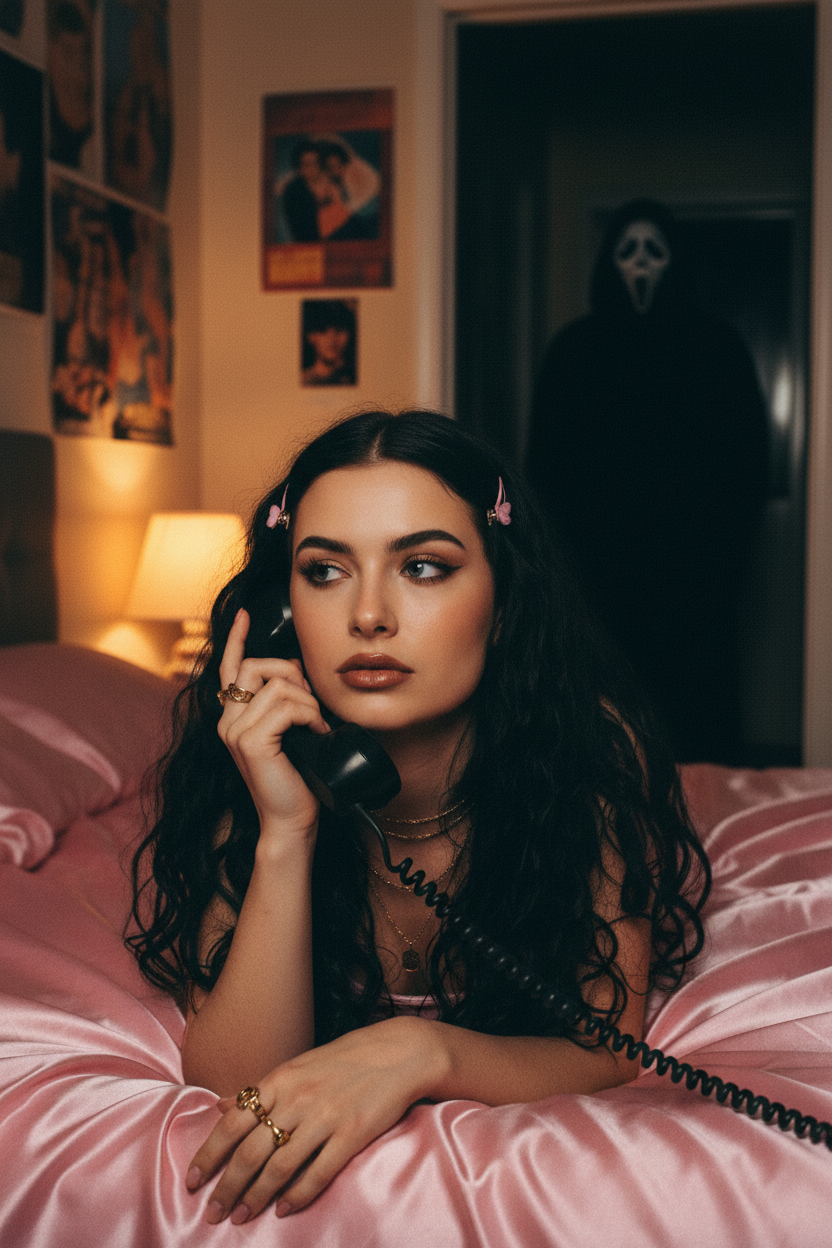
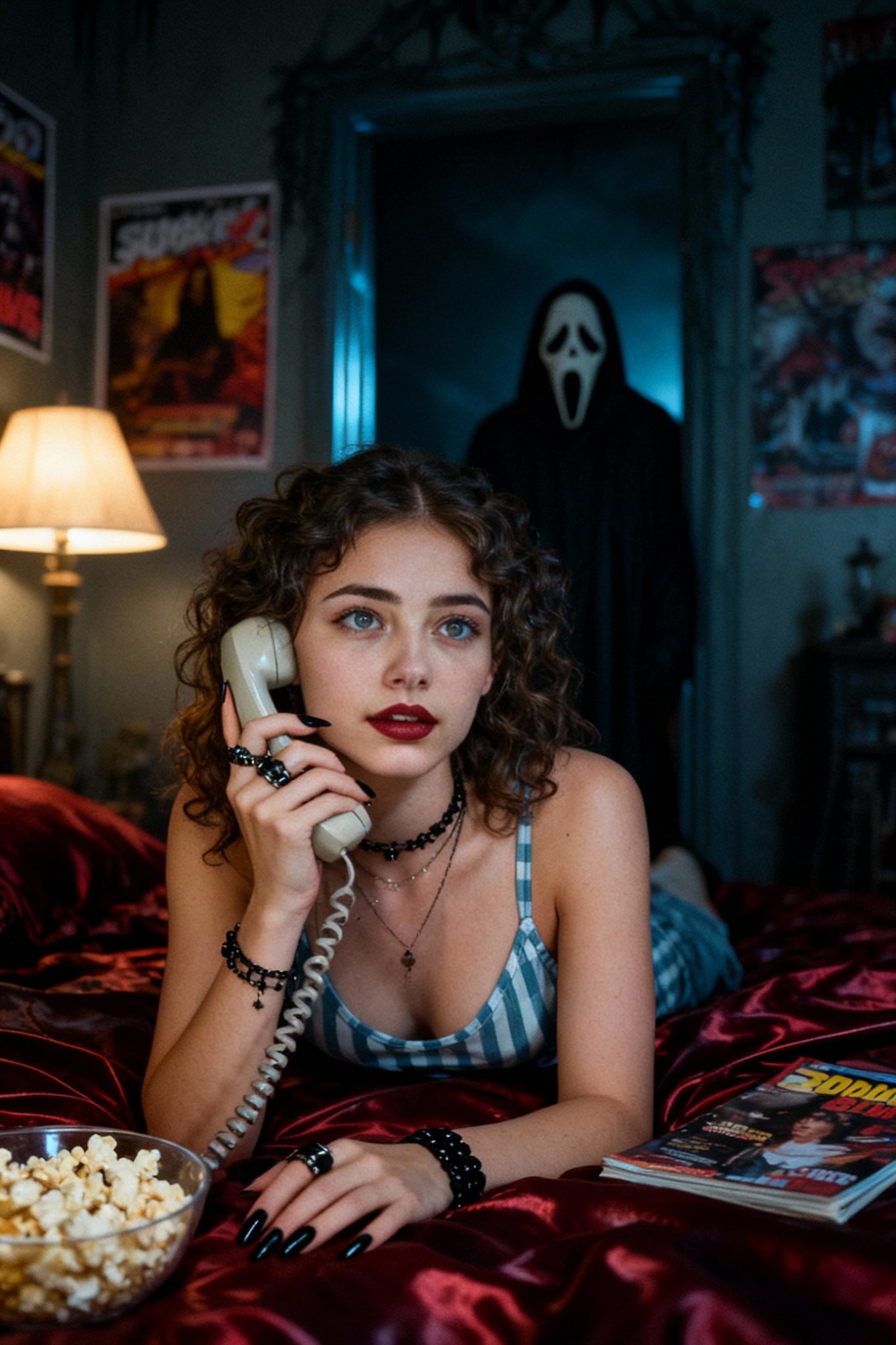
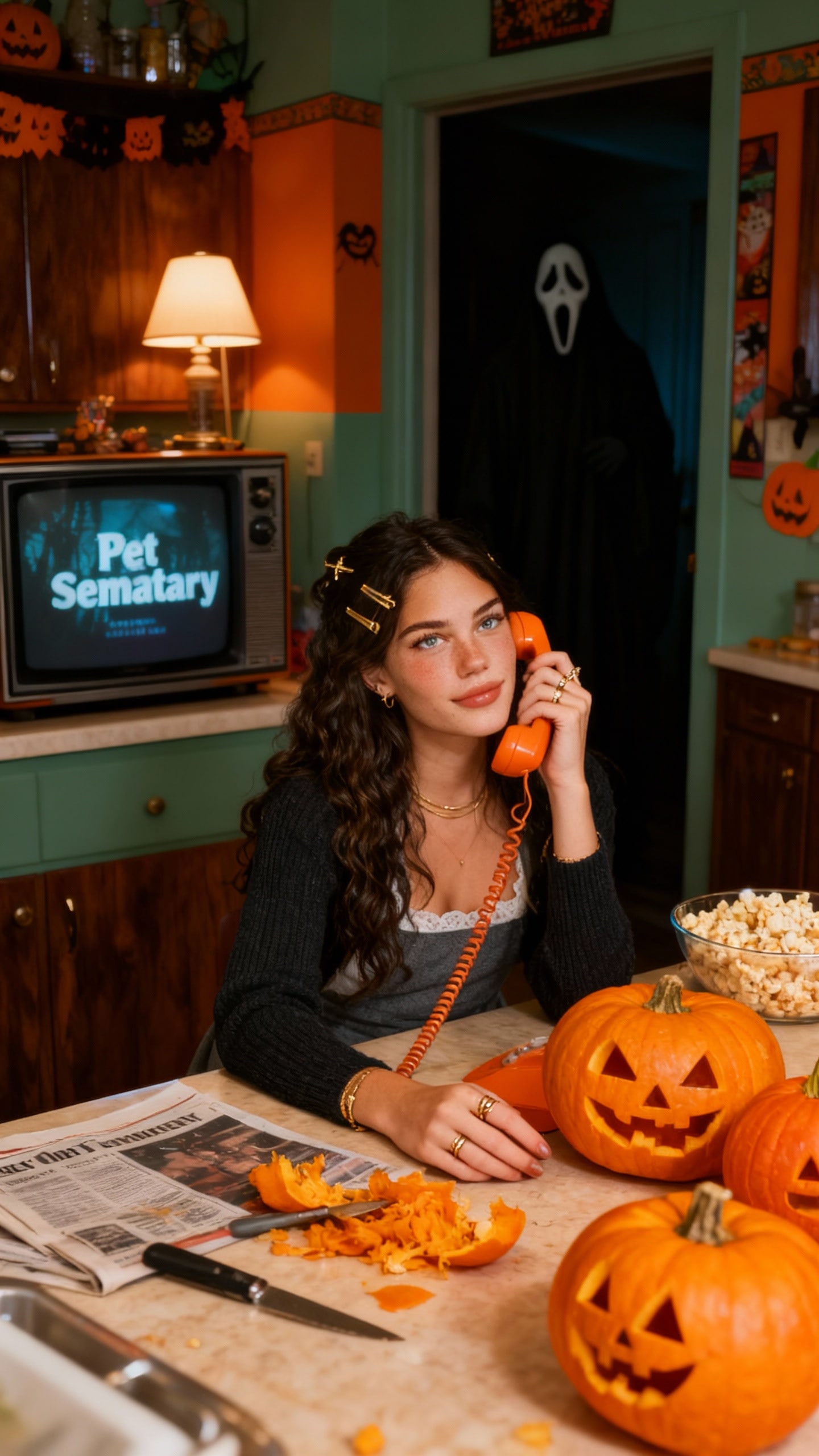
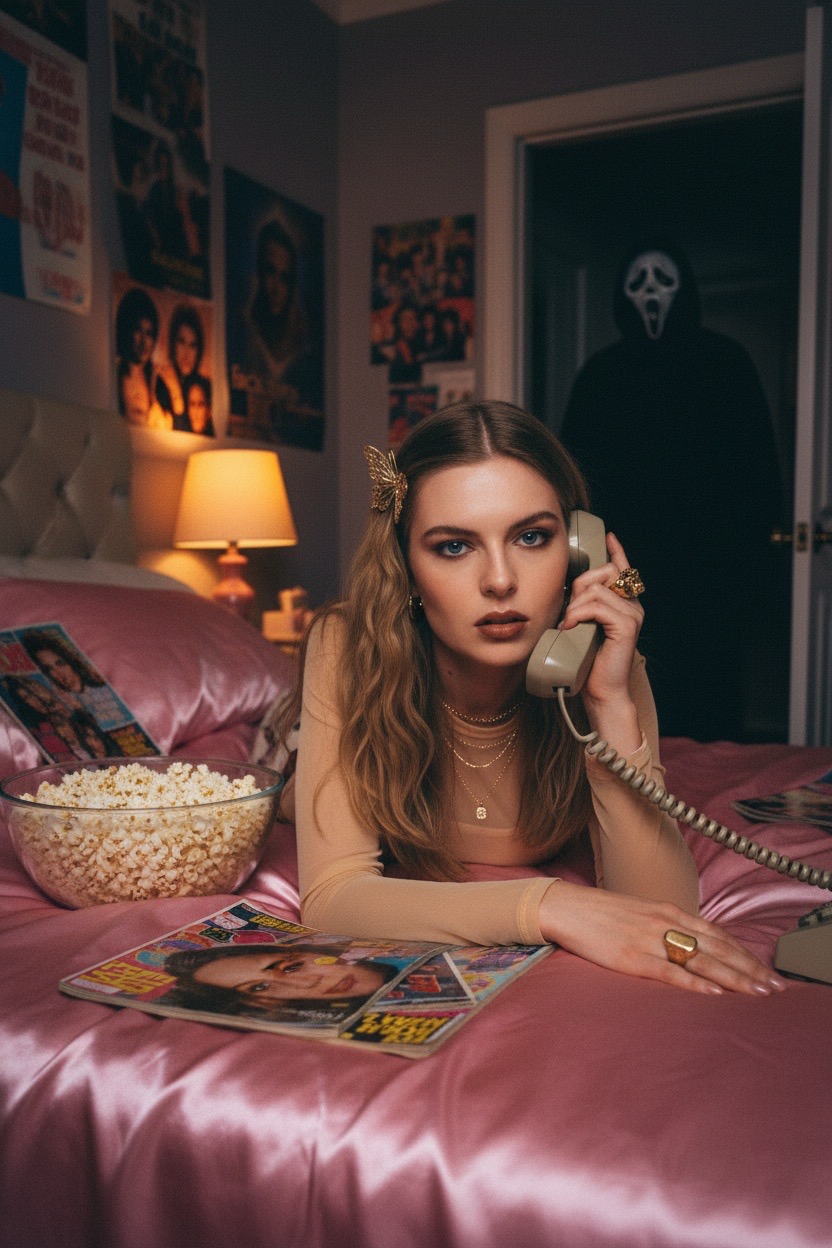
AI Ghostface Trend Photo Generator
AI Ghostface Trend
Upload Your Photo
By uploading or generating, you confirm you own these photos or have the person's permission, and you won't impersonate real people or celebrities. Responsible use
Quick answer
To do the AI Ghostface Trend, upload one clear photo where your face is easy to see, then press generate. imageat recreates your photo in the trend's look, and the image is ready to download when it finishes. One generation costs 3 imageat credits; no prompt writing or editing app is needed.
The Ghostface AI trend turns a selfie into a still from a 90s teen horror movie. You're lying on shiny pink satin bedding, talking on a big corded phone in a dreamy Y2K bedroom, while Ghostface from Scream stands in the dark hallway behind you. The trend started with Google Gemini (Nano Banana) prompts and comes back every Halloween; on imageat you get the look from one photo without writing a prompt.
What is the AI Ghostface Trend Photo Generator?
The Ghostface trend is a viral AI photo format that mixes Y2K nostalgia with Scream-style suspense. The scene is always similar: a grainy 1990s film look, a girly bedroom with posters and a single bedside lamp, you daydreaming on the phone, and Ghostface lurking in a doorway, dimly lit and staring. The contrast between the calm, pretty foreground and the killer in the background is what makes it work. imageat's template recreates the classic version: pink satin bedding, a large corded phone, pink hair clips, gold necklaces and rings, and soft glam makeup with brown lip gloss.
How to Do the AI Ghostface Trend
Here is how to make your own version on imageat:
- 1Choose a clear photo of your face, looking at or slightly away from the camera.
- 2Upload it to the Ghostface trend generator.
- 3Press Generate. The AI keeps your face and builds the Y2K bedroom and the Ghostface figure around you.
- 4Generate again if you want a different pose or framing.
- 5Download the image and post it, or animate it into a short horror clip with an image-to-video tool.
Where the Ghostface AI trend came from
The trend grew out of Google Gemini's Nano Banana image model, where shared prompts asked for a grainy 90s portrait with Ghostface in the background. It spread on TikTok and Instagram around Halloween and returned with Christmas versions. Ghostface is the masked killer from the Scream films, and the classic franchise moment of a ringing phone is why the corded landline is in almost every image.
Making it into a video
Many creators take the finished photo one step further and animate it, for example Ghostface slowly stepping forward while you keep talking on the phone. Download your image and upload it to imageat's AI video generator to turn it into a short clip.
Tips for Best Results
- Use a clear photo with your whole face visible; the AI keeps your face, hair and skin tone.
- A soft or dreamy expression fits the scene better than a big smile.
- Upload one person per photo so the AI knows who to place in the bed.
- For a creepier result, animate the finished image into a short clip.
- Post it with Scream-style audio or a phone ring for the full effect.
Best Prompts for AI Ghostface Trend Photo Generator
Want more control over the look? Copy one of these prompts and use it in our AI image generator to fine-tune the ai ghostface trend photo generator style.
AI Ghostface Trend Photo style portrait, keeping the original face and pose, cinematic lighting, high detail, sharp focus
AI Ghostface Trend Photo aesthetic with soft diffused light, pastel color grade, gentle film grain, shallow depth of field
High-contrast ai ghostface trend photo generator version, saturated colors, dramatic rim lighting, glossy editorial finish
AI Ghostface Trend Photo effect at night, neon ambiance, deep shadows, reflective highlights, atmospheric haze
AI Ghostface Trend Photo Generator at a Glance
What to upload
Upload a clear photo of your face.
What you get
An AI image, ready to download and post on TikTok, Reels or Shorts.
What it costs
3 imageat credits per image. The price is shown before you generate, and a failed generation is refunded.
FAQs About AI Ghostface Trend Photo Generator
Create this trend with imageat
Create unlimited variations beyond the ai ghostface trend photo generator with imageat's AI image generator.