Halloween AI Photo Generator
Turn your selfie into a Halloween photoshoot. Choose from 45 costume, retro party and makeup styles, then create your own portrait.
Example results
Preview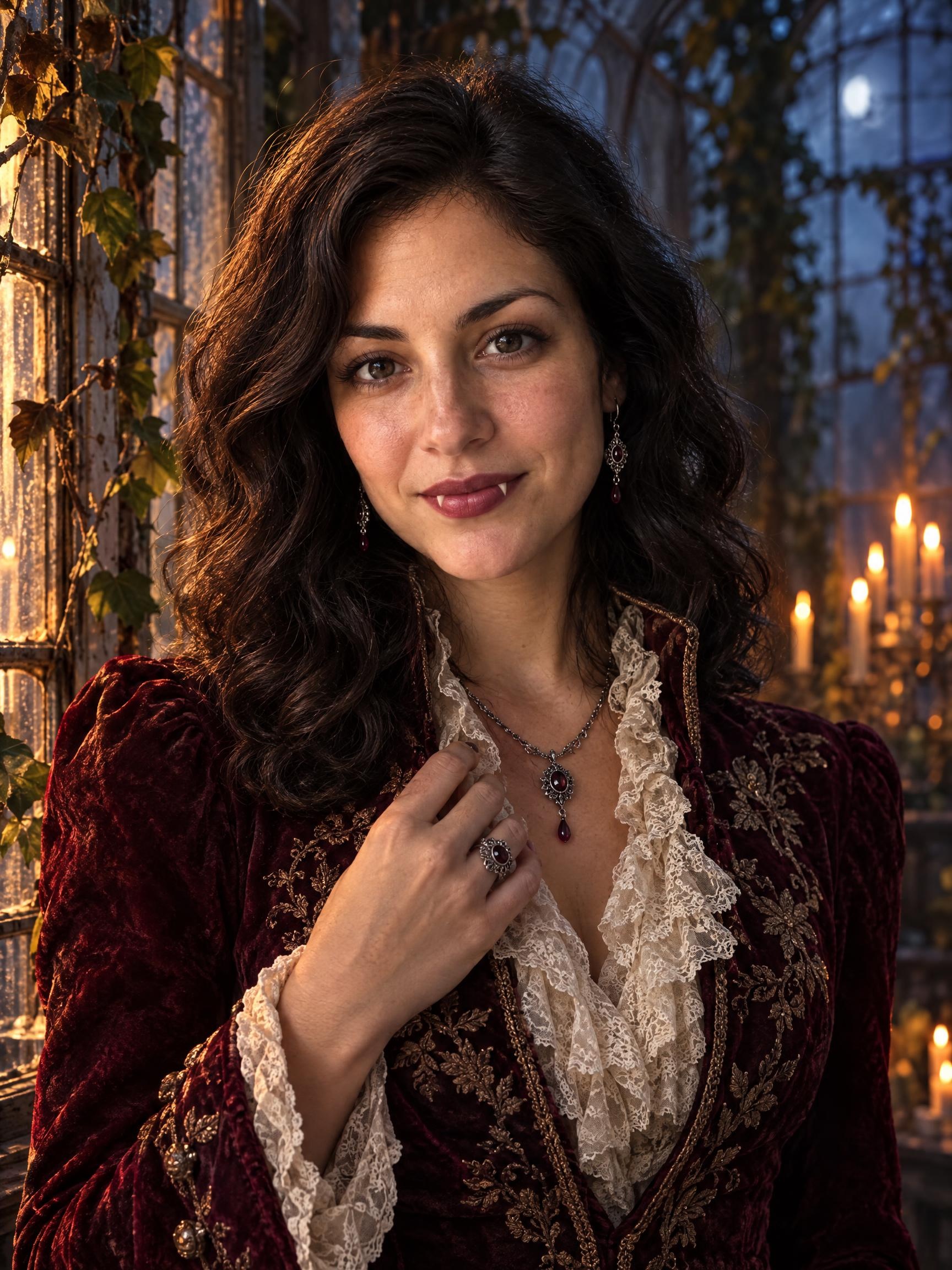
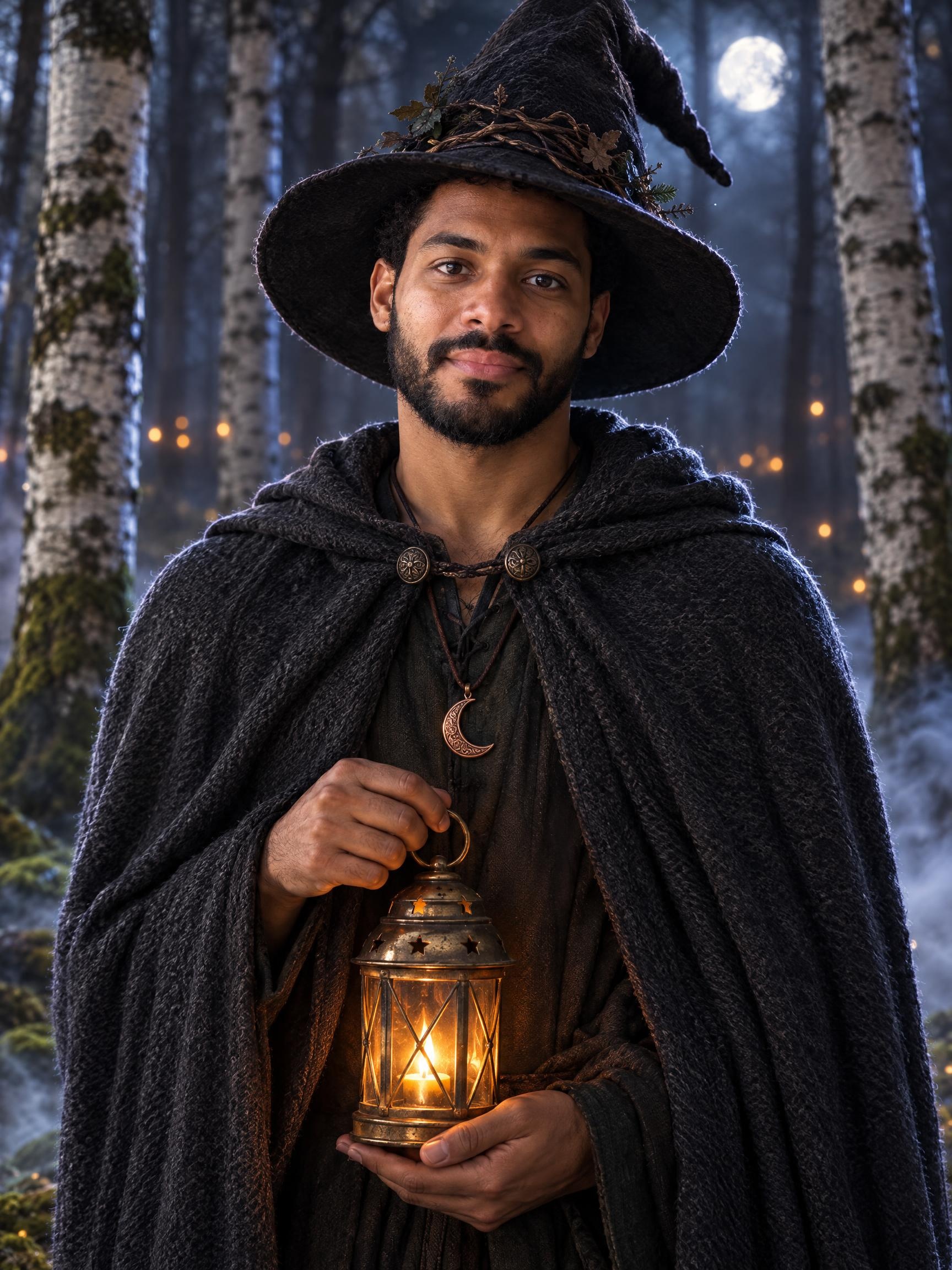
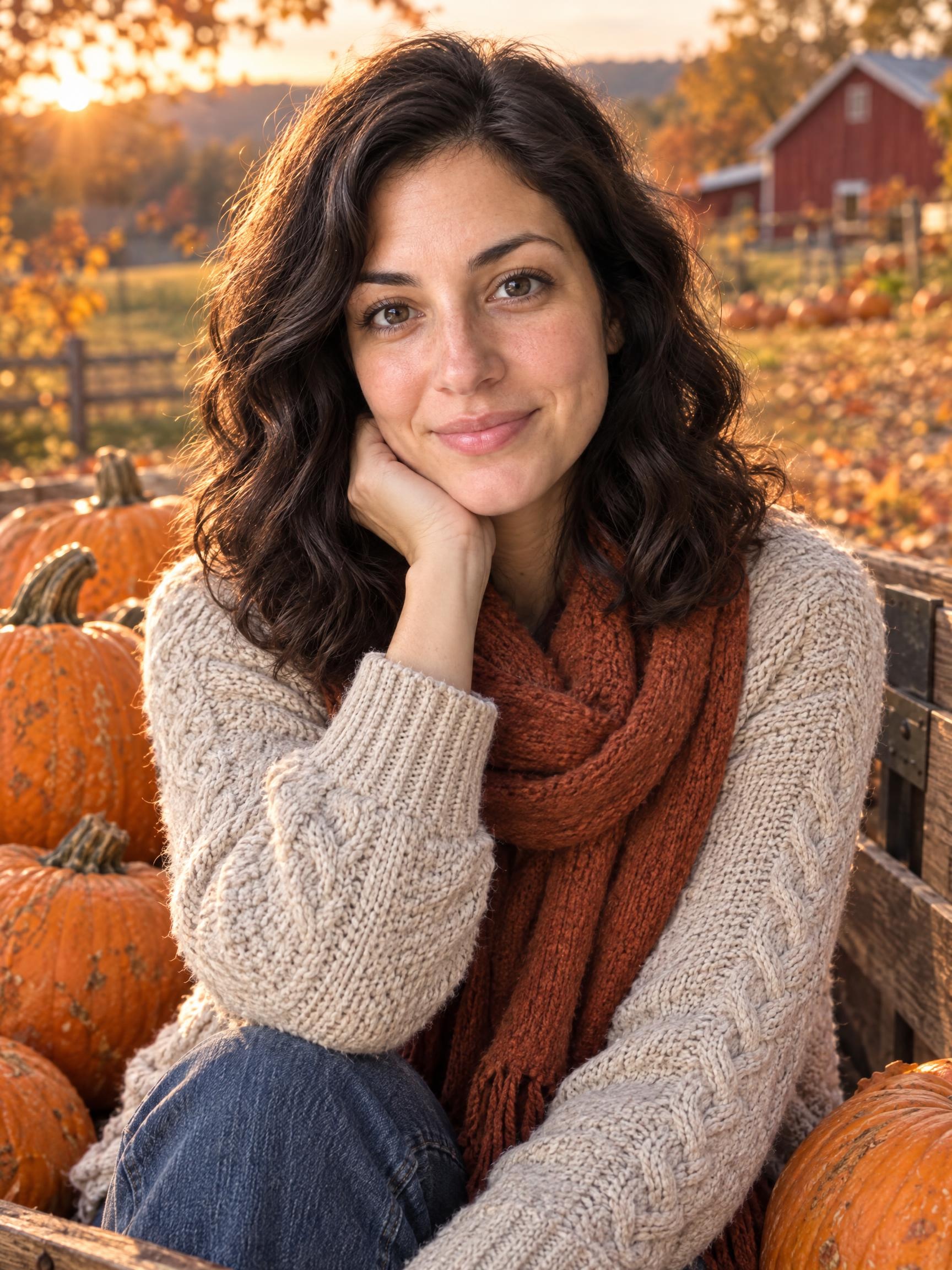
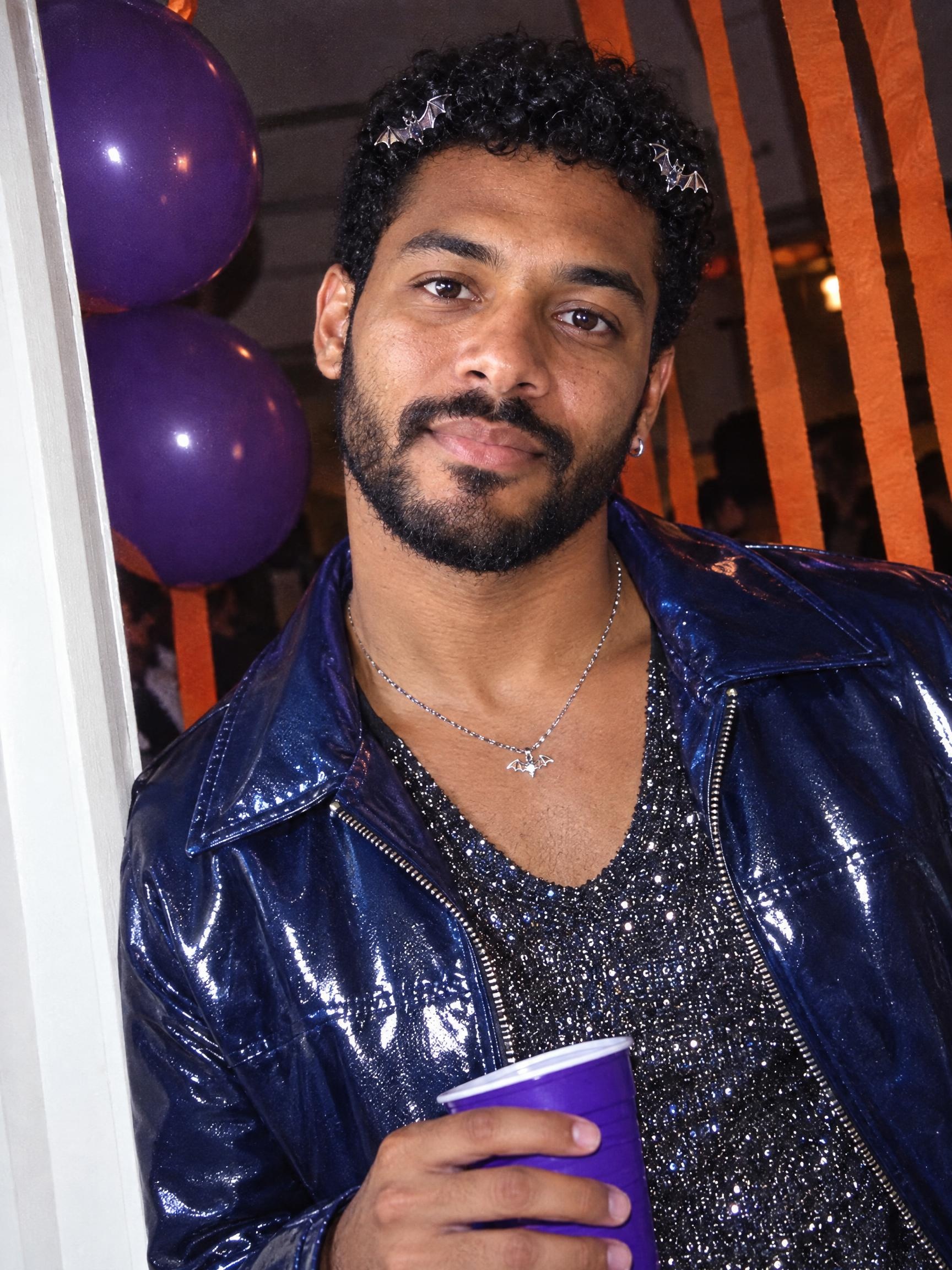
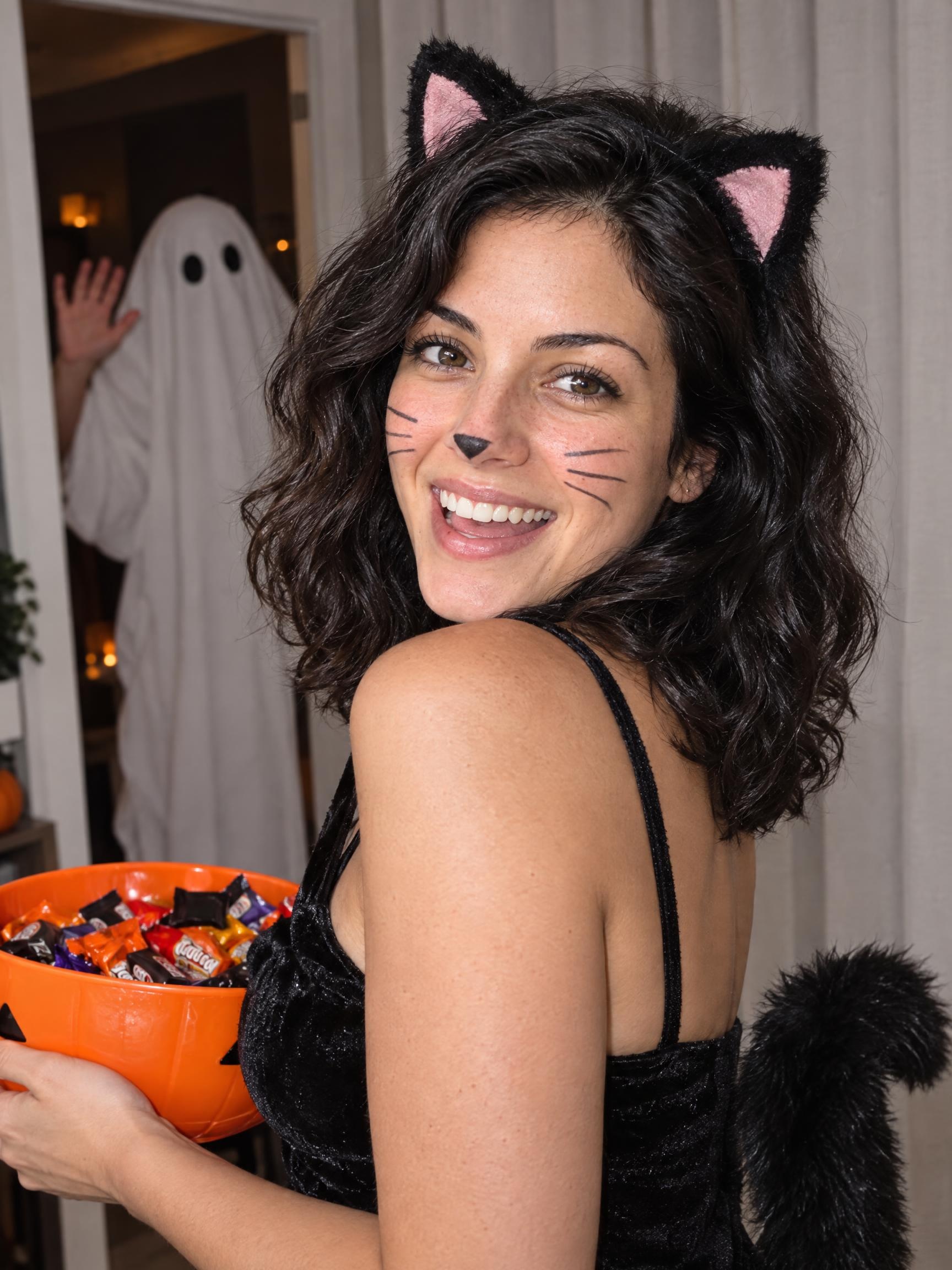
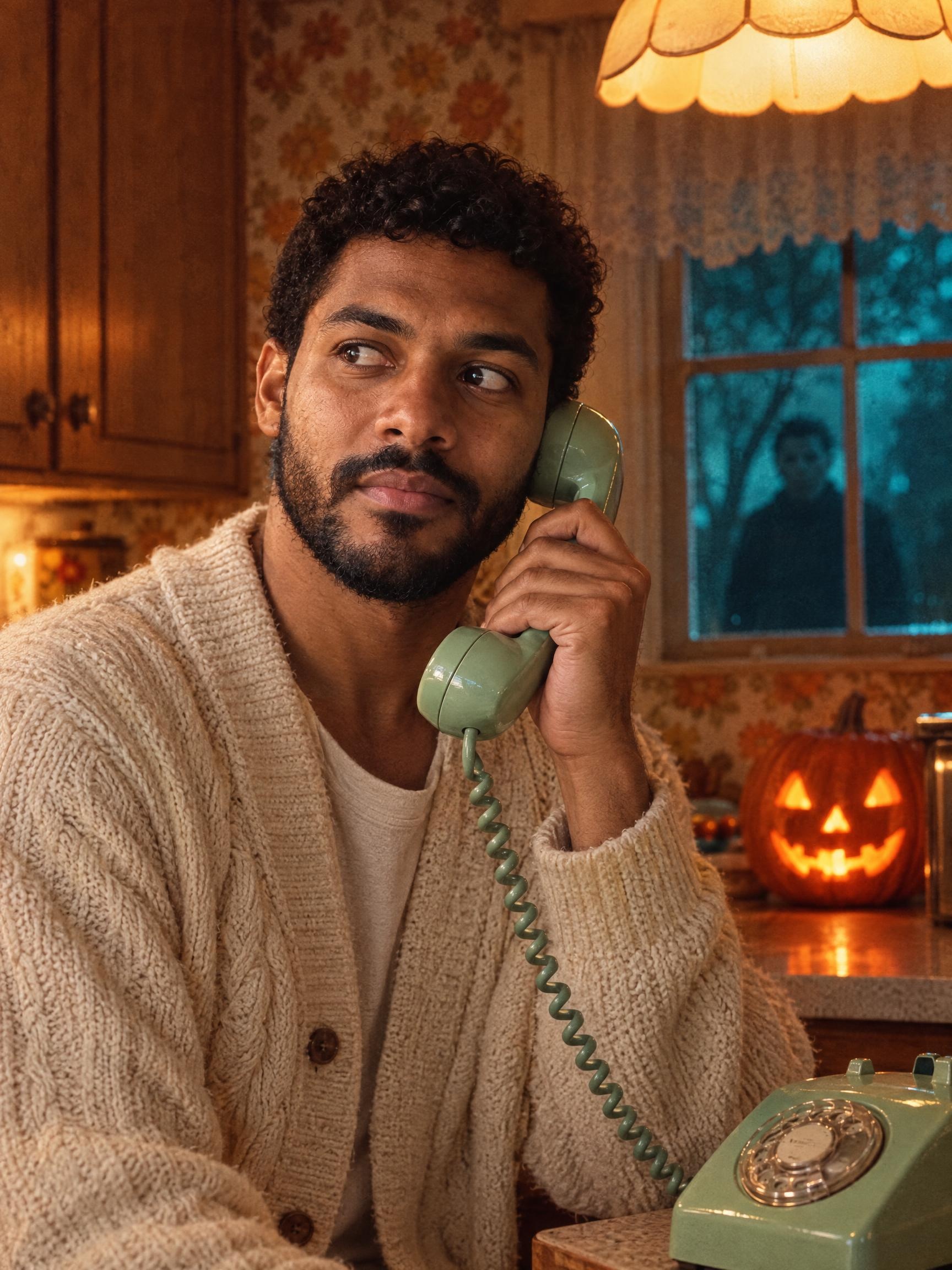
Halloween AI Photo Generator
Halloween
Choose your Halloween look
Please select an option to continue
Upload Your Photos
By uploading or generating, you confirm you own these photos or have the person's permission, and you won't impersonate real people or celebrities. Responsible use
Quick answer
To do the Halloween trend, upload one clear photo where your face is easy to see, then press generate. imageat recreates your photo in the trend's look, and the image is ready to download when it finishes. One generation costs 4 imageat credits; no prompt writing or editing app is needed.
Your October photoshoot starts with one photo. Pick an atmospheric costume portrait, a playful retro party scene, a warm pumpkin patch photo or detailed Halloween makeup. Each look has its own composition, wardrobe and lighting. The generator uses your uploaded photo as a reference and asks GPT Image 2.5 to keep you recognizable while changing the scene. The gallery shows newly generated fictional adults, not photos copied from other websites. Results vary with the reference photo and selected style.
What is the Halloween AI Photo Generator?
Every autumn, social media feeds on Instagram and TikTok fill with seasonal Halloween portraits, from gothic vampires in candlelit rooms to witches, spooky skeleton makeup, and cozy pumpkin patch shots. People share these festive costume pictures as profile photos, stories, and holiday posts without buying outfits or applying heavy face paint. The look ranges from moody vintage aesthetics to retro party snapshots. On imageat, the Halloween AI photo generator creates this look by taking one photo of your face, applying your choice of 45 costume and makeup styles, and producing a vertical 3:4 portrait.
How to Do the Halloween Trend
Here is how to make your own version on imageat:
- 1Choose a Halloween style from the image cards.
- 2Upload one sharp, well-lit photo with your face visible.
- 3Check the credit price, generate your portrait and download it from your Library.
Tips for Best Results
- Use a photo with one person and no sunglasses.
- Start with a neutral expression and even lighting for detailed makeup styles.
- Pick Pumpkin Patch for a cozy autumn look or Y2K Halloween for a party snapshot.
Explore all looks in the Halloween photo guide. Idea references: MakeAiPhotos Halloween guide and Media.io Halloween gallery. Recipes are adapted for imageat; gallery images are original AI examples.
Halloween AI Photo Generator at a Glance
What to upload
Upload one clear photo of yourself.
What you get
An AI image, ready to download and post on TikTok, Reels or Shorts.
What it costs
4 imageat credits per image. The price is shown before you generate, and a failed generation is refunded.
FAQs About Halloween AI Photo Generator
Create this trend with imageat
Create unlimited variations beyond the halloween ai photo generator with imageat's AI image generator.