Hotel Lobby AI Video Generator
Put two people into the viral Quavo & Takeoff Hotel Lobby performance. Upload one reference image per person: the first raps on the left, the second moves on the right. 15 or 30 seconds with the original audio.
Example results
Watch video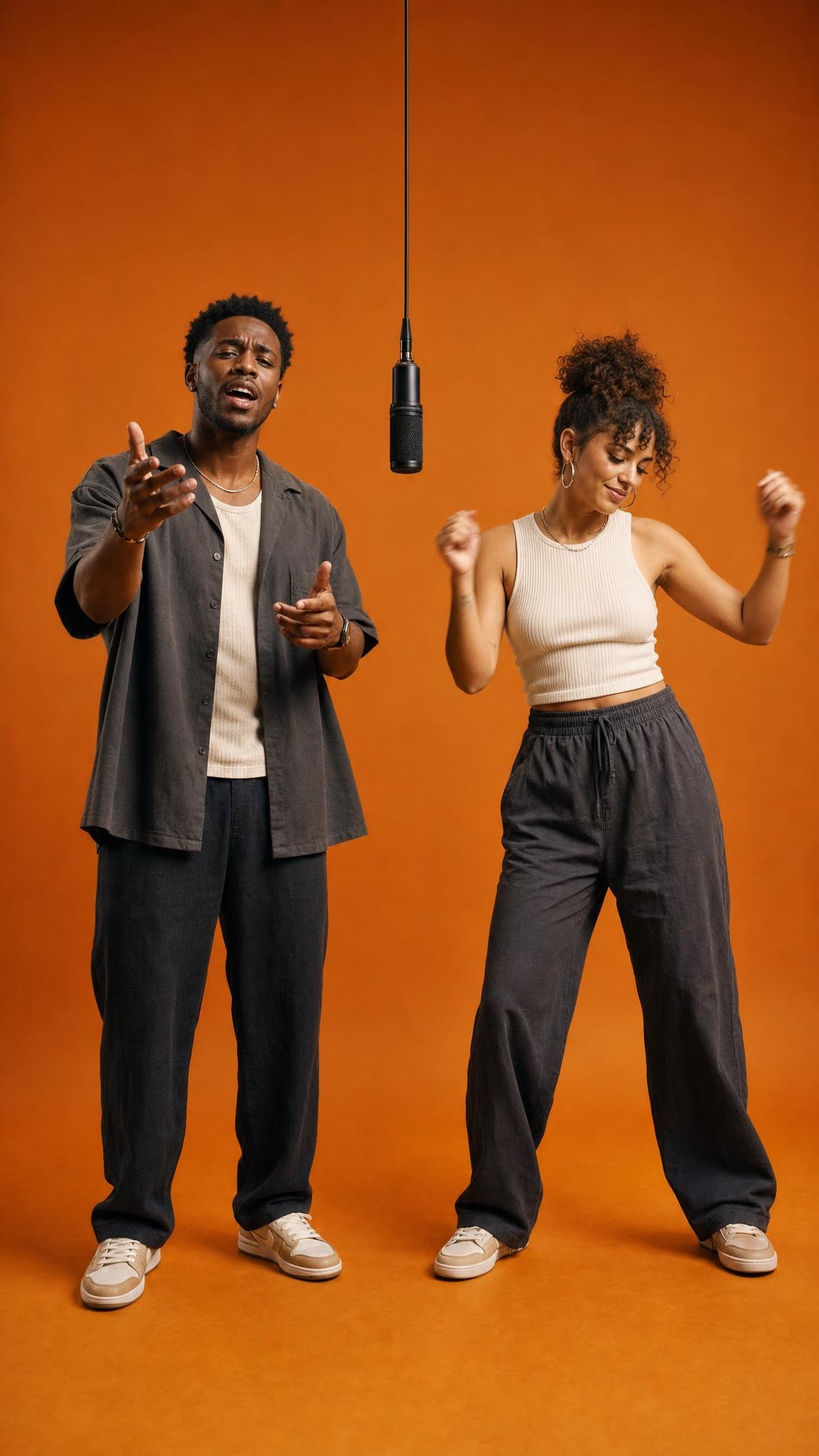
Hotel Lobby AI Video Generator
Hotel Lobby
Upload Your Photo
For the best likeness: one person per Character Sheet, with a front portrait plus front and back full-body views, in good light with nothing covering the face. The uploads set each person's face, hair, build and outfit.
Video length
Longer videos use more credits per generation.
Resolution
Higher resolution uses more credits per generation.
By uploading or generating, you confirm you own these photos or have the person's permission, and you won't impersonate real people or celebrities. Responsible use
Quick answer
To do the Hotel Lobby trend, upload 2 clear photos of the people you want in it, then press generate. imageat places the people from your photos into the trend's original video, and the video is ready to download when it finishes. One generation costs 205 imageat credits; no prompt writing or editing app is needed.
Make your own version of the viral Hotel Lobby AI trend: two people dropped into Quavo and Takeoff's “HOTEL LOBBY (Unc & Phew)” performance from A COLORS SHOW, in the orange booth with the hanging microphone. Upload one reference image for each person and imageat swaps both performers into the original clip. The moves, camera, timing and soundtrack stay exactly as they are; only the two people change.
What is the Hotel Lobby AI Video Generator?
The Hotel Lobby AI trend took off on TikTok and Instagram in September 2026. It starts from Quavo and Takeoff's “HOTEL LOBBY (Unc & Phew)” performance on A COLORS SHOW: two performers in a plain orange booth, one rapping into a hanging microphone on the left and one moving on the right. People use AI to replace them with friends, couples, coworkers or fictional characters. On imageat you don't write a prompt or animate a still photo. You upload one reference image per person, and the original performance plays frame for frame with the two of you in it.
Hotel Lobby AI Video Generator on TikTok
Popular posts of the trend, credited to their creators. The videos play from TikTok.
How to Do the Hotel Lobby Trend
Here is how to make your own video on imageat:
- 1Make one reference image per person: a single image showing them three ways, a front portrait, a front full-body shot and a back full-body shot (often called a character sheet).
- 2Upload the person who should rap on the left first, then the person on the right.
- 3Choose a 15-second or 30-second version at 480p or 720p; the button shows the exact credit cost.
- 4Generate, then preview and download the finished 16:9 video with the original audio.
Tips for Best Results
- Use one person per reference image. Group photos make it harder to keep the left and right performers apart.
- Show the outfit you want in the video: clothing, hair and accessories come from your image, not from the original performers.
- Use sharp, well-lit images; small photos and screenshots lose facial detail.
- The video is landscape (16:9). For TikTok or Reels, post it letterboxed or crop it in your editor.
Hotel Lobby AI Video Generator at a Glance
What to upload
Upload the Character Sheet for the LEFT performer; Upload the Character Sheet for the RIGHT performer.
What you get
An AI video that follows the trend's original take, ready to download and post on TikTok, Reels or Shorts.
What it costs
205 imageat credits per video at 720p. The price is shown before you generate, and a failed generation is refunded.
FAQs About Hotel Lobby AI Video Generator
Create this trend with imageat
Go beyond the hotel lobby ai video generator — generate any AI video from text or an image with Veo, Kling, Seedance and more.