On the Plane AI Video Generator
Create a realistic handheld plane-to-plane video where your AI character climbs onto a Piper wing and lands a backflip above Manhattan.
Example results
Preview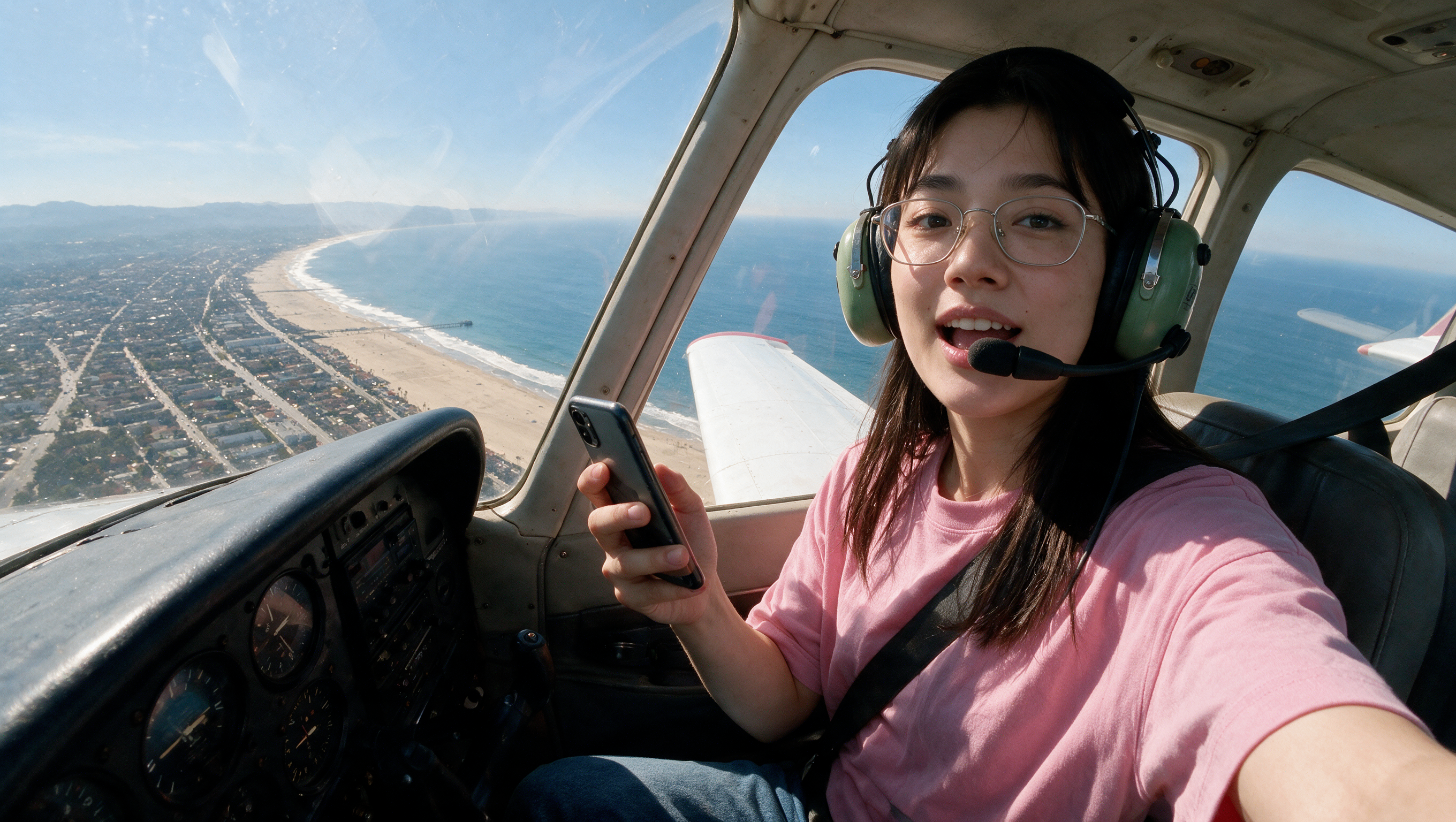
On the Plane AI Video Generator
On the Plane
Upload Your Photo
For the best likeness: one person per photo, face clearly visible from the front, good light, nothing covering the face (phone, sunglasses, hand). Upload the original photo, not a screenshot.
By uploading or generating, you confirm you own these photos or have the person's permission, and you won't impersonate real people or celebrities. Responsible use
Quick answer
To do the On the Plane trend, upload one clear photo where your face is easy to see, then press generate. imageat turns your photo into the trend's AI video, and the video is ready to download when it finishes. One generation costs 128 imageat credits; no prompt writing or editing app is needed.
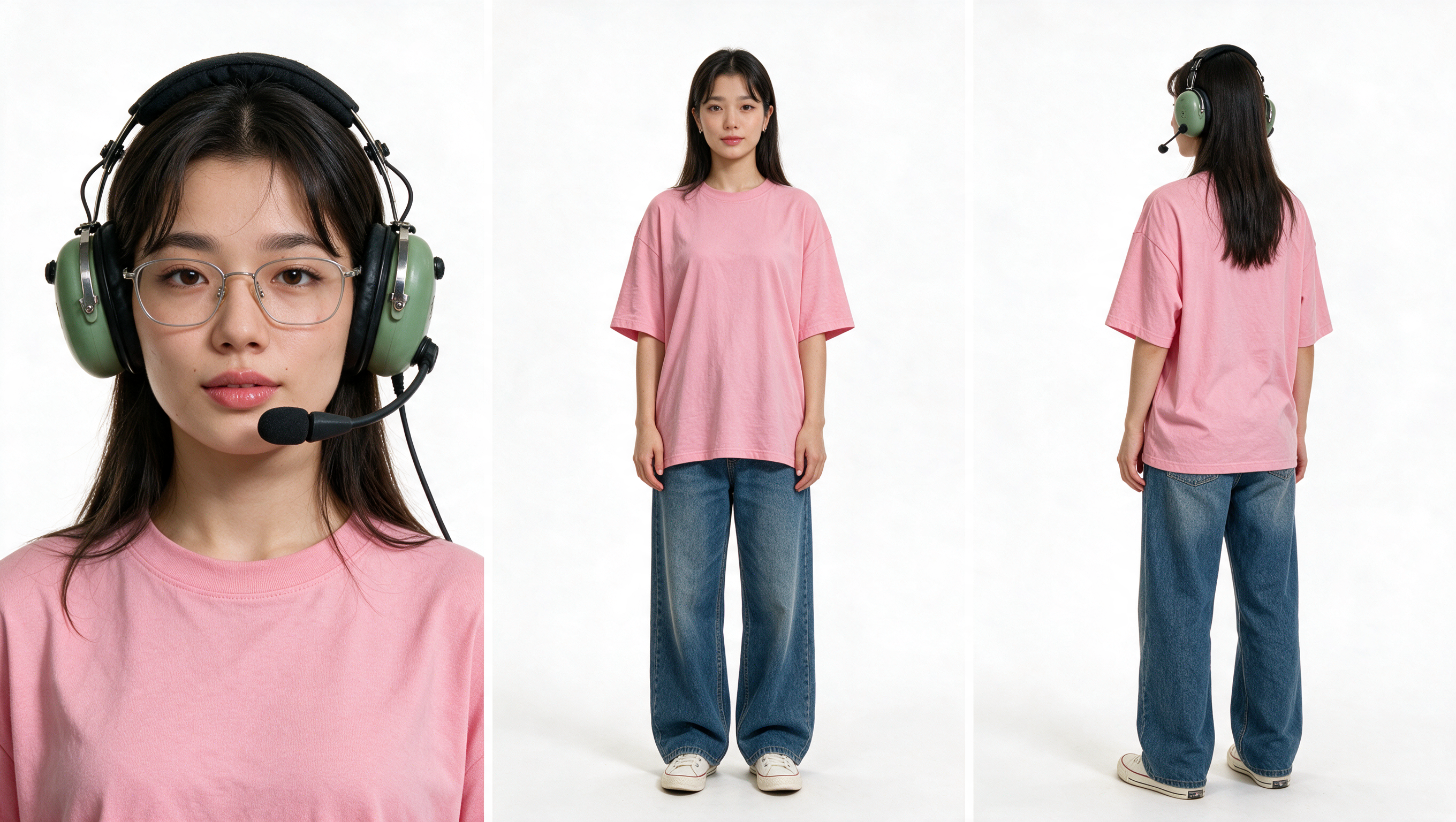
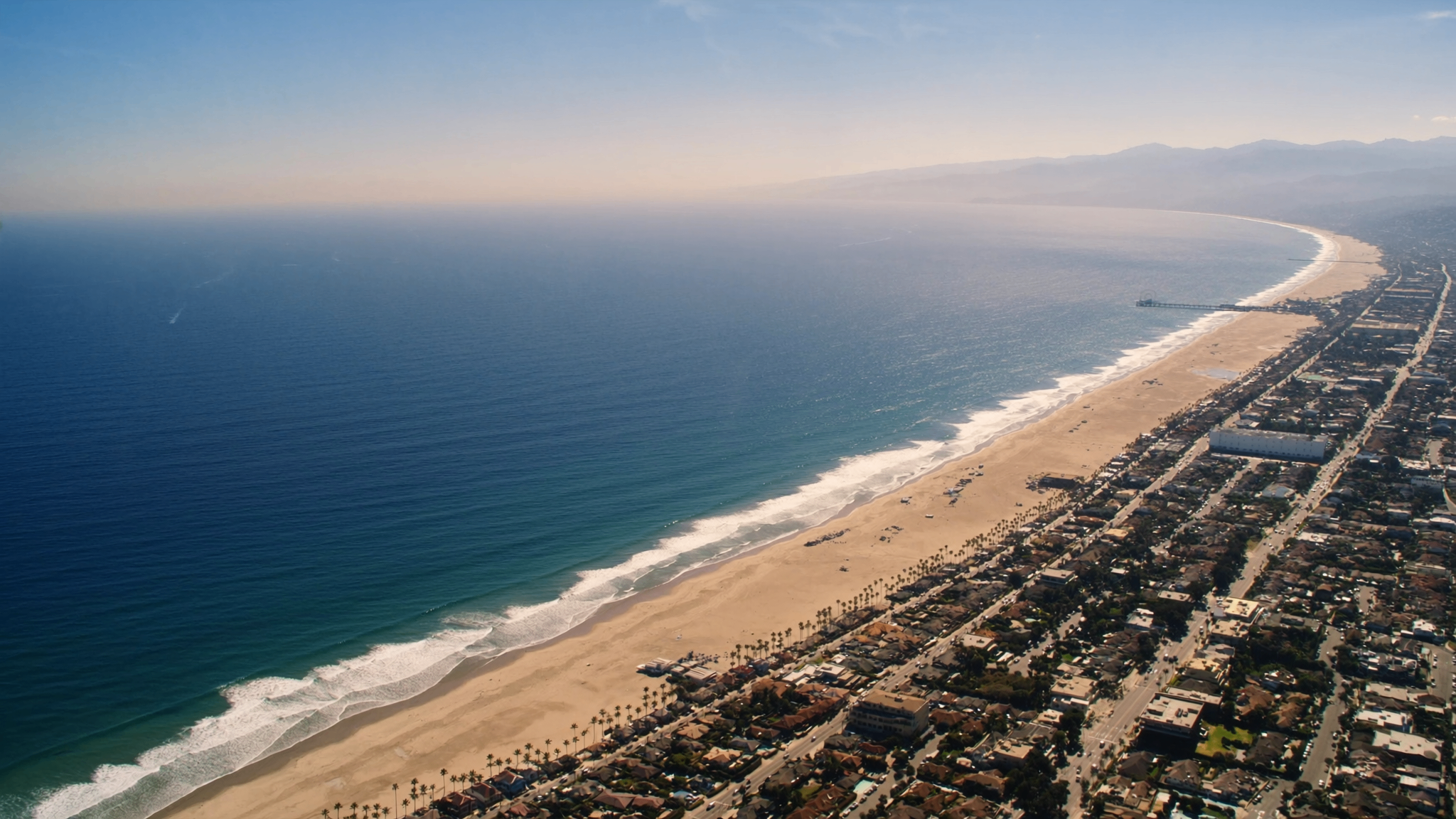
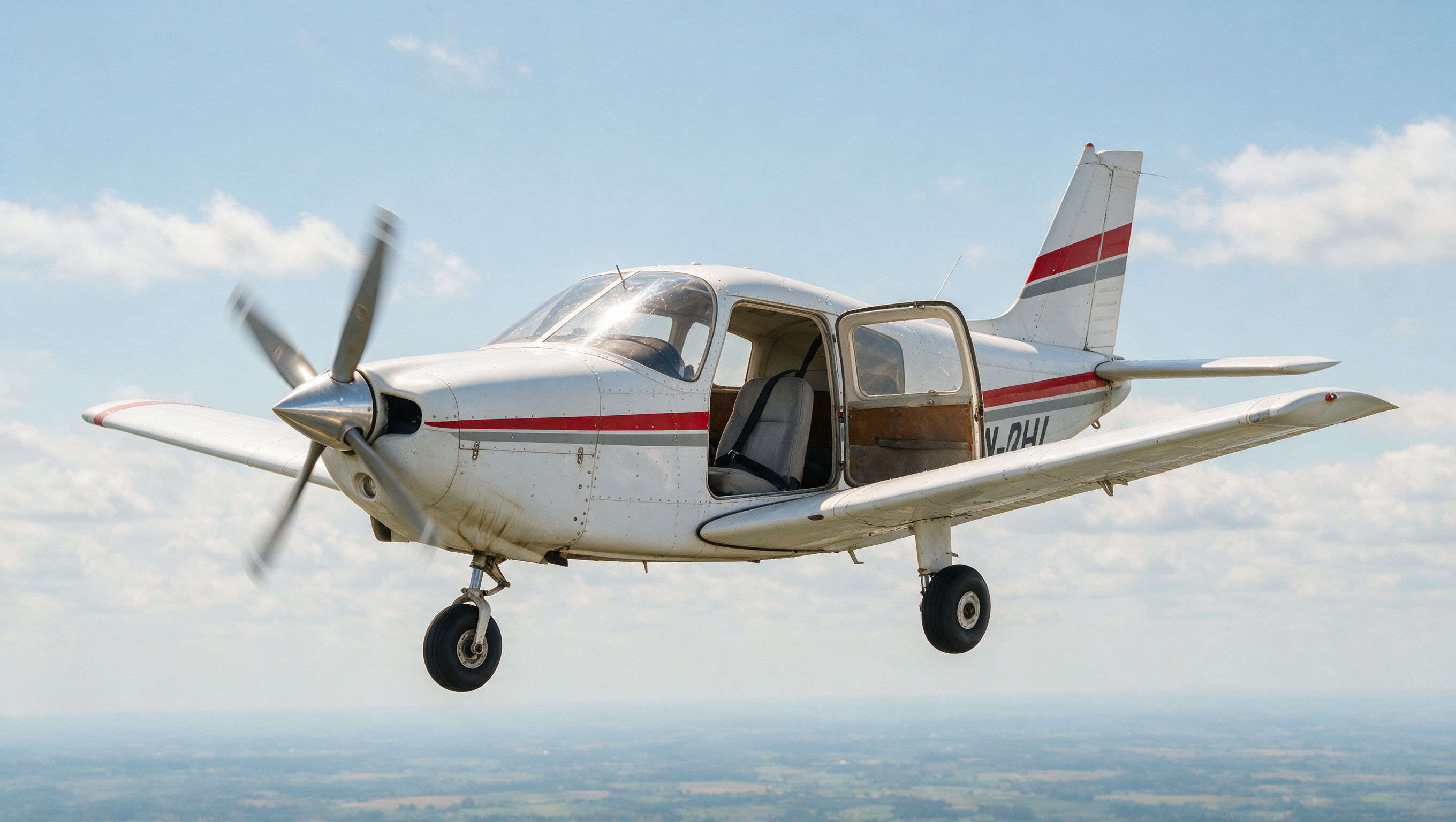
This two-stage workflow first builds a consistent three-view pilot character sheet from your selfie. Seedance 2.5 then combines that character with the included Manhattan and Piper PA-28 references to create a continuous, audio-enabled plane-to-plane stunt shot.
What is the On the Plane AI Video Generator?
The On the Plane AI Video Generator is based on the viral airplane wing backflip trend shared across TikTok, Instagram Reels, and YouTube Shorts. The trend mimics amateur phone footage filmed from a second chase plane flying alongside a small propeller aircraft. In the video, a character climbs out of the cabin, balances on the wing of a Piper PA-28 thousands of feet in the air, and lands a backflip over the Manhattan skyline. Viewers share the clips for their convincing handheld camera shake, engine roar, and aerial stunt physics. On imageat, you can turn a single selfie into a customized 15-second stunt video using built-in flight assets and scenery.
How to Do the On the Plane Trend
Here is how to make your own video on imageat:
- 1Upload a clear front-facing selfie.
- 2Seedream 5 Pro creates the three-panel pilot character sheet.
- 3Seedance 2.5 combines it with the included New York and Piper references.
- 4Preview and download the finished 15-second landscape video.
Tips for Best Results
- Use an evenly lit selfie with both eyes visible.
- Keep your full face unobstructed for stronger identity consistency.
- The phone-camera shake and zoom softness are intentional parts of the effect.
- Small motion and aircraft-detail variations are normal between generations.
Best Prompts for On the Plane AI Video Generator
Want more control over the motion? Copy one of these prompts and use it in our AI video generator to fine-tune the on the plane ai video generator style.
White Piper PA-28 Warrior II, single-engine low-wing light aircraft with a red and grey side stripe, black registration lettering on the fuselage, fixed tricycle landing gear, three-blade propeller in motion blur. Right-side cabin door open and pressed back by the airstream. Clean but slightly weathered paint, visible rivets, oil streaks near the cowling, sun glare on the windshield. Cabin empty except the pilot's seat. Flying level with light turbulence. Photorealistic, natural daylight.
On the Plane AI Video Generator at a Glance
What to upload
Upload one clear front-facing selfie.
What you get
An AI video, ready to download and post on TikTok, Reels or Shorts.
What it costs
128 imageat credits per video. The price is shown before you generate, and a failed generation is refunded.
FAQs About On the Plane AI Video Generator
Create this trend with imageat
Go beyond the on the plane ai video generator — generate any AI video from text or an image with Veo, Kling, Seedance and more.