Palm Reading Photo Generator
Create your photos with our palm reading photo generator AI effect. Create viral-worthy content in seconds.
Example results
Preview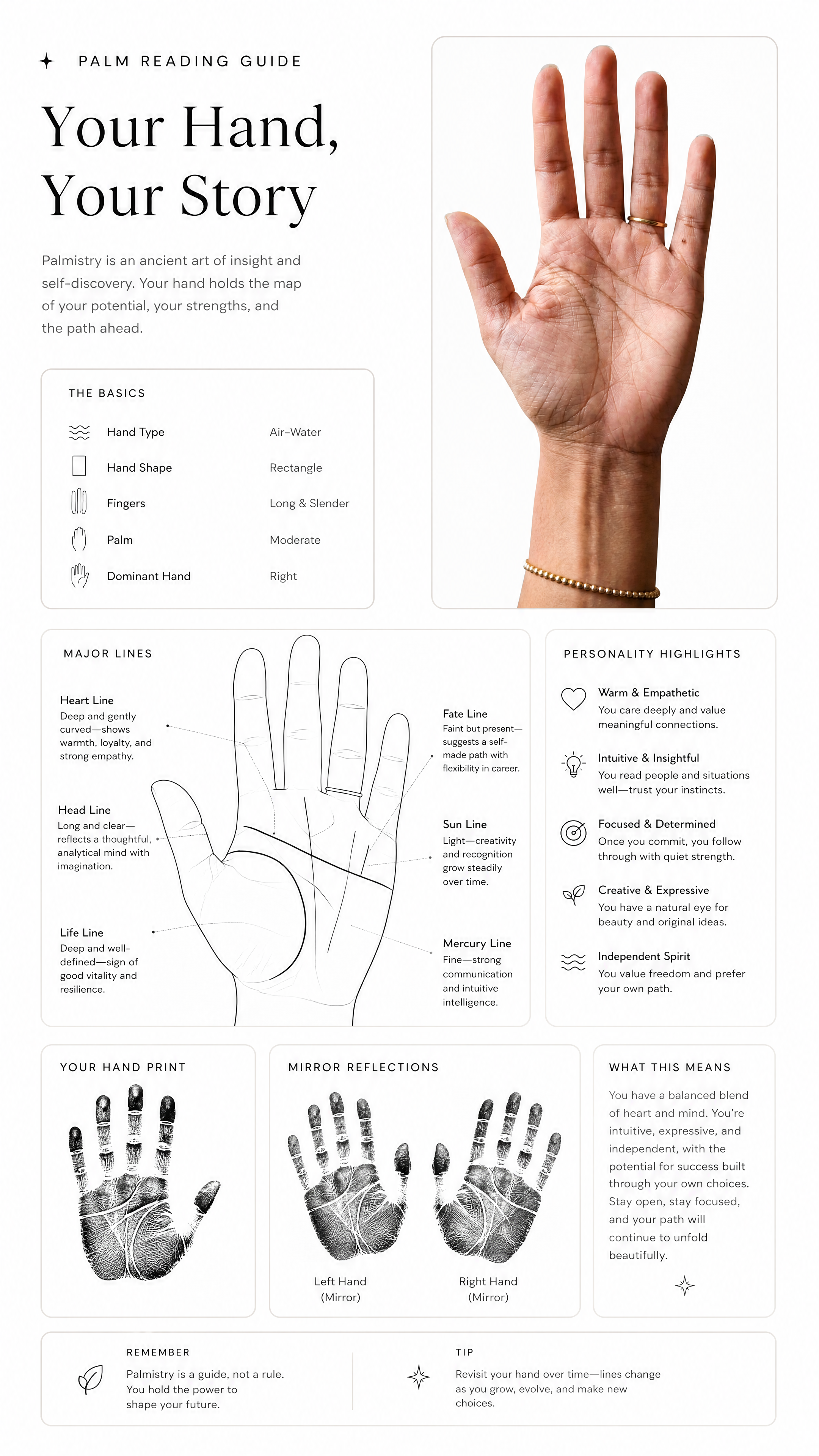
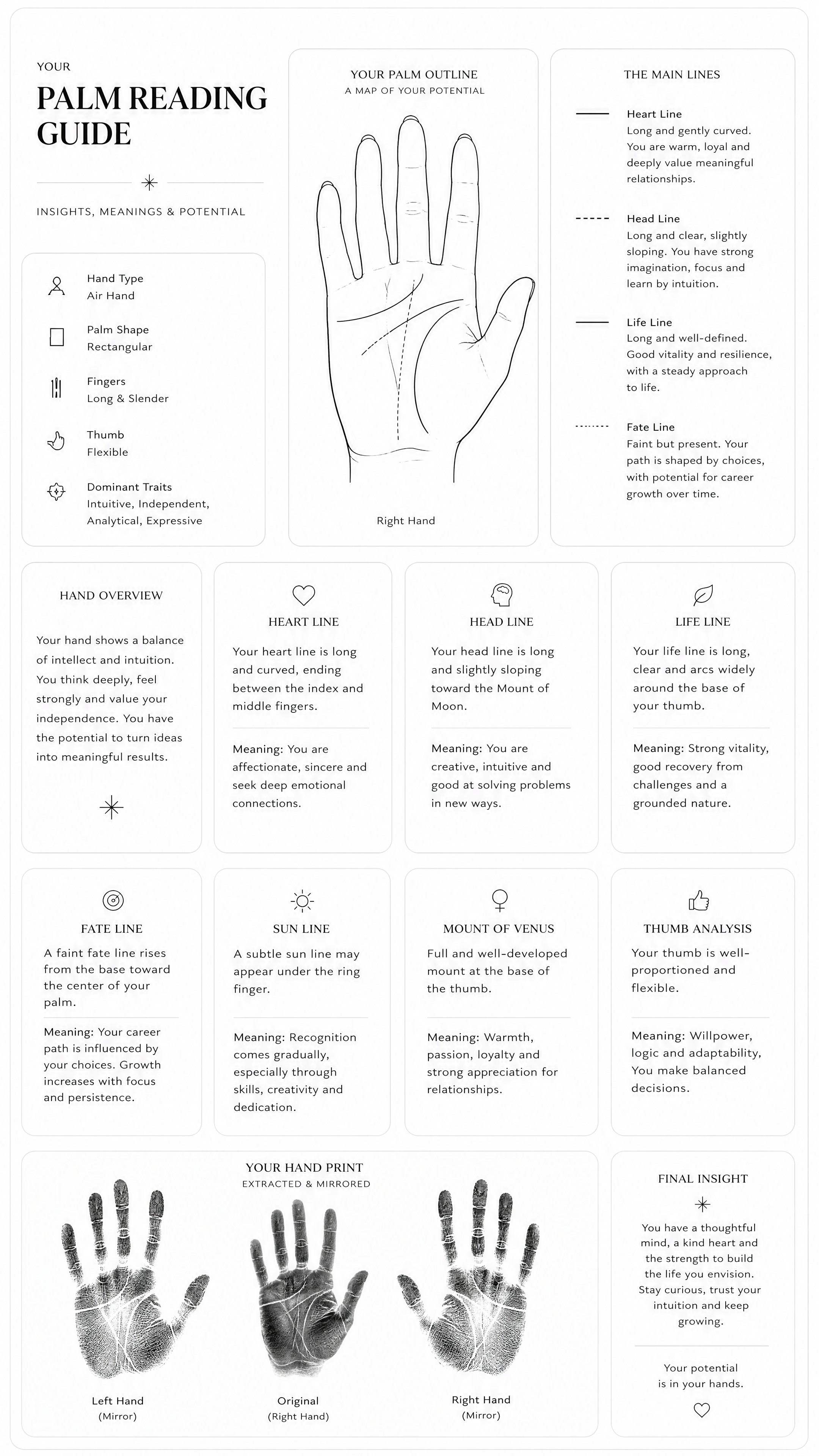
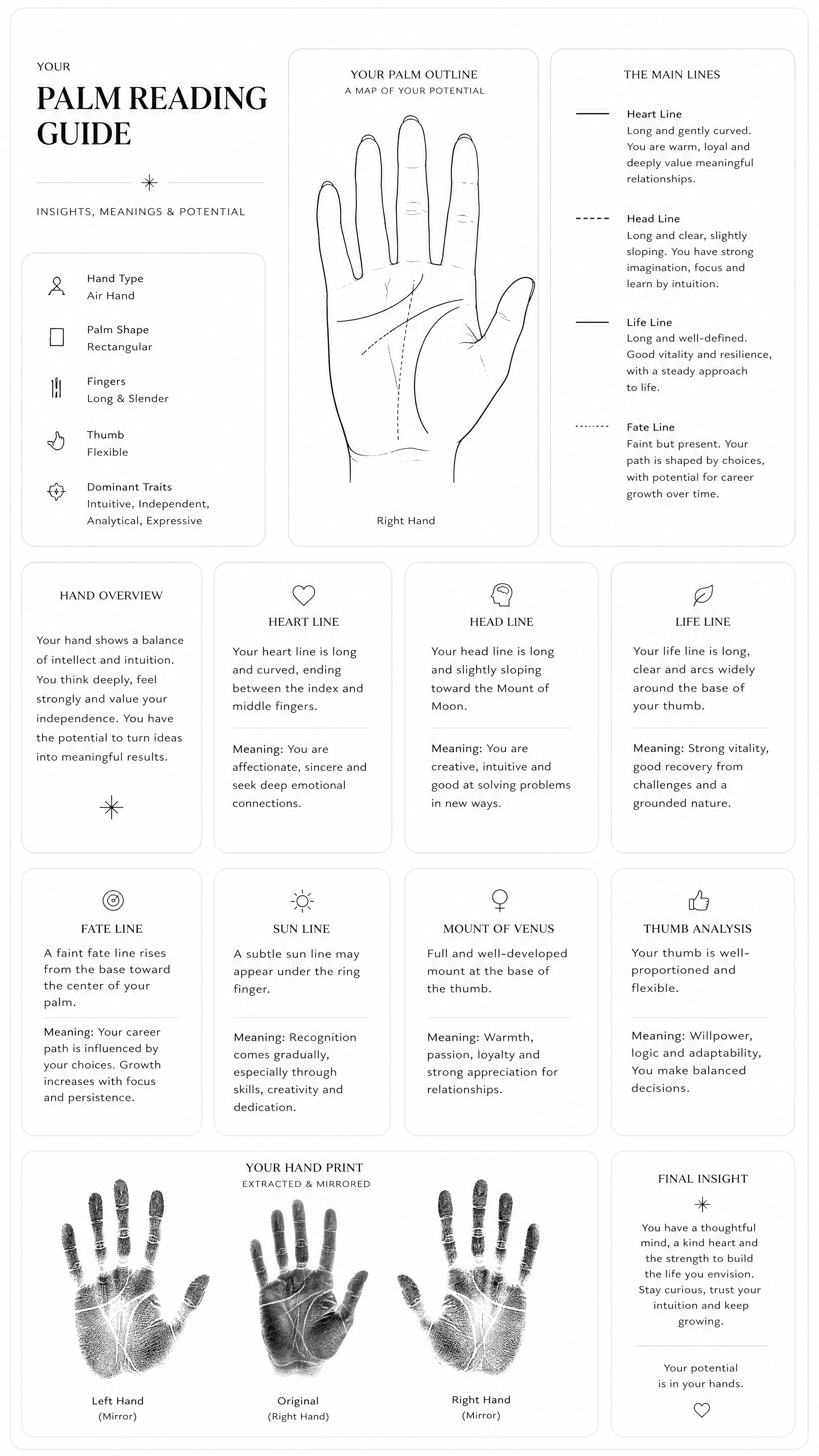
Palm Reading Photo Generator
Palm Reading
Upload Your Photo
By uploading or generating, you confirm you own these photos or have the person's permission, and you won't impersonate real people or celebrities. Responsible use
Quick answer
To do the Palm Reading trend, upload one clear photo where your face is easy to see, then press generate. imageat recreates your photo in the trend's look, and the image is ready to download when it finishes. One generation costs 10 imageat credits; no prompt writing or editing app is needed.
The Palm Reading Photo Generator turns a photo of your hand into a clean, magazine-style palmistry infographic titled Your Hand, Your Story. The finished poster displays your hand next to organized sections that detail your hand type, finger proportions, and personality highlights. It features a minimal line-art diagram tracing your major palm lines, including the heart, head, life, and fate lines, alongside an inked palm print graphic and mirror reflections. Your uploaded photo supplies the shape, creases, and skin details of your palm. The generator reads these patterns to create the diagrams, interpretive notes, and rounded card layout on a warm neutral background. The final result is a single high-resolution image ready to save and share.
What is the Palm Reading Photo Generator?
The Palm Reading Photo Generator trend started on social media platforms like TikTok and Instagram, where people asked AI tools to analyze a photo of their palm and turn it into a luxury editorial guide. Instead of plain fortune-telling text, the trend formats palmistry into an elegant infographic with thin outlines, rounded cards, and personality traits. Users post the aesthetic poster to show their palm lines, hand types, and self-reflection notes in their feeds and stories. On imageat, you upload one hand photo to create this customized palm reading image automatically without writing prompts.
How to Do the Palm Reading Trend
Here is how to make your own version on imageat:
- 1Take a clear, flat photo of your open palm under bright, even lighting.
- 2Upload your palm photo to imageat.
- 3Select generate to produce your custom palm reading infographic.
- 4Download your finished image and share it on Instagram or TikTok.
Tips for Best Results
- Use high-quality photos for best results
- Good lighting makes a big difference
- Try different angles and poses
- Experiment with various styles
- Share your creations on social media
Best Prompts for Palm Reading Photo Generator
Want more control over the look? Copy one of these prompts and use it in our AI image generator to fine-tune the palm reading photo generator style.
Palm Reading Photo look as a clean studio portrait, even softbox lighting, neutral background, crisp skin texture
Palm Reading Photo style during golden hour, warm backlight, lens flare, natural skin tones, bokeh background
Palm Reading Photo aesthetic as a fashion magazine cover, bold styling, sharp detail, professional color grade
Palm Reading Photo effect with vintage 35mm film grain, faded colors, light leaks, nostalgic mood
Palm Reading Photo Generator at a Glance
What to upload
1 clear photos, one per person.
What you get
An AI image, ready to download and post on TikTok, Reels or Shorts.
What it costs
10 imageat credits per image. The price is shown before you generate, and a failed generation is refunded.
FAQs About Palm Reading Photo Generator
Create this trend with imageat
Create unlimited variations beyond the palm reading photo generator with imageat's AI image generator.