AI Talking Photo & Funny Face Video Generator
Upload one portrait and turn it into a talking video or a funny face video. Your photo keeps its own face, hair and background while it picks up a full 30-second performance.
Example results
Watch video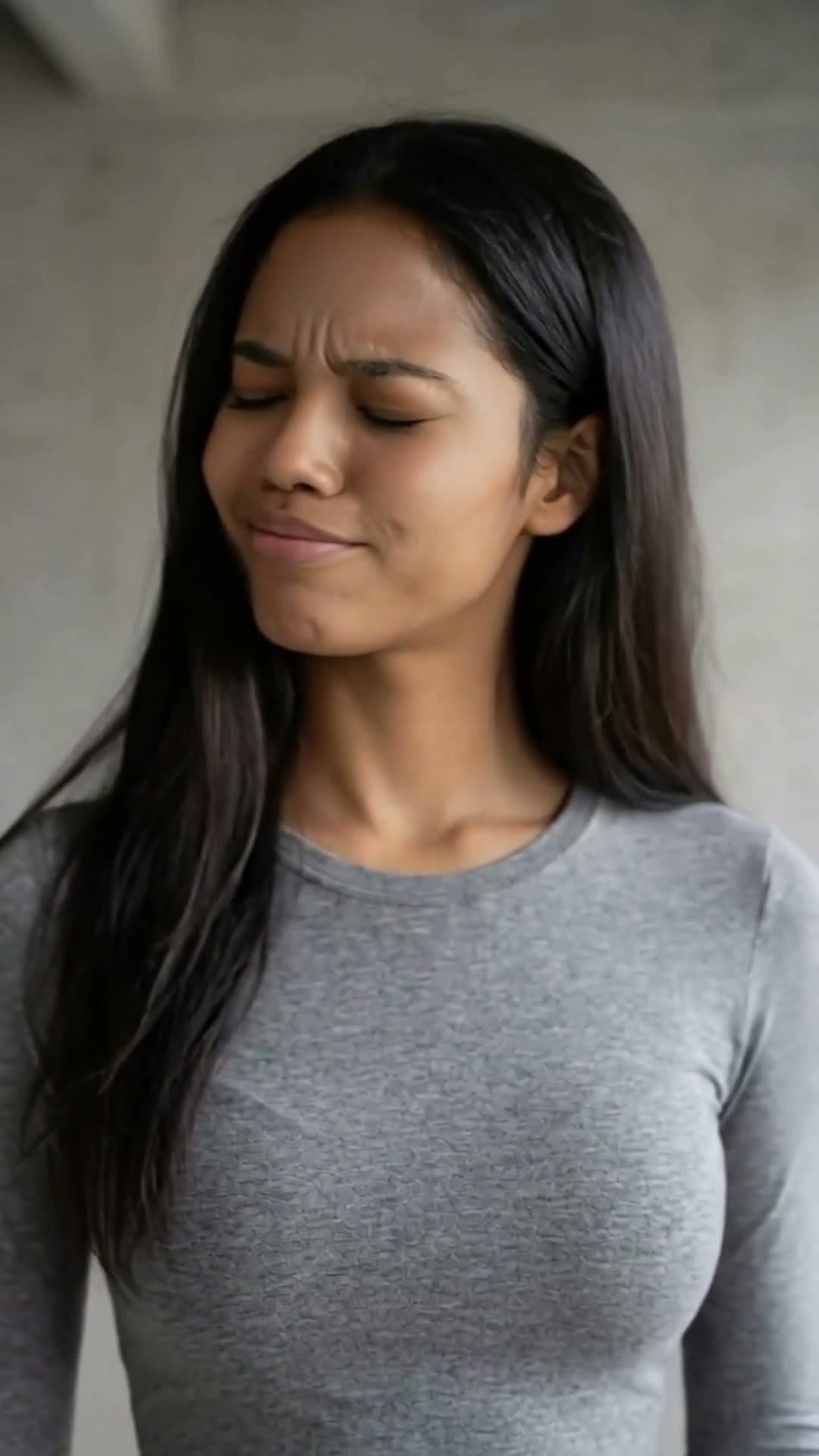
AI Talking Photo & Funny Face Video Generator
AI Talking Photo & Funny Face
Upload Your Photo
For the best likeness: one person per photo, face clearly visible from the front, good light, nothing covering the face (phone, sunglasses, hand). Upload the original photo, not a screenshot.
By uploading or generating, you confirm you own these photos or have the person's permission, and you won't impersonate real people or celebrities. Responsible use
Quick answer
To do the AI Talking Photo & Funny Face trend, upload one clear photo where your face is easy to see, then press generate. imageat places you into the trend's original video, and the video is ready to download when it finishes. One generation costs 90 imageat credits; no prompt writing or editing app is needed.
This AI talking photo generator turns a single still portrait into a video of that person speaking. It works in two passes: first the photo is reframed into a tight head-and-shoulders close-up while every identity detail — face, hair, skin tone, makeup, jewelry, clothing and the original background — is kept exactly as you uploaded it. Then a motion control model transfers a complete facial performance onto that face: lip movement, blinks, eyebrow motion, micro head movement and expression changes, all synchronized to the built-in 30-second soundtrack. Only the face animates; the body, framing and background stay locked, which is what keeps the result looking like a real recording of your photo rather than a warped animation.
What is the AI Talking Photo & Funny Face Video Generator?
Talking photo videos and funny face video clips are popular social video formats across TikTok, Instagram Reels, and YouTube Shorts where a still portrait or talking avatar suddenly comes alive, speaking, singing, or reacting with expressive lip sync, blinks, and brow movements. Creators share these clips for comedic sketches, meme reactions, and animated portraits that surprise viewers when an ordinary still picture starts talking. On imageat, you upload a single portrait to generate a vertical 9:16 video where your photo's face carries the entire facial performance and sound of the template.
How to Do the AI Talking Photo & Funny Face Trend
Here is how to make your own video on imageat:
- 1Upload one clear, front-facing photo where the whole face is visible.
- 2The photo is automatically reframed into a vertical close-up portrait without changing the face or background.
- 3The talking performance — lip sync, blinks and expressions — is transferred onto your portrait.
- 4Preview and download the finished 30-second vertical talking video.
Tips for Best Results
- Front-facing photos with both eyes open and an unobstructed face give the most convincing lip sync.
- Even, natural lighting beats hard shadows across the face or heavy backlighting.
- Avoid sunglasses, face masks, hands near the mouth, or hair covering the mouth and jawline.
- One person per photo — group shots make the model pick a face for you.
- A higher-resolution photo keeps skin texture sharp once the crop zooms in.
AI Talking Photo & Funny Face Video Generator at a Glance
What to upload
Upload a clear front-facing photo of the face.
What you get
An AI video that follows the trend's original take, ready to download and post on TikTok, Reels or Shorts.
What it costs
90 imageat credits per video. The price is shown before you generate, and a failed generation is refunded.
FAQs About AI Talking Photo & Funny Face Video Generator
Create this trend with imageat
Go beyond the ai talking photo & funny face video generator — generate any AI video from text or an image with Veo, Kling, Seedance and more.