AI Caricature Generator
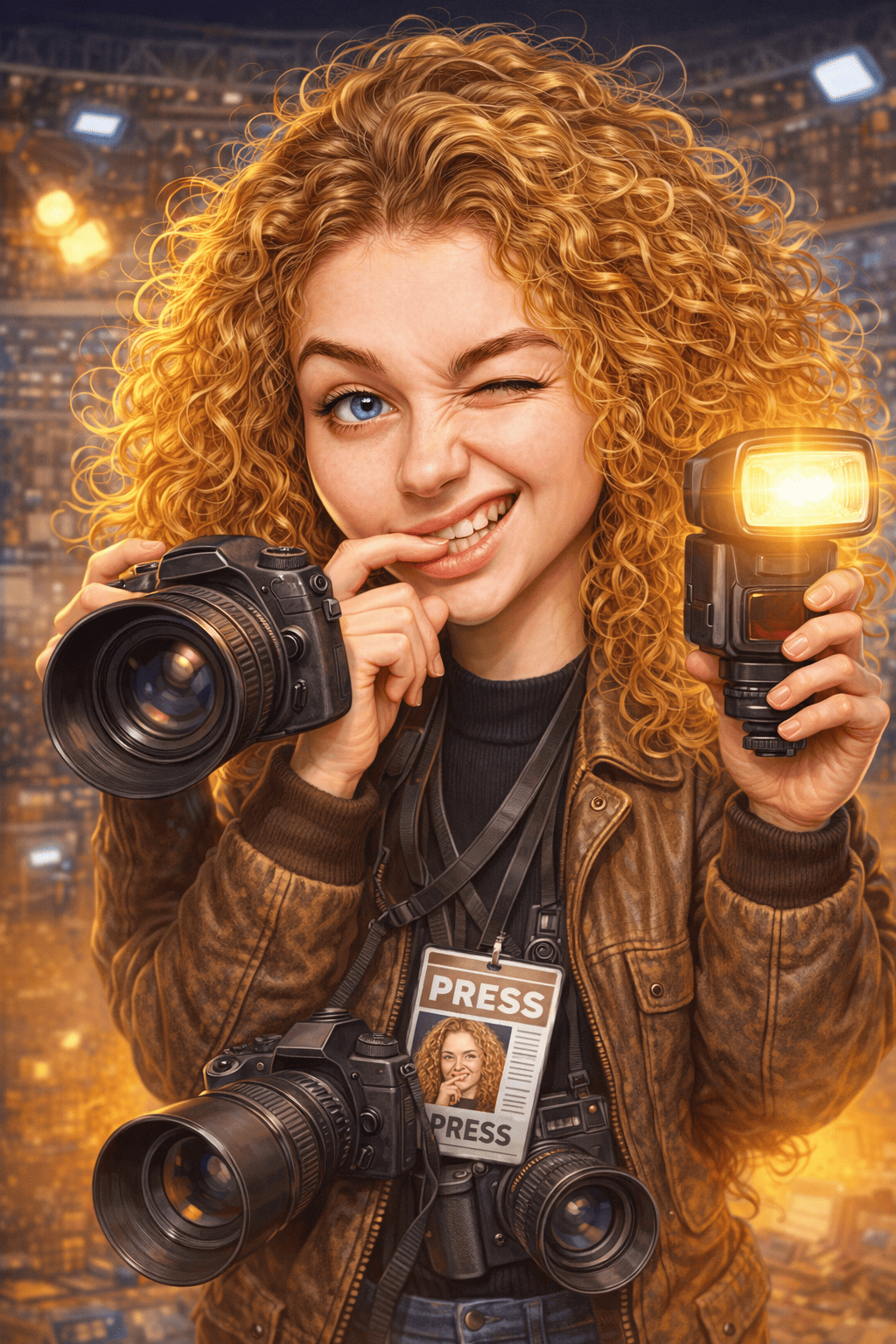
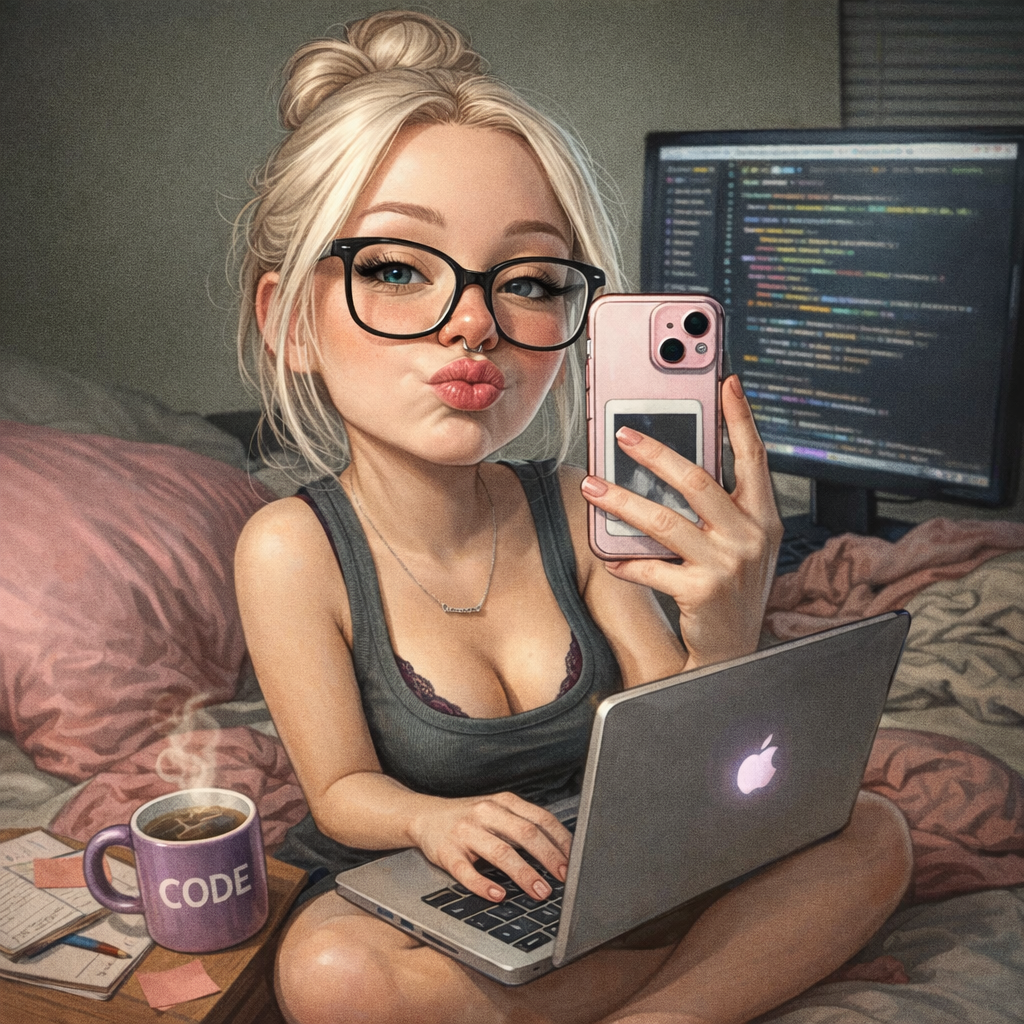
Create your photos with our chatgpt caricature trend photo generator AI effect. Create viral-worthy social media content in seconds. ChatGPT are generating caricatures now and they're currently all the rage and viral on social media.
Example results
Preview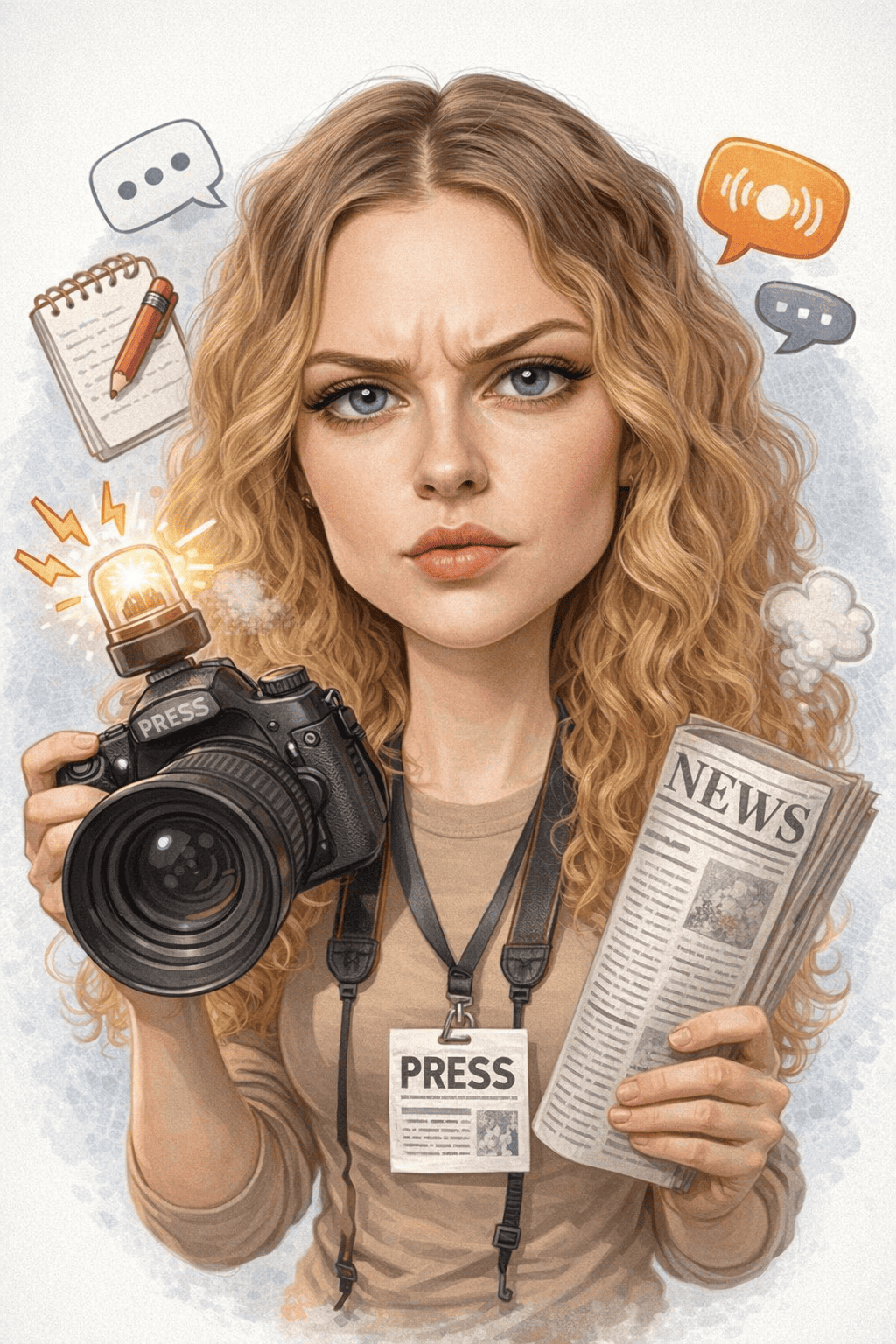
AI Caricature Generator
AI Caricature
Upload Your Photo
By uploading or generating, you confirm you own these photos or have the person's permission, and you won't impersonate real people or celebrities. Responsible use
Quick answer
To do the AI Caricature trend, upload one clear photo where your face is easy to see, then press generate. imageat recreates your photo in the trend's look, and the image is ready to download when it finishes. One generation costs 6 imageat credits; no prompt writing or editing app is needed.
The ChatGPT caricature trend took over feeds in February 2026: people asked ChatGPT to "create a caricature of me and my job based on everything you know about me" and posted exaggerated cartoon portraits surrounded by the tools of their trade. This generator recreates that style from a single photo, so you can make your own caricature without a ChatGPT account or chat history.
What is the AI Caricature Generator?
The ChatGPT caricature trend is a viral image format in which an AI draws you as a big-headed, exaggerated cartoon at work, with your desk, uniform, gear and hobbies scattered around you. In ChatGPT the details come from your past conversations. On imageat the caricature is built from the photo you upload: your face, outfit, setting and anything visible in the picture shape the job and the props, using the same prompt that started the trend.
How to Do the AI Caricature Trend
Here is how to make your own version on imageat:
- 1Choose a photo that says something about your job or hobby: in uniform, at your desk, on set, with your tools.
- 2Upload the photo to the caricature generator.
- 3Press Generate. The caricature usually arrives within a minute or two.
- 4If the job details aren't quite right, try a photo that shows more of your work clothes or workplace.
- 5Download the image and share it on Instagram, TikTok or LinkedIn.
imageat vs ChatGPT for the caricature trend
ChatGPT fills the scene with details from your chat history, which is why many people's caricatures surprised them, and why privacy-minded users were wary of the trend. imageat doesn't read any chat history: it only uses the photo you upload. That makes the result more predictable and keeps your conversations out of it, but it also means the photo has to do the talking. A picture taken at work, in uniform or with your equipment gives the AI far more to exaggerate than a plain selfie.
The original prompt
The trend started with one sentence: "Create a caricature of me and my job based on everything you know about me." imageat uses the same idea, adapted to the uploaded image, so you don't need to write or tweak a prompt yourself.
Tips for Best Results
- Upload a photo that shows your job: uniform, desk, studio, kitchen, classroom, gym.
- Keep your face clear and well lit so the caricature still looks like you.
- Props in the photo (laptop, camera, guitar, stethoscope) tend to show up exaggerated in the result.
- One person per photo gives the cleanest caricature.
- Not happy with the scene? A different photo changes the result more than generating again.
Best Prompts for ChatGPT Caricature Trend Photo Generator
Want more control over the look? Copy one of these prompts and use it in our AI image generator to fine-tune the chatgpt caricature trend photo generator style.
Caricature portrait of the uploaded person, exaggerate the most distinctive facial features while keeping them clearly recognizable, hand-drawn ink and watercolor style, oversized head on a smaller body, clean white background
Caricature of the uploaded person doing their job, exaggerated facial features and an oversized head, surrounded by the tools of their profession, warm humorous style, detailed illustrated background
Theme-park street-artist caricature of the uploaded person, bold confident linework, marker and colored pencil shading, playful exaggeration of the smile and eyes, plain paper background
Stylized 3D cartoon caricature of the uploaded person, exaggerated proportions, soft studio lighting, glossy rendered finish, expressive friendly face, neutral backdrop
AI Caricature Generator at a Glance
What to upload
1 clear photos, one per person.
What you get
An AI image, ready to download and post on TikTok, Reels or Shorts.
What it costs
6 imageat credits per image. The price is shown before you generate, and a failed generation is refunded.
FAQs About ChatGPT Caricature Trend Photo Generator
Create this trend with imageat
Create unlimited variations beyond the chatgpt caricature trend photo generator with imageat's AI image generator.