Time Freeze Effect Generator
Transform your photos with our time freeze effect generator AI effect. Create viral-worthy content in seconds.
Example results
Watch video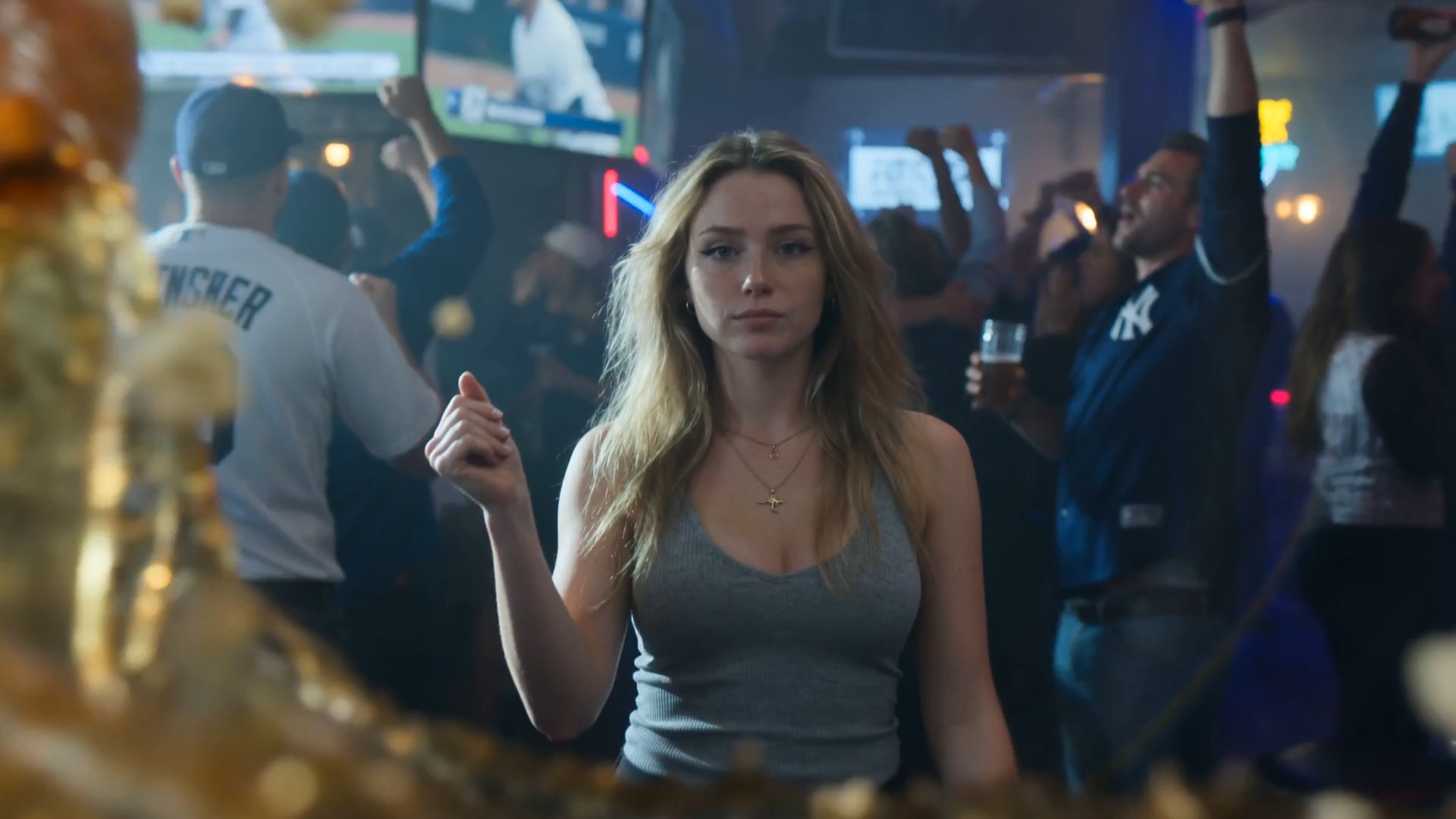
Time Freeze Effect Generator
Time Freeze
Choose an Option
Please select an option to continue
Upload Your Photos
For the best likeness: one person per photo, face clearly visible from the front, good light, nothing covering the face (phone, sunglasses, hand). Upload the original photo, not a screenshot.
Resolution
Higher resolution uses more credits per generation.
By uploading or generating, you confirm you own these photos or have the person's permission, and you won't impersonate real people or celebrities. Responsible use
Quick answer
To do the Time Freeze trend, upload one clear photo where your face is easy to see, then press generate. imageat turns your photo into the trend's AI video, and the video is ready to download when it finishes. One generation costs 100 imageat credits; no prompt writing or editing app is needed.
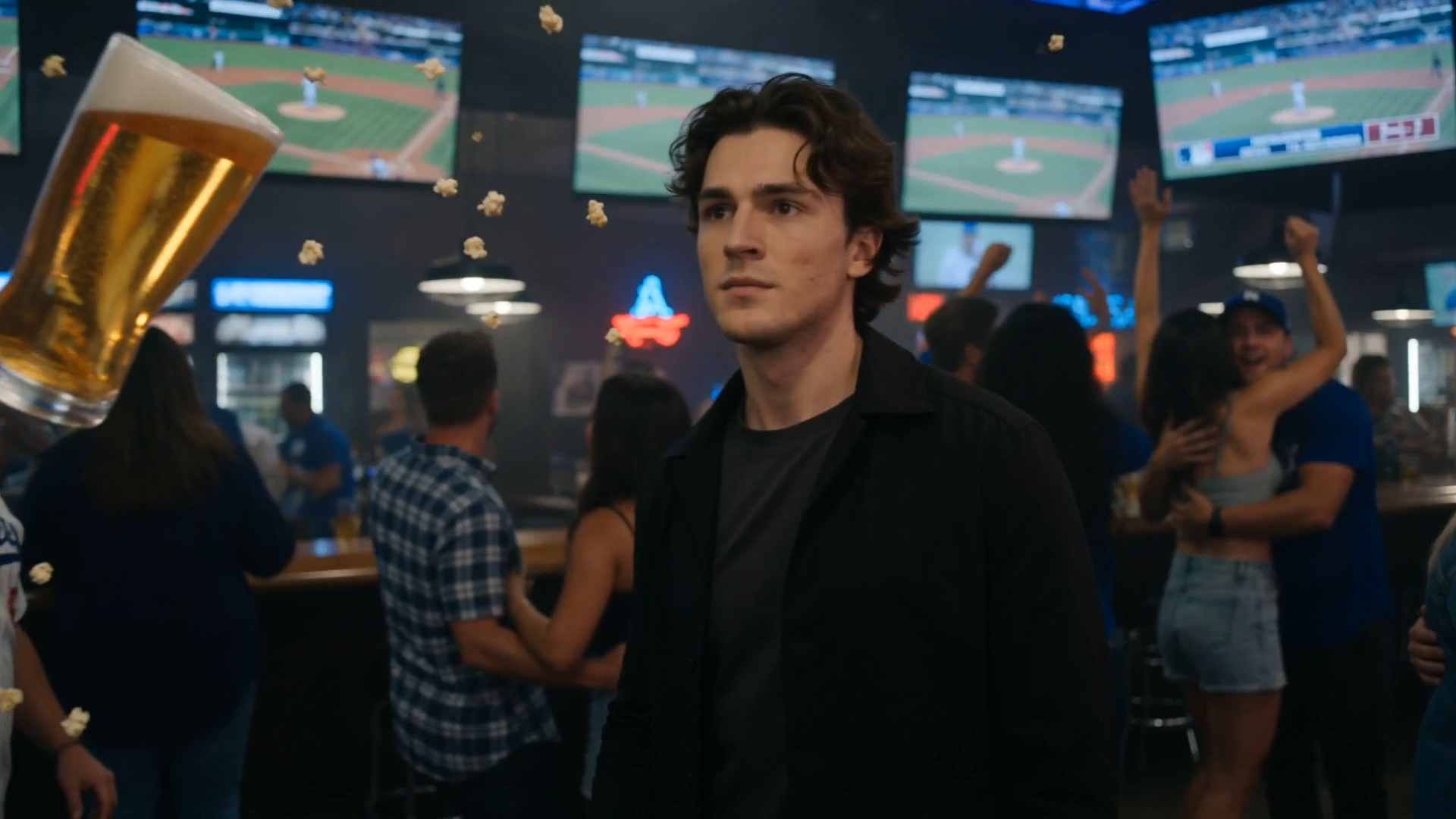
This video places you in the middle of an ecstatic sports bar during a game-winning celebration. As you walk toward the camera, you snap your fingers and trigger a visible shockwave that stops time instantly. Thick waves of spilled beer and popcorn kernels freeze in midair around leaping sports fans. You duck underneath the floating liquid, pick a suspended popcorn kernel out of the air to eat, pull down a fan's baseball cap, and snap your fingers to let the room explode into motion again. Your uploaded photo supplies the facial features and likeness of the main character throughout the scene. The generator builds the neon-lit sports bar, moving camera shots, suspended liquid physics, and cheering crowd around you to deliver a cinematic 15-second video.
What is the Time Freeze Effect Generator?
The Time Freeze Effect Generator turns you into the hero of a classic cinematic freeze-frame scene. Popular across TikTok and Instagram Reels, this concept draws inspiration from sci-fi and comic book films where a single character pauses time at will. In this scene, a packed sports bar erupts in celebration after a championship win. You walk through the crowd, snap your fingers, and freeze floating beer, airborne popcorn, and cheering patrons in place. On imageat, you upload a single portrait to generate a custom 15-second video of yourself commanding the frozen room.
How to Do the Time Freeze Trend
Here is how to make your own video on imageat:
- 1Upload a clear front-facing portrait to the Reference Image slot.
- 2Click generate to process your photo into the time freeze scene.
- 3Watch your generated 15-second video to see yourself stop time in the crowded bar.
- 4Download the video file and share it directly to TikTok, Instagram Reels, or YouTube Shorts.
Tips for Best Results
- Use high-quality photos for best results
- Good lighting makes a big difference
- Try different angles and poses
- Experiment with various styles
- Share your creations on social media
Best Prompts for Time Freeze Effect Generator
Want more control over the motion? Copy one of these prompts and use it in our AI video generator to fine-tune the time freeze effect generator style.
Time Freeze Effect Generator, smooth controlled camera movement, realistic motion, cinematic lighting, stable composition, natural depth
Time Freeze Effect Generator, immediate visual hook, smooth motion, clear centered subject, polished 9:16 social video
Time Freeze Effect Generator, gradual movement, atmospheric depth, elegant pacing, wide cinematic reveal
Time Freeze Effect Generator, energetic camera movement, strong parallax, dramatic scale, crisp detail
Time Freeze Effect Generator at a Glance
What to upload
Reference Image.
What you get
An AI video, ready to download and post on TikTok, Reels or Shorts.
What it costs
100 imageat credits per video at 720p. The price is shown before you generate, and a failed generation is refunded.
FAQs About Time Freeze Effect Generator
Create this trend with imageat
Go beyond the time freeze effect generator — generate any AI video from text or an image with Veo, Kling, Seedance and more.