SpongeBob Burger Cafe Selfie
Take a hyper-realistic selfie in a modern burger cafe surrounded by SpongeBob characters — all holding burgers!
Example results
Preview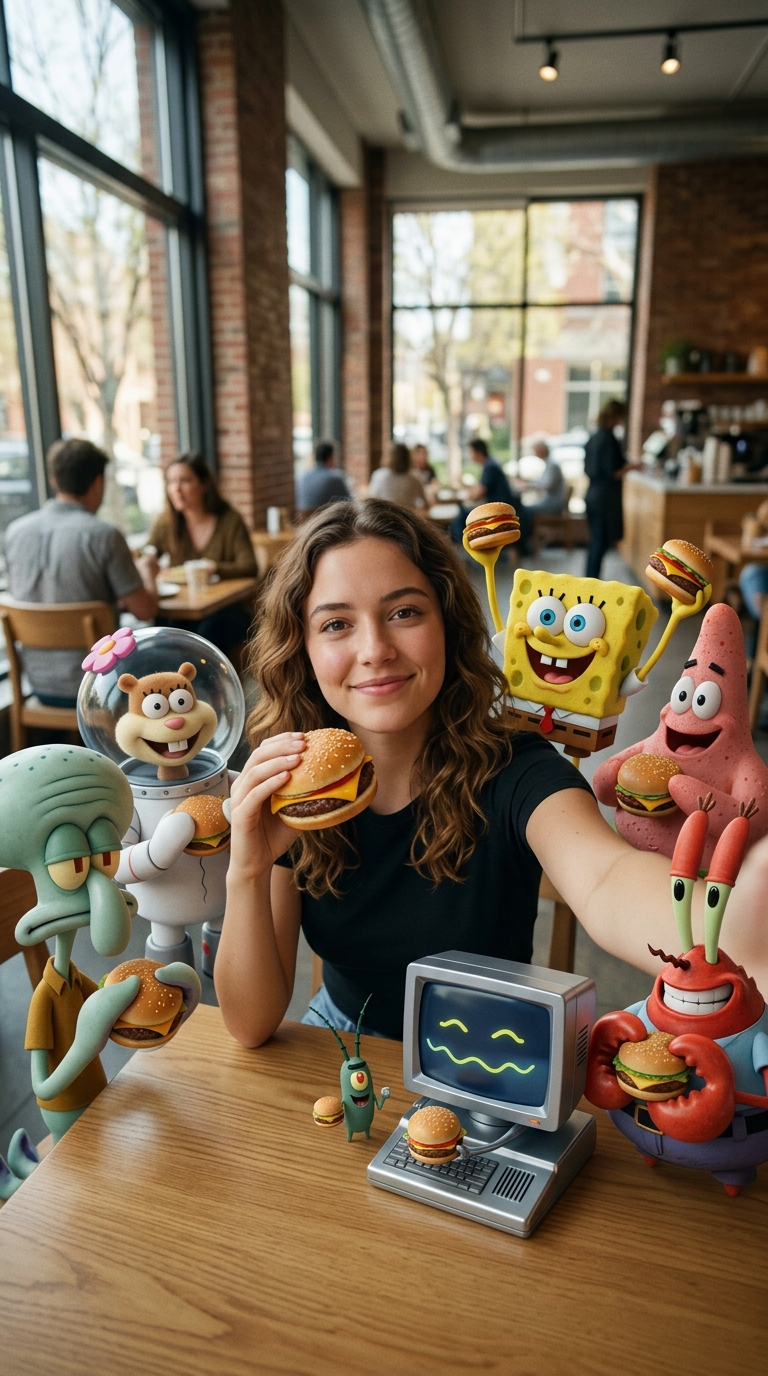
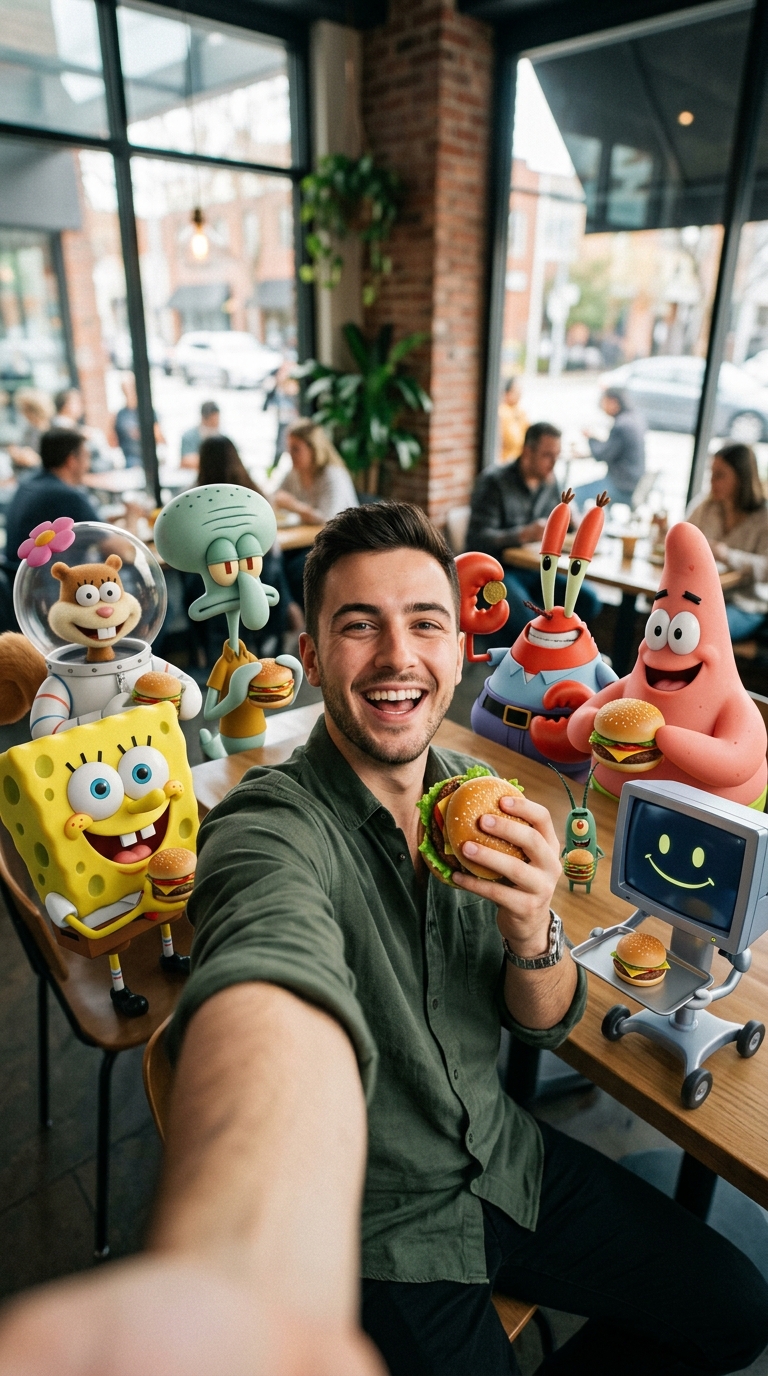
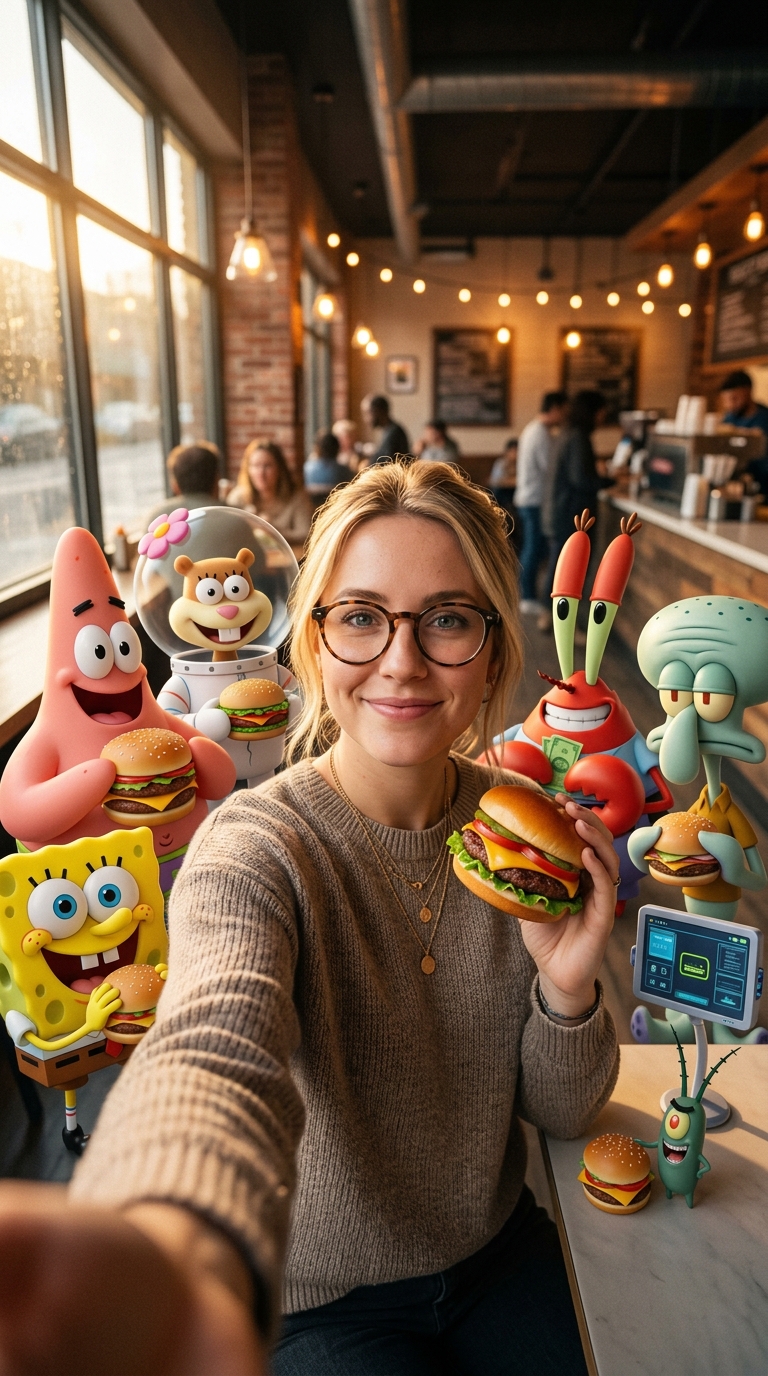
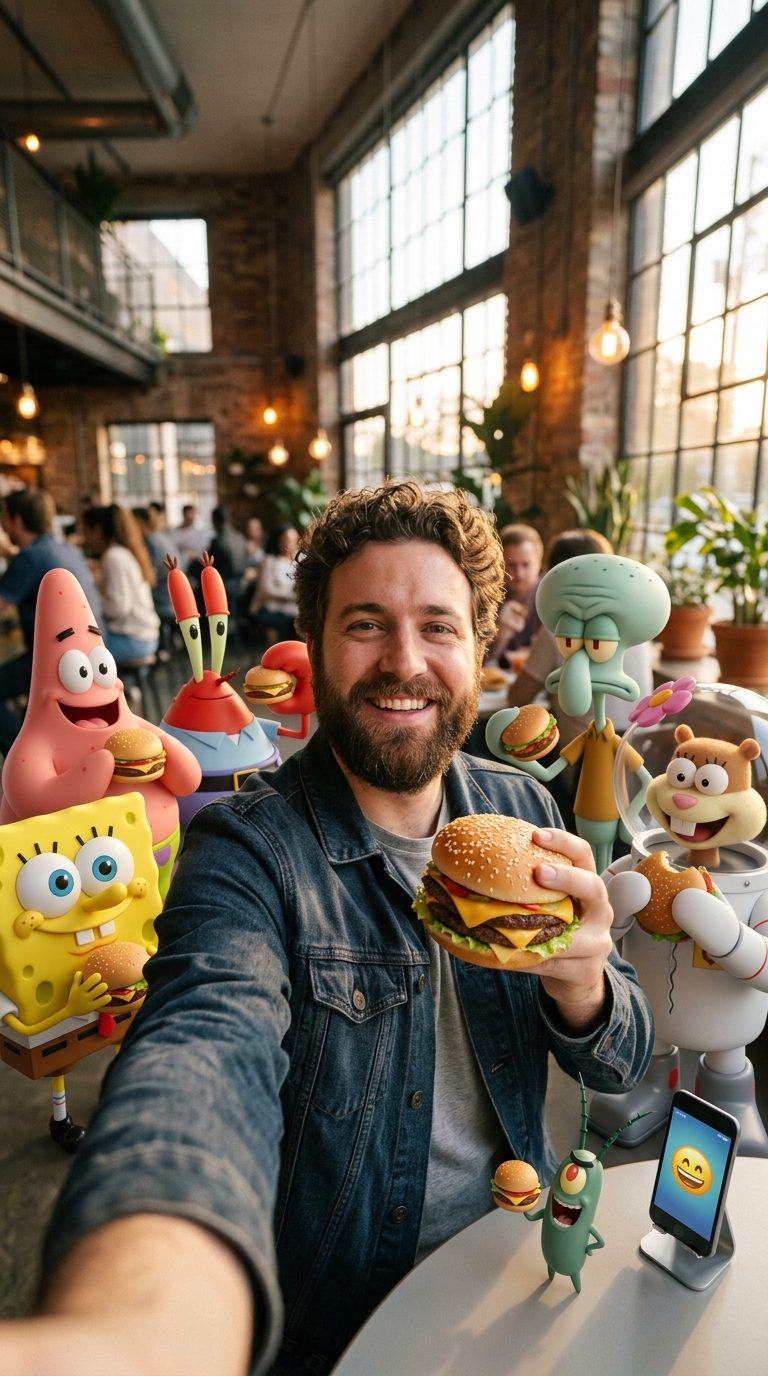
SpongeBob Burger Cafe Selfie
SpongeBob Burger Cafe Selfie
Upload Your Photo
By uploading or generating, you confirm you own these photos or have the person's permission, and you won't impersonate real people or celebrities. Responsible use
Quick answer
To do the SpongeBob Burger Cafe Selfie trend, upload one clear photo where your face is easy to see, then press generate. imageat recreates your photo in the trend's look, and the image is ready to download when it finishes. One generation costs 4 imageat credits; no prompt writing or editing app is needed.
The finished portrait places you in the middle of a sunlit burger cafe taking a tabletop selfie. You hold a fresh cheeseburger in one hand while extending the other toward the camera. Gathered around your wooden table are realistic 3D versions of SpongeBob, Patrick, Squidward, Sandy, Mr. Krabs, Plankton, and Karen on her desktop monitor. Every single character holds their own burger, blending realistic textures and cafe lighting into the frame. Your uploaded photo provides your facial features, hair, eye color, and expression. The trend generates the modern brick cafe backdrop, warm window light, realistic burgers, and the entire animated cast around you. The final output is a sharp, vertical 4K still image ready to post.
What is the SpongeBob Burger Cafe Selfie?
The SpongeBob Burger Cafe Selfie, often shared as the Burger Crew Effect trend on TikTok and Instagram, depicts real people dining alongside photorealistic SpongeBob SquarePants characters. Instead of flat 2D cartoons, the trend renders the cast as tangible 3D figures interacting in everyday fast-casual restaurants. Creators post these snapshots to surprise friends or join viral cartoon crossover trends. imageat creates the complete cafe scene from a single portrait, placing you directly in the booth with the whole crew.
How to Do the SpongeBob Burger Cafe Selfie Trend
Here is how to make your own version on imageat:
- 1Upload one clear, front-facing photo of yourself with good lighting.
- 2Select generate to build your burger cafe selfie with the SpongeBob characters.
- 3Download the finished 4K image and share it to your social feeds or stories.
Tips for Best Results
- Use a clear, front-facing selfie with good lighting
- Avoid sunglasses or hats that cover your face
- A neutral background works best — the AI replaces it entirely
- Portrait orientation (9:16) gives the best composition
Best Prompts for SpongeBob Burger Cafe Selfie
Want more control over the look? Copy one of these prompts and use it in our AI image generator to fine-tune the spongebob burger cafe selfie style.
SpongeBob Burger Cafe Selfie look as a clean studio portrait, even softbox lighting, neutral background, crisp skin texture
SpongeBob Burger Cafe Selfie style during golden hour, warm backlight, lens flare, natural skin tones, bokeh background
SpongeBob Burger Cafe Selfie aesthetic as a fashion magazine cover, bold styling, sharp detail, professional color grade
SpongeBob Burger Cafe Selfie effect with vintage 35mm film grain, faded colors, light leaks, nostalgic mood
SpongeBob Burger Cafe Selfie at a Glance
What to upload
One clear photo with the face easy to see.
What you get
An AI image, ready to download and post on TikTok, Reels or Shorts.
What it costs
4 imageat credits per image. The price is shown before you generate, and a failed generation is refunded.
FAQs About SpongeBob Burger Cafe Selfie
Create this trend with imageat
Create unlimited variations beyond the spongebob burger cafe selfie with imageat's AI image generator.